Isolate the repository immediately by disabling Actions. Audit all recent commits for unauthorized environment variable usage or script injections. Rotate every secret exposed in the logs. Rewrite the git history to remove the malicious artifacts. Verify that no compromised artifacts were deployed to your production systems.
First hour: Containment and initial triage
The first hour determines whether the attacker retains access to your infrastructure. You must assume the attacker has read access to every secret defined in your repository settings. Immediate action stops lateral movement. Delay allows the attacker to exfiltrate data or plant persistent backdoors.
- Disable GitHub Actions for the repository immediately via the settings page.
- Revoke all active GitHub personal access tokens and OAuth app tokens.
- Rotate all secrets stored in the repository and organization settings.
- Check recent workflow runs for unexpected steps or external script downloads.
Disable Actions to stop any scheduled or trigger-based executions. This halts the immediate threat. The attacker likely injected code into a workflow file. This code runs with the permissions of the GITHUB_TOKEN. If the token has write permissions, the attacker can modify other files. If the token has administration permissions, the attacker can add new collaborators.
Check the workflow run logs. Look for steps that execute curl, wget, or bash commands from external URLs. These are common injection techniques. The attacker may have modified a pull_request event listener. This allows them to run code when you review their pull request.
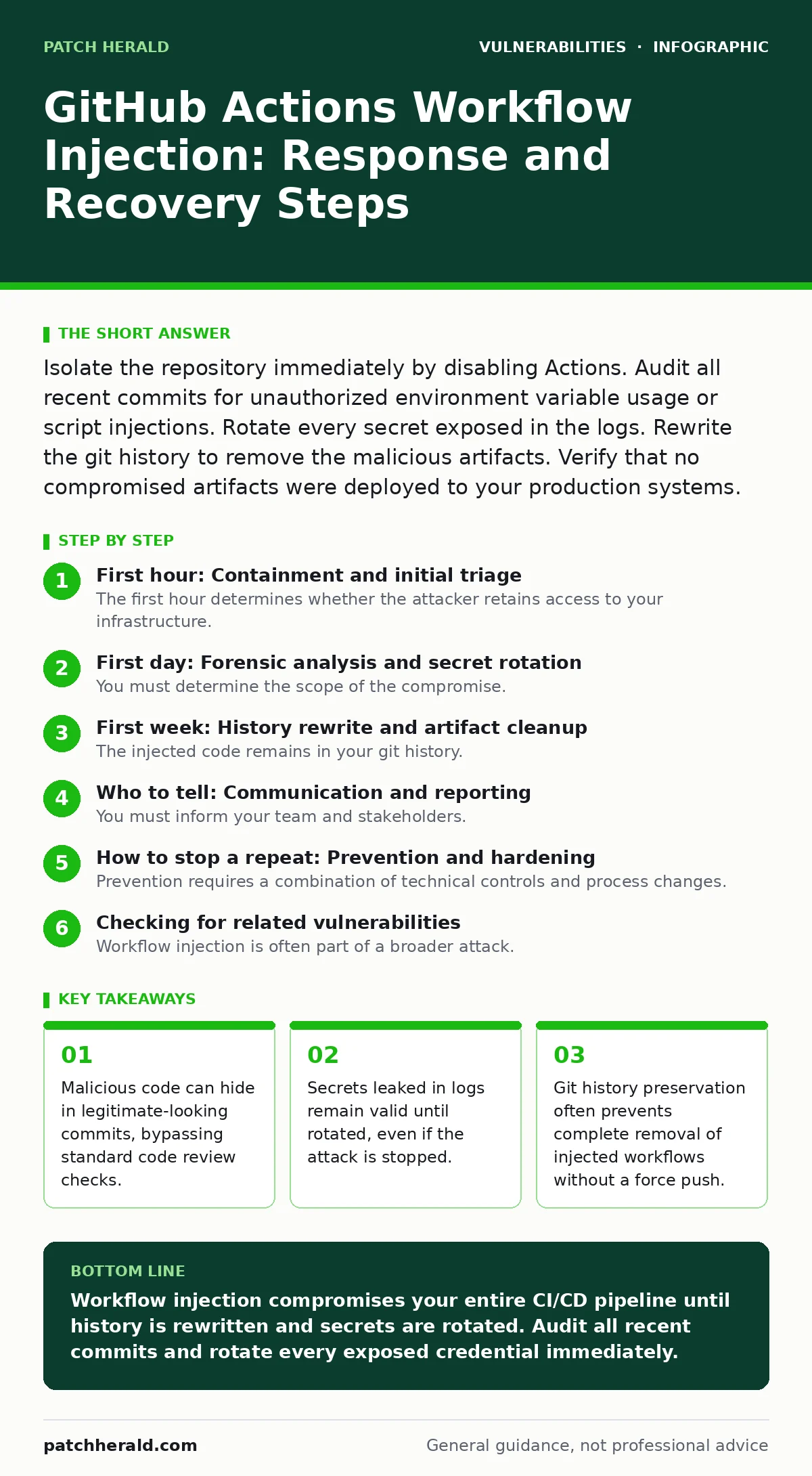
First day: Forensic analysis and secret rotation
You must determine the scope of the compromise. The attacker may have injected multiple workflows across different branches. They may have also added environment variables that contain malicious payloads. Environment variables are often overlooked in security audits.
Audit all branches, including deleted ones. GitHub retains deleted branches for a short period. You can recover them to inspect the content. Look for workflow files that were modified recently. Pay attention to changes in the permissions key. Elevated permissions allow the attacker to do more damage.
Rotate every secret that was available to the compromised workflows. This includes API keys, database passwords, and deployment tokens. Assume they were logged or exfiltrated. Do not reuse old secrets. Create new ones and update your applications to use them. This step is critical for the secure software development lifecycle.
Check for new collaborators or apps installed in your organization. Attackers often add their own accounts to maintain access. Remove any unrecognized users immediately. Review the audit log for any changes to branch protection rules. Attackers may disable protection rules to merge malicious code.
First week: History rewrite and artifact cleanup
The injected code remains in your git history. Future clones of the repository will include the malicious files. You must rewrite the history to remove these files. This is a destructive operation. It changes the commit hashes for every subsequent commit.
Use a tool like git filter-repo to remove the malicious workflow files. This creates a clean history. Force push the changes to the remote repository. Notify all contributors that they must re-clone the repository. This ensures everyone works from the clean history.
Verify that no compromised artifacts were deployed. Check your CI/CD pipeline for any successful builds during the compromise window. If any builds succeeded, treat the resulting artifacts as compromised. Redeploy from a known good source. This prevents persistent backdoors in your production environment.
Review your workflow templates. Ensure that no default templates allow arbitrary code execution. Use pinned versions for actions from third parties. This reduces the risk of supply chain attacks. Reference the CVSS 4.0 metrics to understand the severity of potential future vulnerabilities.
Who to tell: Communication and reporting
You must inform your team and stakeholders. Clear communication prevents panic and ensures coordinated response. Define who needs to know what. Not everyone needs the technical details. Focus on the impact and the actions taken.
Notify your security team. They need to monitor for further anomalies. Share the timeline of events and the steps taken. Document everything for future reference. This documentation helps in improving your security posture.
Inform your customers if their data was accessed. Be transparent about what happened and what you are doing to fix it. This builds trust. Follow legal requirements for data breach notification. Consult with legal counsel before sending any external communications.
Report the incident to GitHub. They can help identify if other repositories were affected. They may also provide additional forensic data. This helps the broader community stay safe. Do not share sensitive details publicly.
How to stop a repeat: Prevention and hardening
Prevention requires a combination of technical controls and process changes. You must limit the permissions of the GITHUB_TOKEN. Use the principle of least privilege. Grant only the permissions needed for each workflow.
Enable branch protection rules. Require pull request reviews for workflow files. This adds a human check before code runs. Use code scanning to detect potential injections. This helps catch issues early in the development process.
Regularly review your workflow files. Look for unnecessary steps or external dependencies. Remove any code that does not serve a clear purpose. Keep your workflows simple. Complexity increases the risk of errors and vulnerabilities.
Educate your team about workflow injection. Provide training on how to recognize suspicious patterns. Encourage a culture of security. Everyone should feel comfortable reporting potential issues. This is part of a robust secure software development lifecycle.
See also: Breach Notification for Small Teams: How to Comply Without Panic · Implementing Data Breach Response Plans: A Step-by-Step Guide
Checking for related vulnerabilities
Workflow injection is often part of a broader attack. Attackers may exploit other vulnerabilities to gain initial access. You should check for common web application vulnerabilities. These include PHP application vulnerabilities and WordPress plugin vulnerabilities.
Cross-site request forgery (CSRF) attacks can manipulate user actions. Ensure your web applications have proper CSRF protection. This prevents attackers from performing actions on behalf of authenticated users. Side-channel attacks can leak sensitive information.
Monitor vendor patch cycles for your dependencies. Apply backported security fixes promptly. This reduces the attack surface. Keep your tools and libraries up to date. Outdated software is a common entry point for attackers.
Long-term monitoring and improvement
Security is an ongoing process. You must continuously monitor your systems for anomalies. Set up alerts for unusual activity in your workflows. This helps you detect attacks early.
Regularly audit your access controls. Review who has access to your repositories and secrets. Remove unnecessary access. This reduces the risk of insider threats.
Update your incident response plan. Include specific steps for workflow injection. Practice your response with tabletop exercises. This ensures your team is prepared for a real incident.
Learn from this incident. Identify what went wrong and what you can improve. Implement changes to prevent similar attacks. This continuous improvement strengthens your security posture.
Key takeaways
- Malicious code can hide in legitimate-looking commits, bypassing standard code review checks.
- Secrets leaked in logs remain valid until rotated, even if the attack is stopped.
- Git history preservation often prevents complete removal of injected workflows without a force push.
Workflow injection compromises your entire CI/CD pipeline until history is rewritten and secrets are rotated. Audit all recent commits and rotate every exposed credential immediately.
Frequently asked questions
Can I just delete the malicious branch to fix the injection?
No, deleting the branch leaves the code in the git history. Future clones will still contain the malicious files. You must rewrite the history to remove them completely.
How do I know if my secrets were leaked?
Check the workflow run logs for any printed secrets. If secrets were used in steps that output to the log, they are likely leaked. Rotate them immediately regardless.
Does disabling Actions stop the attack completely?
It stops new executions but does not remove existing compromises. You must still rotate secrets and clean up any artifacts that were deployed during the attack window.
Should I share my incident report publicly?
Share high-level details to warn the community, but avoid sharing sensitive technical data. Consult legal counsel to ensure compliance with privacy laws and regulations.
How this guide was produced: written by the Patch Herald editorial team with AI assistance, checked against the public references listed below, and reviewed when the facts change. See our editorial policy or report an error.