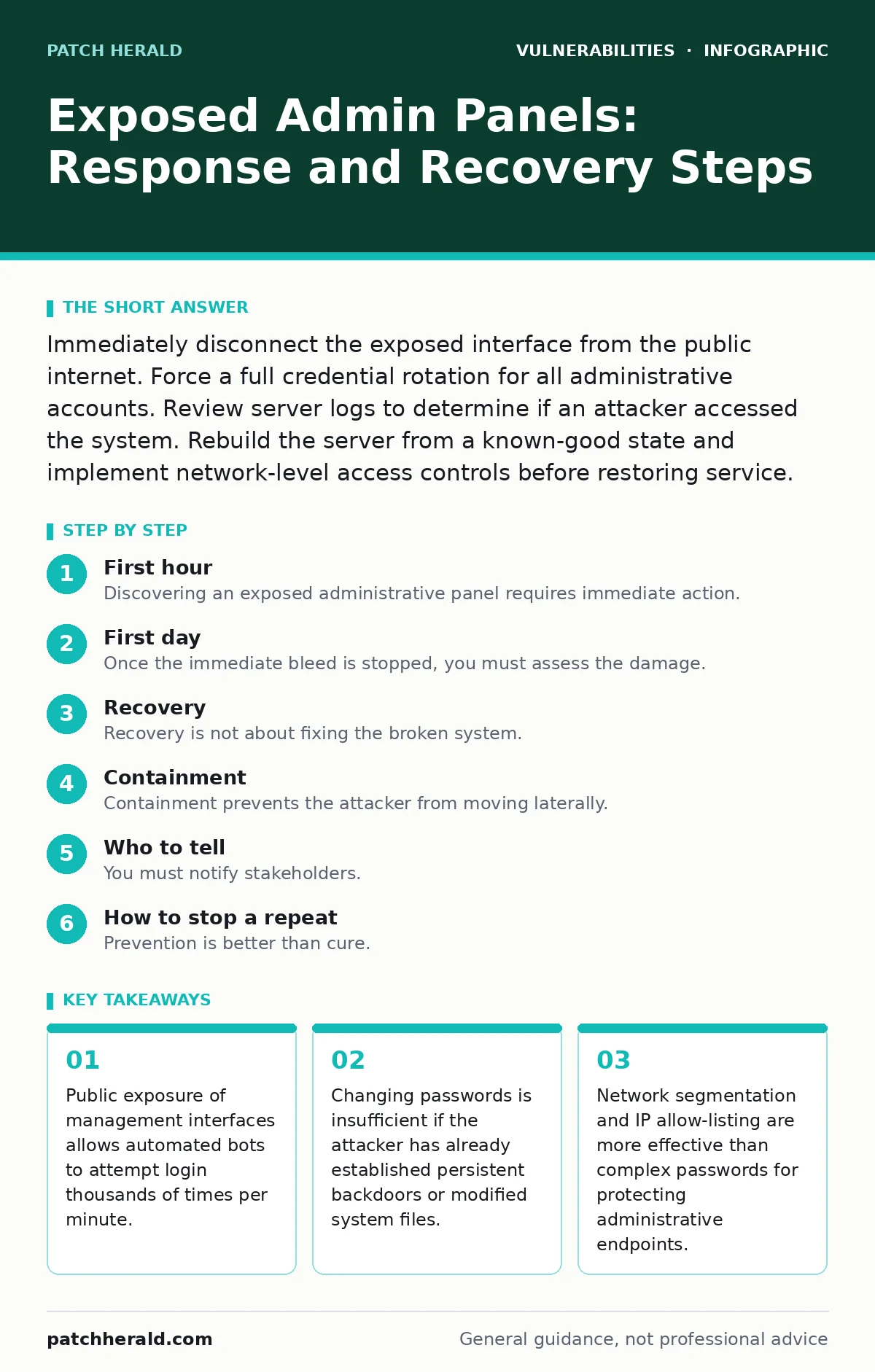
Immediately disconnect the exposed interface from the public internet. Force a full credential rotation for all administrative accounts. Review server logs to determine if an attacker accessed the system. Rebuild the server from a known-good state and implement network-level access controls before restoring service.
First hour
Discovering an exposed administrative panel requires immediate action. The exposure window is narrow, and automated tools scan the internet continuously for open management interfaces. You must assume the system is already compromised until proven otherwise.
Disconnect the affected service from the public network immediately. This does not mean shutting down the server if it hosts critical business applications. Instead, block access to the administrative port at the firewall level. If you use a web application firewall, create a rule to drop all traffic to the admin path. This stops further unauthorized access attempts while keeping the rest of the system running.
- Identify the exact IP address and port of the exposed panel.
- Apply a firewall rule to block external access to that specific port.
- Disable any public-facing DNS records pointing to the admin interface.
- Change the password for the primary administrative account.
Changing the password is a necessary first step, but it is not sufficient. If an attacker has already logged in, they may have created new accounts or modified existing permissions. You must verify the integrity of the system files. Compare current file hashes against known-good backups. If you cannot verify the integrity, plan to rebuild the server.
First day
Once the immediate bleed is stopped, you must assess the damage. The goal is to determine what the attacker did, what they took, and how they stayed hidden. This phase requires careful log analysis. Focus on authentication logs, access logs, and system event logs.
Look for successful login attempts from unfamiliar IP addresses. Note the time of the first successful login. This timestamp defines the start of your incident timeline. Review user account changes. Attackers often create new administrative users to ensure they retain access even if you change the original password. Check for new SSH keys or API tokens that were added during the breach.
If the system is a web application, check for modifications to configuration files. Attackers may alter database connection strings to redirect data exfiltration. They might also insert malicious code into template files. This technique is similar to prototype pollution, where an attacker modifies the base object to affect all derived objects. In this context, modifying a core template affects every page served by the application.
Document every finding. Create a timeline of events. This documentation will be critical for recovery and for any external reporting you may need to do. If the logs are incomplete or have been deleted, assume the worst-case scenario. The attacker likely cleared their tracks.
Recovery
Recovery is not about fixing the broken system. It is about replacing it. Trust is lost. You cannot restore trust in a system that has been tampered with. The safest path is to rebuild the server from scratch using a clean image.
Restore data from a backup that predates the incident. Do not restore the backup to the same compromised server. Provision a new server or virtual machine. Install the operating system and applications fresh. Apply all security patches. Then, restore the data. This ensures that any hidden malware or backdoors are not reintroduced.
Before reconnecting the new server to the public internet, harden it. Review the security configuration. Ensure that only necessary services are running. Disable any default accounts. Configure the firewall to allow only specific traffic. This is the time to implement out-of-band patches if the vendor has released a critical fix that was not available during the initial deployment. These patches address severe vulnerabilities that require immediate attention outside the normal update cycle.
Containment
Containment prevents the attacker from moving laterally. If the admin panel was on a server that connects to other systems, the attacker may have used it as a foothold. Check for unusual network connections from the compromised server to other internal hosts.
Isolate the compromised segment of the network. If possible, place the server in a separate VLAN with no route to other critical systems. This prevents the attacker from using the server to attack your database or file servers. Monitor traffic between the isolated segment and the rest of the network. Look for signs of command-and-control communication.
If the admin panel uses the same credentials as other systems, rotate those credentials immediately. This includes database passwords, API keys, and service account passwords. Do not reuse passwords across different systems. Each system should have unique credentials. This limits the blast radius of a single breach.
Who to tell
You must notify stakeholders. This includes your IT team, management, and potentially customers. Transparency builds trust, even in difficult situations. Provide factual information. Avoid speculation. State what happened, what you are doing to fix it, and what customers should do.
If personal data was exposed, you may have legal obligations to notify regulators and affected individuals. Check your local laws for specific requirements. In many jurisdictions, you must report significant data breaches within a set timeframe. Failure to report can result in fines and reputational damage.
Consider engaging a third-party incident response team. They can provide an unbiased assessment and help with forensic analysis. This is especially important if you suspect sophisticated attackers or if the breach involves sensitive data. An external team can also help communicate with regulators and customers.
See also: Implementing Data Breach Response Plans: A Step-by-Step Guide · Virtualization Security: Protecting Small Business Infrastructure
How to stop a repeat
Prevention is better than cure. The goal is to make it difficult for attackers to find and exploit your systems. Start by removing unnecessary services. If a service does not need to be public, do not expose it. Use internal networks for administrative access.
Implement multi-factor authentication for all administrative accounts. This adds a layer of security that passwords alone cannot provide. Even if an attacker steals a password, they cannot log in without the second factor. Use hardware tokens or authenticator apps. Avoid SMS-based authentication, which is vulnerable to SIM swapping attacks.
Consider bug bounty programs to find vulnerabilities before attackers do. These programs incentivize security researchers to report issues responsibly. This can help you identify weaknesses in your web applications and APIs. However, a bug bounty is not a substitute for regular security testing and code reviews.
Access controls
Restrict access to administrative interfaces. Use IP allow-listing to limit access to specific IP addresses or ranges. This ensures that only trusted networks can reach the admin panel. Combine this with multi-factor authentication for defense in depth.
Use a jump box or bastion host for administrative access. A jump box is a secure server that acts as a gateway to other systems. Administrators log into the jump box first, then connect to the target server. This adds an extra layer of security and allows for logging and monitoring of administrative actions.
Regularly review access logs. Look for unusual patterns or failed login attempts. Set up alerts for suspicious activity. This helps you detect breaches early and respond quickly. Automated monitoring tools can help with this task.
Long-term resilience
Security is an ongoing process. You must continuously monitor and improve your defenses. Regular security audits and penetration tests help identify weaknesses. Address vulnerabilities promptly. Prioritize fixes based on risk.
Educate your staff about security best practices. Social engineering is a common attack vector. Train employees to recognize phishing attempts and other social engineering tactics. This reduces the risk of credential theft.
Review your security architecture regularly. Ensure that it aligns with current threats and business needs. Adapt your defenses as your organization grows and changes. Stay informed about new vulnerabilities and attack techniques. Understanding CWE weakness categories can help you prioritize which types of vulnerabilities to fix first, as these categories standardize how software flaws are described.
Key takeaways
- Public exposure of management interfaces allows automated bots to attempt login thousands of times per minute.
- Changing passwords is insufficient if the attacker has already established persistent backdoors or modified system files.
- Network segmentation and IP allow-listing are more effective than complex passwords for protecting administrative endpoints.
Frequently asked questions
How do I know if my admin panel is exposed?
Use a port scanner or search engine dorking to check if your admin URL is accessible from the public internet. If you can reach it from a mobile network or outside your office, it is exposed.
Should I change my passwords if I suspect a breach?
Yes, but only after you have isolated the system. Changing passwords on a compromised system may alert the attacker and cause them to destroy evidence. Isolate first, then change credentials.
Can I reuse my old server after cleaning it?
It is not recommended. Hidden backdoors and rootkits can survive standard cleaning processes. Rebuilding from a clean image is the only way to ensure the system is free of malware.
Do I need multi-factor authentication for internal tools?
Yes. Internal tools are often targeted by attackers who have already breached the perimeter. MFA adds a critical layer of defense against stolen credentials.
How this guide was produced: written by the Patch Herald editorial team with AI assistance, checked against the public references listed below, and reviewed when the facts change. See our editorial policy or report an error.