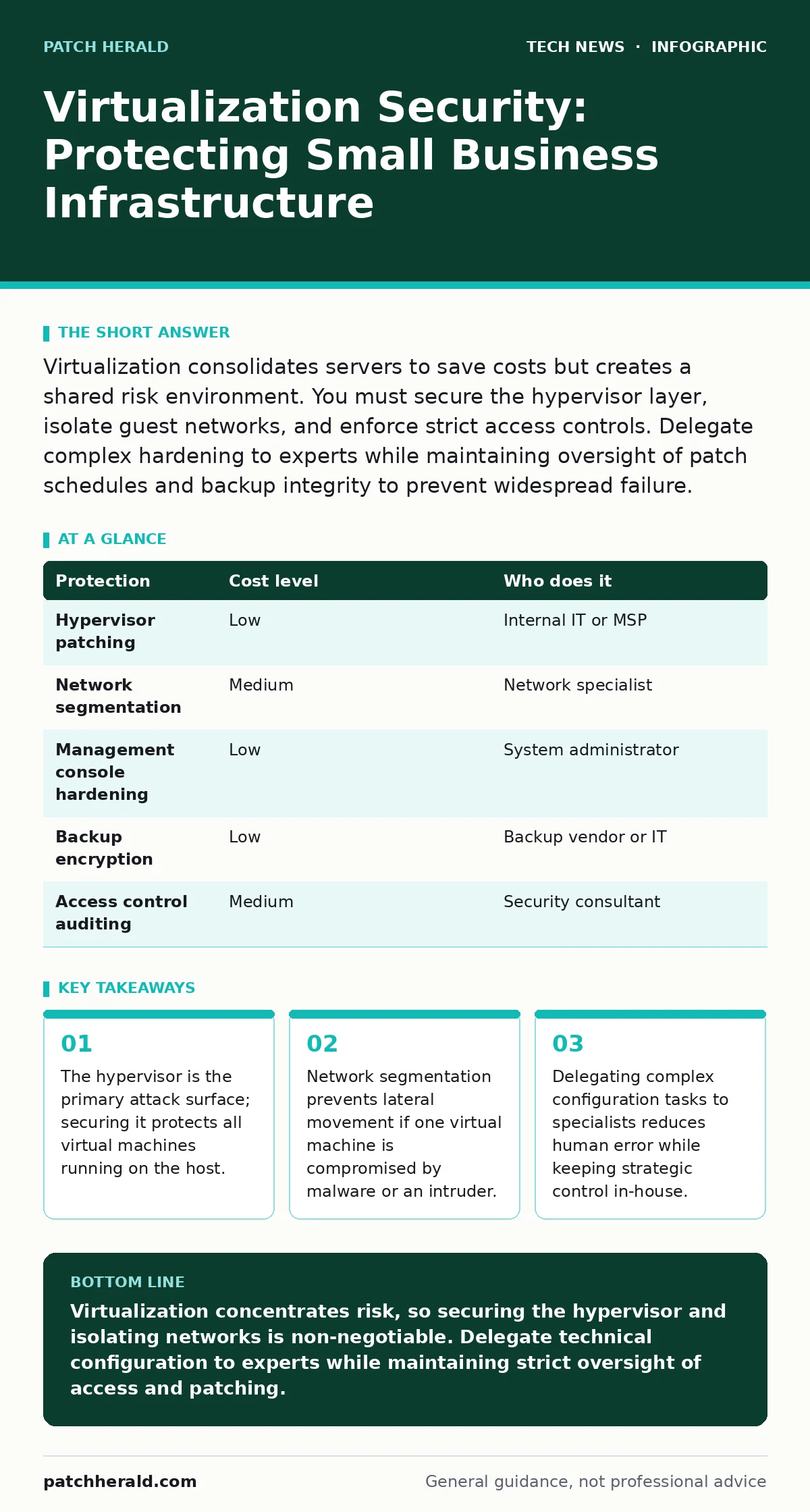
Virtualization consolidates servers to save costs but creates a shared risk environment. You must secure the hypervisor layer, isolate guest networks, and enforce strict access controls. Delegate complex hardening to experts while maintaining oversight of patch schedules and backup integrity to prevent widespread failure.
The Shared Hardware Risk
Virtualization allows you to run multiple virtual machines on a single physical server. This reduces hardware costs and simplifies power and cooling requirements. However, it also concentrates risk. If the underlying hardware or software layer fails, every service running on that machine goes offline simultaneously.
This software layer is called the hypervisor. It manages the physical resources and allocates them to each virtual machine. Attackers target the hypervisor because compromising it gives them control over every virtual machine on the host. This is known as a hypervisor escape. Once an attacker escapes the virtual environment, they can access the host operating system and other virtual machines with elevated privileges.
You must treat the hypervisor as a critical asset. It requires more rigorous protection than individual virtual machines. A breach at this level bypasses all security controls configured inside the guest operating systems.
Securing the Management Layer
Most virtualization breaches occur because of weak management security. Administrators use a management console to create, delete, and configure virtual machines. This console often has deep access to the hypervisor. If an attacker gains access to this interface, they can manipulate the entire infrastructure.
Enable multi-factor authentication for all administrative accounts. This requires a second form of verification, such as a code from a phone app, in addition to a password. It prevents attackers from using stolen credentials to access the management console.
Restrict access to the management interface. Do not expose it to the public internet. Use a dedicated management network that is physically or logically separated from user traffic. This ensures that only authorized personnel can interact with the hypervisor.
| Protection | Cost level | Who does it |
|---|---|---|
| Hypervisor patching | Low | Internal IT or MSP |
| Network segmentation | Medium | Network specialist |
| Management console hardening | Low | System administrator |
| Backup encryption | Low | Backup vendor or IT |
| Access control auditing | Medium | Security consultant |
Network Isolation Strategies
Virtual machines often sit on the same virtual switch. This makes them appear to be on the same physical network segment. By default, they can communicate freely with each other. This convenience creates a security hazard. If one machine is infected with malware, the malware can scan and attack other machines on the same virtual network.
You must implement virtual local area networks. These are logical subdivisions of the virtual switch. They prevent virtual machines in different groups from communicating directly. For example, place the web server in one virtual local area network and the database server in another. This forces traffic to pass through a firewall where you can inspect and filter it.
This approach limits lateral movement. Even if an attacker compromises the web server, they cannot directly reach the database. They must first bypass the firewall rules, which adds a significant barrier. This is a core principle of network access control.
Storage and Snapshot Security
Virtual machines rely on disk images stored on the host. These images contain the entire operating system and data of the virtual machine. If an attacker accesses the storage system, they can read or modify these disk images. This can lead to data theft or system manipulation.
Encrypt the storage where virtual machine images reside. This ensures that data is unreadable without the correct decryption key. Also, encrypt your backups. Backups are often stored on separate systems or in the cloud. If these backups are not encrypted, they are an easy target for attackers seeking sensitive data.
Be cautious with snapshots. Snapshots are point-in-time copies of a virtual machine state. They are useful for testing and recovery. However, they can consume significant storage space and degrade performance if kept for too long. They also contain the same security vulnerabilities as the original machine. Treat snapshots with the same security controls as live virtual machines.
Delegating Complex Tasks
Small teams often lack the specialized skills to secure virtualization environments fully. Trying to manage every detail in-house can lead to configuration errors. These errors are often the cause of security breaches.
Delegate the technical implementation of virtualization security to a managed service provider. They have the expertise to configure hypervisors, manage network segmentation, and apply patches correctly. However, you must remain involved in the strategic oversight. Do not hand over all responsibility.
Focus your internal efforts on policy and monitoring. Define what data is sensitive and where it should reside. Review logs regularly to detect unusual activity. Ensure that your provider follows your security policies. This balance allows you to leverage expert skills while maintaining control over your security posture.
See also: Load Balancers Types: How Traffic Distribution Protects Your Systems · Difference Between Operating System and Kernel: Core Functions Explained
Questions for Your IT Provider
When selecting a provider to manage your virtualization security, ask specific questions. Vague answers indicate a lack of expertise or transparency. You need to understand exactly what they do and how they protect your environment.
- How do you secure the hypervisor management interface?
- What is your process for applying security patches to virtual machines?
- How do you isolate virtual machines from each other at the network level?
- What encryption methods do you use for virtual machine disks and backups?
- How do you monitor for suspicious activity within the virtual environment?
- Can you provide a sample incident response plan for a virtualization breach?
Maintaining Operational Hygiene
Even with expert help, you must maintain basic security hygiene. Keep all software updated. Outdated software contains known vulnerabilities that attackers can exploit. This includes the operating systems inside the virtual machines and the hypervisor itself.
Use strong, unique passwords for all accounts. Consider using a password manager to generate and store complex passwords. This reduces the risk of credential stuffing attacks, where attackers try common password combinations.
Regularly review user access rights. Employees who leave the company or change roles should have their access revoked immediately. Excessive permissions increase the attack surface. Follow the principle of least privilege, granting only the access necessary for each role. This limits the damage if an account is compromised.
Also, consider operating system hardening techniques. This involves disabling unnecessary services and ports. Fewer active services mean fewer potential entry points for attackers. This is a simple but effective way to reduce risk.
The Human Factor
Technology alone cannot secure your virtualization environment. Human error remains a significant risk. Phishing attacks can trick employees into revealing credentials. These credentials can then be used to access the virtualization management console.
Train your staff to recognize phishing attempts. Simulate phishing campaigns to test their awareness. Provide clear guidelines on how to report suspicious emails. This creates a culture of security where everyone plays a role.
Also, enforce strict physical security. If an attacker gains physical access to the server, they can bypass many software controls. Ensure that your server room is locked and access is logged. This adds a layer of protection against physical theft or tampering.
Key takeaways
- The hypervisor is the primary attack surface; securing it protects all virtual machines running on the host.
- Network segmentation prevents lateral movement if one virtual machine is compromised by malware or an intruder.
- Delegating complex configuration tasks to specialists reduces human error while keeping strategic control in-house.
Virtualization concentrates risk, so securing the hypervisor and isolating networks is non-negotiable. Delegate technical configuration to experts while maintaining strict oversight of access and patching.
Frequently asked questions
Does virtualization slow down my applications?
Modern virtualization technology has minimal overhead. Performance impact is usually negligible unless the host hardware is under-provisioned or misconfigured.
Can I use free virtualization software securely?
Free software can be secure, but it often lacks advanced security features and vendor support. You must invest more time in manual hardening and monitoring.
How often should I update the hypervisor?
Update the hypervisor as soon as critical security patches are released. Delaying updates leaves known vulnerabilities open to exploitation.
Is cloud virtualization more secure than on-premises?
Cloud providers offer robust security infrastructure, but you are still responsible for securing your virtual machines and data. The shared responsibility model applies.
How this guide was produced: written by the Patch Herald editorial team with AI assistance, checked against the public references listed below, and reviewed when the facts change. See our editorial policy or report an error.