
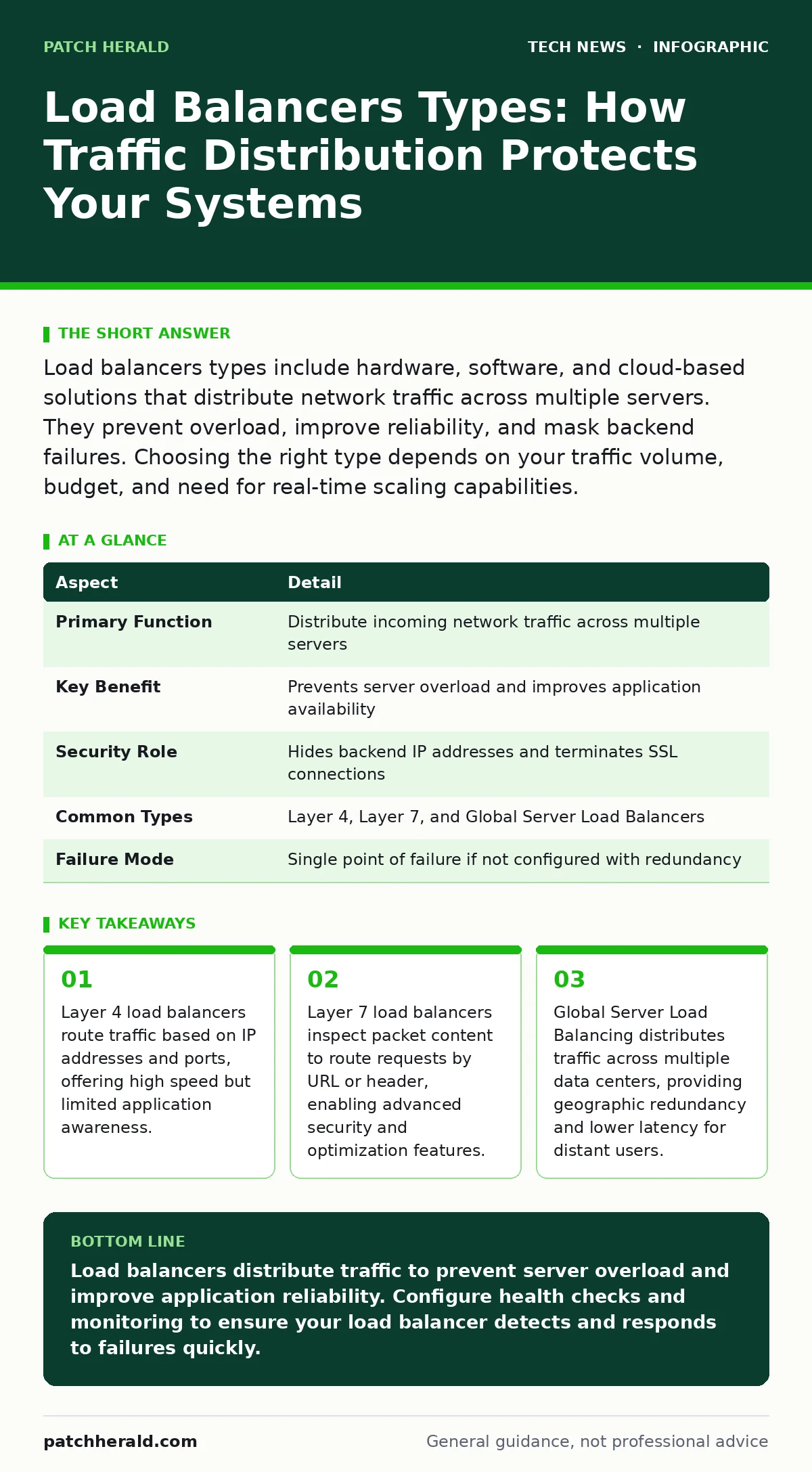
Load balancers types include hardware, software, and cloud-based solutions that distribute network traffic across multiple servers. They prevent overload, improve reliability, and mask backend failures. Choosing the right type depends on your traffic volume, budget, and need for real-time scaling capabilities.
The Traffic Cop Analogy
Imagine a busy restaurant with only one waiter. Customers queue up, wait times increase, and the waiter becomes overwhelmed. Now imagine adding three more waiters and a manager who assigns each new customer to the waiter with the fewest tables. The manager is the load balancer. It sits in front of your servers and decides which server handles each incoming request. This prevents any single server from crashing under pressure.
Load balancers act as reverse proxies, accepting client connections and forwarding them to backend servers. They maintain a list of healthy servers and remove those that fail. This mechanism ensures that users experience consistent performance even when individual components degrade. The system hides the complexity of your infrastructure from the end user.
| Aspect | Detail |
|---|---|
| Primary Function | Distribute incoming network traffic across multiple servers |
| Key Benefit | Prevents server overload and improves application availability |
| Security Role | Hides backend IP addresses and terminates SSL connections |
| Common Types | Layer 4, Layer 7, and Global Server Load Balancers |
| Failure Mode | Single point of failure if not configured with redundancy |
How Load Balancers Types Work
Understanding load balancers types requires knowing the two main layers of the OSI model they operate on: Layer 4 and Layer 7. Layer 4 load balancers work at the transport layer. They look at IP addresses and ports to make routing decisions. They do not inspect the actual content of the data packet. This makes them extremely fast and efficient for simple traffic distribution.
Layer 7 load balancers operate at the application layer. They can read the HTTP headers, cookies, and URL paths within the request. This allows them to make smarter decisions, such as sending image requests to a server optimized for static content and API requests to a server with more CPU power. This intelligence comes with a performance cost, as inspecting every packet requires more processing power.
Who This Affects
Every organization that runs web applications, APIs, or microservices is affected by load balancing decisions. Small businesses often start with a single server. As traffic grows, that server becomes a bottleneck. A load balancer allows you to add more servers without changing the user-facing address. This horizontal scaling is cheaper and more reliable than upgrading to a larger single server.
Security teams benefit from load balancers because they terminate SSL connections. This offloads the computationally expensive decryption process from backend servers. It also allows the load balancer to inspect encrypted traffic for malicious payloads before they reach your applications. Without this, your backend servers must handle both decryption and application logic, increasing the attack surface.
Layer 4 vs Layer 7 Choices
Choosing between Layer 4 and Layer 7 depends on your specific needs. Layer 4 is ideal for high-throughput scenarios where you need maximum speed. It works well for TCP and UDP traffic that does not require content inspection. If you are running a simple database cluster or a basic web server, Layer 4 is often sufficient and less expensive.
Layer 7 is necessary when you need application-aware routing. This includes scenarios where you must route traffic based on the domain name, specific URLs, or user authentication status. Layer 7 balancers also support advanced features like WebSocket support and HTTP/2 multiplexing. These features improve performance for modern web applications but require more configuration expertise.
Global Server Load Balancing
Global Server Load Balancing (GSLB) extends the concept beyond a single data center. It uses DNS to direct users to the nearest or healthiest data center. If one data center experiences an outage, GSLB redirects traffic to another location. This provides geographic redundancy and improves latency for users around the world.
GSLB is critical for businesses with a global user base. It ensures that users in Europe connect to European servers, while users in Asia connect to Asian servers. This reduces the distance data must travel, resulting in faster load times. It also helps comply with data sovereignty laws by keeping data within specific regions.
See also: Remote Desktop Security Mistakes: Fix These 7 Common Errors · Network Access Control: Real Benefits vs Hidden Limitations
What People Usually Get Wrong
Many administrators assume that adding a load balancer automatically solves performance issues. This is incorrect. A load balancer only distributes traffic; it does not fix slow backend servers. If all your servers are slow, the load balancer will simply distribute the slowness evenly. You must optimize your application code and database queries to see real performance gains.
Another common mistake is neglecting health checks. Health checks are periodic requests the load balancer sends to servers to verify they are running. If these checks are too frequent, they add unnecessary load. If they are too infrequent, the load balancer may send traffic to a failed server before detecting the issue. Finding the right balance is key to maintaining availability.
Security Implications and Best Practices
Load balancers are a critical component of your security architecture. They can integrate with web application firewalls to filter out malicious requests. This protects your backend servers from common attacks like SQL injection and cross-site scripting. However, the load balancer itself becomes a target. Attackers may attempt to overwhelm it with traffic to cause a denial of service.
To mitigate this, ensure your load balancer is configured with rate limiting. This restricts the number of requests a single IP address can make in a given time frame. It also helps prevent brute-force attacks on login pages. Regularly update the load balancer software to patch any known vulnerabilities. Keep in mind that load balancers do not replace other security measures like AES encryption for data at rest.
Maintenance and Monitoring
Monitoring your load balancer is essential for identifying issues before they impact users. Track metrics such as response times, error rates, and active connections. Sudden spikes in error rates may indicate a backend server failure. Increased response times may suggest that the load balancer is struggling with the volume of traffic.
Regularly review your load balancing algorithms. Round-robin distributes traffic evenly, but it does not account for server load. Least connections sends traffic to the server with the fewest active connections, which is often more efficient. Weighted round-robin allows you to assign more traffic to more powerful servers. Adjust these settings based on your application's behavior and user feedback. Consider how network access control policies interact with your load balancer to ensure only authorized traffic reaches your backend.
Key takeaways
- Layer 4 load balancers route traffic based on IP addresses and ports, offering high speed but limited application awareness.
- Layer 7 load balancers inspect packet content to route requests by URL or header, enabling advanced security and optimization features.
- Global Server Load Balancing distributes traffic across multiple data centers, providing geographic redundancy and lower latency for distant users.
Load balancers distribute traffic to prevent server overload and improve application reliability. Configure health checks and monitoring to ensure your load balancer detects and responds to failures quickly.
Frequently asked questions
Do I need a load balancer for a small website?
You may not need one initially if traffic is low. However, adding one early allows for easier scaling and improved reliability as your user base grows.
Can a load balancer protect against DDoS attacks?
It can help by distributing traffic and integrating with firewalls, but it is not a complete DDoS solution. Specialized mitigation services are often required for large-scale attacks.
What is the difference between active-active and active-passive load balancing?
Active-active uses all servers to handle traffic, maximizing resource utilization. Active-passive keeps one server on standby, providing a simpler failover mechanism but lower efficiency.
How do load balancers handle SSL termination?
The load balancer decrypts incoming HTTPS traffic and forwards plain HTTP traffic to backend servers. This offloads the computational cost of encryption from the servers.
How this guide was produced: written by the Patch Herald editorial team with AI assistance, checked against the public references listed below, and reviewed when the facts change. See our editorial policy or report an error.