
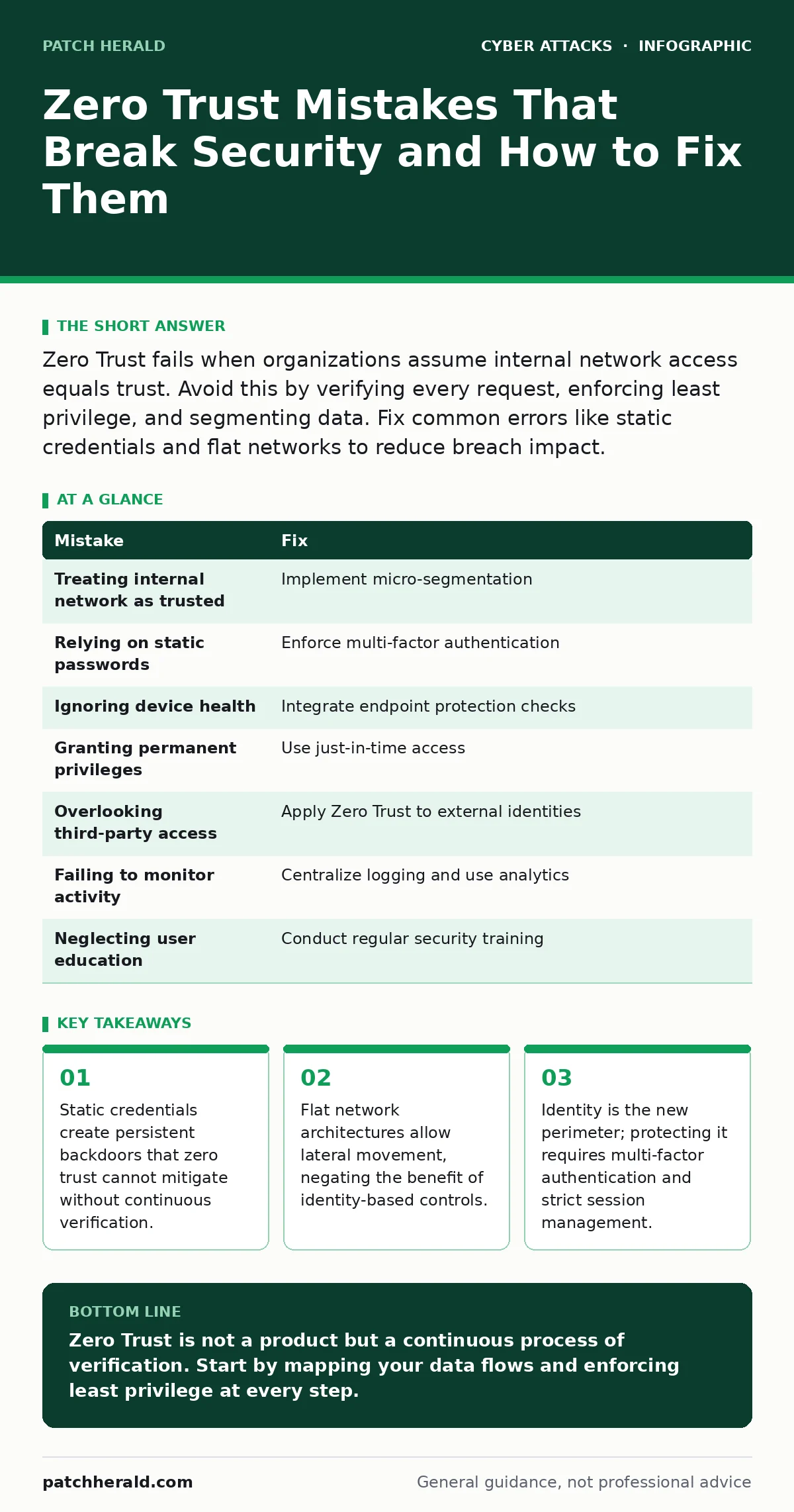
Zero Trust fails when organizations assume internal network access equals trust. Avoid this by verifying every request, enforcing least privilege, and segmenting data. Fix common errors like static credentials and flat networks to reduce breach impact.
Mistake 1: Treating the Internal Network as Trusted
Many organizations deploy Zero Trust controls at the edge but leave the internal network flat. This approach assumes that once a user or device passes the initial check, it can freely access all internal resources. This contradicts the core principle that no entity is trusted by default.
Why it hurts: An attacker who compromises a single account gains unrestricted movement. They can pivot from a low-value workstation to critical servers without triggering additional alerts. This lateral movement often goes undetected for weeks, allowing data exfiltration.
The fix: Implement micro-segmentation. This divides the network into small zones with strict access controls between them. Each zone only allows traffic necessary for specific business functions. Even if one zone is compromised, the attacker cannot easily reach others.
Mistake 2: Relying on Static Passwords for Access
Passwords are often the only factor used for authentication, even in Zero Trust architectures. This creates a single point of failure. If a password is stolen through phishing or credential stuffing, the attacker has full access. Zero Trust requires continuous verification, which static secrets cannot provide.
Why it hurts: Compromised credentials allow attackers to mimic legitimate users. Since the access appears valid, security tools may not flag the activity. This undermines the entire security model, as identity is the primary control mechanism.
The fix: Enforce multi-factor authentication for all access. This requires two or more verification methods, such as a password and a hardware token. Combine this with conditional access policies that evaluate risk factors like location and device health. This ensures that even if a password is stolen, access is denied.
Mistake 3: Ignoring Device Health in Access Decisions
Many implementations focus solely on user identity while ignoring the state of the device being used. This means a compromised laptop can access sensitive data if the user provides correct credentials. The device may contain malware that captures keystrokes or exfiltrates data in real time.
Why it hurts: A healthy identity on an unhealthy device creates a blind spot. Malware on the endpoint can bypass application-level controls by intercepting data before it is encrypted. This renders identity-centric controls ineffective against endpoint-based threats.
The fix: Integrate endpoint protection with your access policies. Require devices to meet specific security standards, such as having up-to-date patches and active antivirus software. If a device fails these checks, restrict its access to low-risk resources or block it entirely. This ensures that both the user and the device are trusted.
Mistake 4: Granting Permanent Privileges
Administrators often assign high-level privileges to users for convenience. These permissions remain active long after the initial need has passed. This violates the principle of least privilege, which states that users should only have the minimum access necessary to perform their tasks.
Why it hurts: Excessive privileges increase the attack surface. If an account with admin rights is compromised, the attacker gains immediate control over critical systems. This can lead to widespread damage, including the disabling of security controls or the creation of backdoors.
The fix: Implement just-in-time access. This grants elevated privileges only when needed and for a limited duration. Use automated workflows to request and approve temporary access. After the session expires, privileges are automatically revoked. This reduces the window of opportunity for attackers.
Mistake 5: Overlooking Third-Party Access
Organizations often extend trust to vendors and partners without applying the same scrutiny as internal users. Third-party accounts may have broad access to critical systems, yet they are rarely subject to the same monitoring and verification processes. This creates a significant vulnerability in the security chain.
Why it hurts: Third-party breaches are a common entry point for attackers. If a vendor’s credentials are compromised, attackers can use them to access your environment. Since these accounts are often overlooked in monitoring, the breach may go undetected until significant damage is done.
The fix: Apply Zero Trust principles to all external identities. Use identity brokers to manage third-party access without exposing internal credentials. Enforce strict session timeouts and monitor activity for anomalies. Treat external users with the same level of skepticism as internal ones.
See also: Remote Desktop Security Mistakes: Fix These 7 Common Errors
Mistake 6: Failing to Monitor and Log Activity
Many organizations implement Zero Trust controls but fail to log and analyze the resulting data. Without visibility into access patterns, it is difficult to detect unusual behavior. This makes it hard to identify compromised accounts or insider threats that bypass standard controls.
Why it hurts: Lack of visibility means you cannot respond to incidents in real time. Attackers can operate within the noise of normal activity, evading detection. This delay allows them to steal data or disrupt operations before you even know a breach has occurred.
The fix: Centralize logging and use behavioral analytics. Collect data from all sources, including identity providers, endpoints, and applications. Use machine learning to establish baselines of normal behavior and flag deviations. This enables rapid detection and response to potential threats.
Mistake 7: Neglecting User Education and Training
Technical controls are only as effective as the people using them. If employees do not understand the principles of Zero Trust, they may circumvent security measures for convenience. This includes sharing credentials or bypassing multi-factor authentication prompts.
Why it hurts: Human error remains a leading cause of security incidents. Even with robust technical controls, a single mistake can compromise the entire system. Users who do not recognize phishing attempts or social engineering tactics can inadvertently grant attackers access.
The fix: Conduct regular training that emphasizes the importance of identity verification. Teach employees how to recognize suspicious activity, such as unusual login requests or unexpected access prompts. Reinforce the message that security is a shared responsibility, not just an IT issue.
| Mistake | Fix |
|---|---|
| Treating internal network as trusted | Implement micro-segmentation |
| Relying on static passwords | Enforce multi-factor authentication |
| Ignoring device health | Integrate endpoint protection checks |
| Granting permanent privileges | Use just-in-time access |
| Overlooking third-party access | Apply Zero Trust to external identities |
| Failing to monitor activity | Centralize logging and use analytics |
| Neglecting user education | Conduct regular security training |
Key takeaways
- Static credentials create persistent backdoors that zero trust cannot mitigate without continuous verification.
- Flat network architectures allow lateral movement, negating the benefit of identity-based controls.
- Identity is the new perimeter; protecting it requires multi-factor authentication and strict session management.
Zero Trust is not a product but a continuous process of verification. Start by mapping your data flows and enforcing least privilege at every step.
Frequently asked questions
Does Zero Trust replace firewalls?
No, Zero Trust complements firewalls by adding identity-based controls. Firewalls filter traffic based on IP addresses, while Zero Trust verifies who is requesting access.
How long does it take to implement Zero Trust?
Implementation is an ongoing process, not a one-time project. Start with critical assets and expand gradually to ensure minimal disruption.
Is Zero Trust suitable for small businesses?
Yes, the principles apply to organizations of all sizes. Focus on identity protection and least privilege to reduce risk without excessive complexity.
Can Zero Trust prevent all cyber attacks?
No security measure can prevent all attacks. Zero Trust reduces the impact of breaches by limiting access and detecting anomalies early.
How this guide was produced: written by the Patch Herald editorial team with AI assistance, checked against the public references listed below, and reviewed when the facts change. See our editorial policy or report an error.