
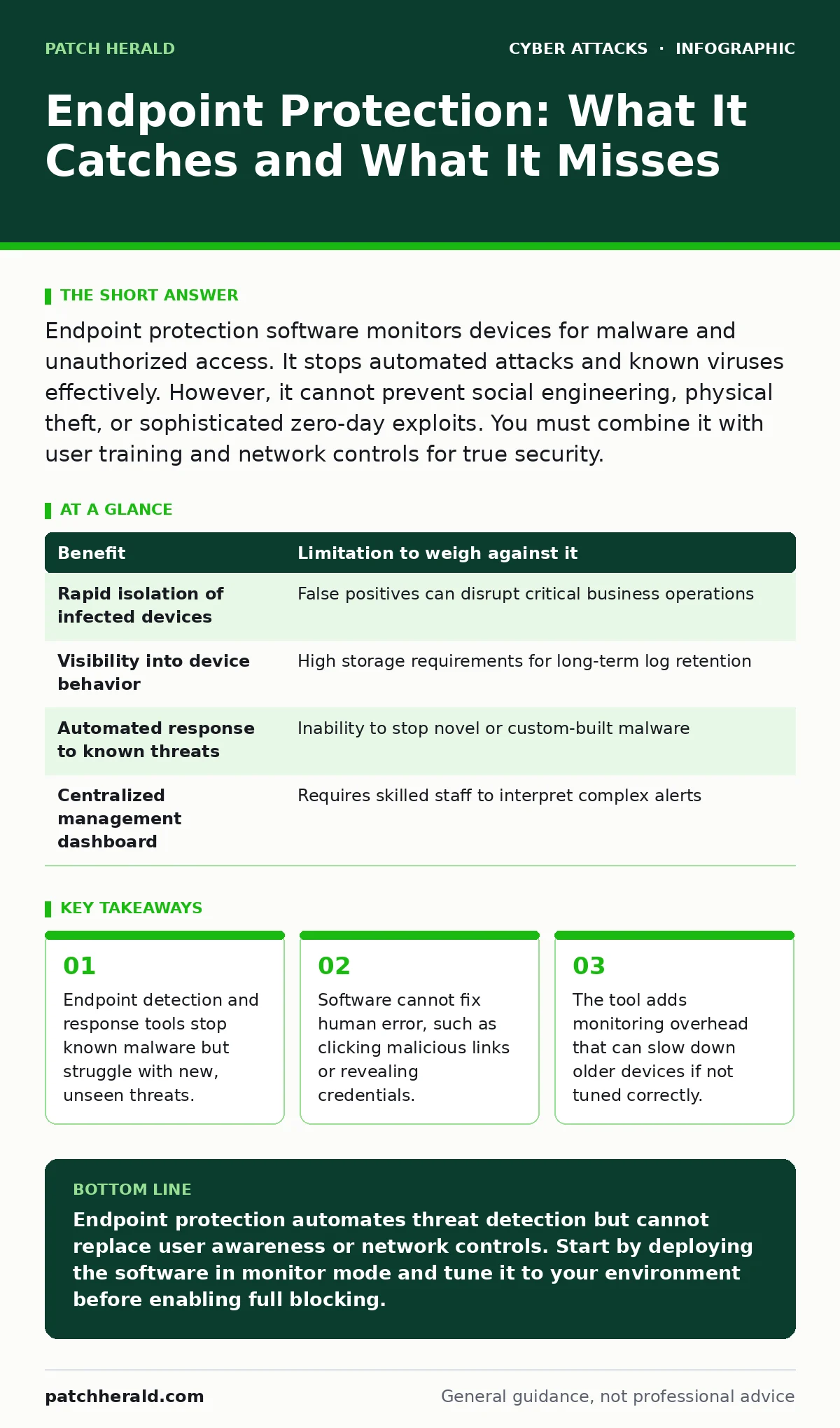
Endpoint protection software monitors devices for malware and unauthorized access. It stops automated attacks and known viruses effectively. However, it cannot prevent social engineering, physical theft, or sophisticated zero-day exploits. You must combine it with user training and network controls for true security.
How Endpoint Detection Works
Endpoint detection and response (EDR) software installs on your computers, laptops, and servers. It monitors system behavior in real time rather than just scanning for known virus signatures. When the software detects an action that matches a threat pattern, it isolates the device or blocks the process. This mechanism allows you to see what is happening on a device even if no alert triggers. You gain visibility into file changes, network connections, and process executions. This visibility helps you understand the scope of an incident after it occurs. The software creates a log of these activities for later review. This log serves as evidence for forensic analysis and compliance audits.
The Benefit of Automated Containment
The primary advantage of EDR is speed. Manual investigation takes hours or days, while automated rules can isolate a device in seconds. This rapid response limits the damage a threat actor can do within your network. The software prevents lateral movement, which is when an attacker moves from one compromised device to another.
By cutting off network access to the infected machine, you protect the rest of your infrastructure. This automation reduces the burden on your IT staff during an active incident. They can focus on remediation rather than initial detection. The system also provides context about the threat, such as the entry point and affected files. This context speeds up the recovery process significantly.
| Benefit | Limitation to weigh against it |
|---|---|
| Rapid isolation of infected devices | False positives can disrupt critical business operations |
| Visibility into device behavior | High storage requirements for long-term log retention |
| Automated response to known threats | Inability to stop novel or custom-built malware |
| Centralized management dashboard | Requires skilled staff to interpret complex alerts |
The Limitation of Behavioral Analysis
Behavioral analysis relies on establishing a baseline of normal activity for each device. If a process acts outside this baseline, the software flags it as suspicious. This method catches new malware that does not have a known signature. However, it also generates false positives when legitimate software behaves unexpectedly. Updates to business applications can trigger alerts because their behavior changes.
You must spend time tuning the rules to reduce noise. Without proper tuning, your team will ignore alerts due to fatigue. This alert fatigue creates a blind spot where real threats go unnoticed. The software cannot distinguish between a malicious script and a complex administrative task without human judgment. You must define what "normal" means for your specific environment.
Human Error Remains the Weak Link
Endpoint protection cannot read a user’s mind or intent. It cannot stop a user from voluntarily entering credentials into a fake login page. This type of attack is known as phishing, where attackers trick users into revealing sensitive information. The software may block the malicious link, but sophisticated attacks mimic legitimate sites perfectly. If a user clicks through the warning, the protection fails.
Similarly, the software cannot prevent shoulder surfing, where an attacker physically watches you type a password. It also cannot stop vishing, where a caller pretends to be IT support to extract codes. These attacks bypass technical controls by targeting human psychology. You must train users to recognize these social engineering tactics. Technical tools alone are insufficient against deception.
Performance and Resource Trade-Offs
Running continuous monitoring consumes system resources. The software uses CPU cycles and memory to analyze every process and network packet. On older or lower-spec devices, this can cause noticeable slowdowns. Users may experience lag when opening applications or browsing the web. This friction can lead to users disabling the software or bypassing security controls.
You must balance security depth with device performance. Tuning the software to ignore low-risk processes can improve speed. However, ignoring too many processes reduces the effectiveness of the detection. You need to find a middle ground that protects the device without hindering productivity. Regular updates to the software can also introduce temporary performance hits during installation.
See also: Drive-By Downloads Explained: Mechanics, Risks, and Silent Prevention · Dumpster Diving Mistakes That Expose Your Business Data
When It Is Worth It
You should deploy endpoint protection if your devices connect to the internet or external networks. Any device that accesses email, cloud services, or customer data is a potential target. The benefit of automated containment justifies the cost for most businesses. It provides a safety net for inevitable mistakes or software vulnerabilities. If you have remote workers, EDR is particularly valuable.
You cannot rely on perimeter firewalls to protect devices outside your office. The software ensures consistent security policy enforcement regardless of location. It also helps you meet compliance requirements for data protection. Many regulations require you to demonstrate that you monitor your devices. EDR provides the necessary logs and reports to prove this.
When It Is Not Worth It
Endpoint protection is not worth it for isolated systems that never connect to the internet. If a device only processes internal, offline data, the risk of remote compromise is near zero. The cost of licensing and management may outweigh the benefit in this case. Similarly, it is not worth it if you lack the staff to manage it.
An unmanaged EDR system generates noise without providing protection. If you cannot review alerts or tune rules, the tool becomes a liability. You may also skip it for disposable or temporary devices with no sensitive data. For example, a kiosk that only displays public information does not need deep inspection. In these cases, basic updates and physical security are sufficient.
Integrating With Broader Security
Endpoint protection works best as part of a zero trust security model. Zero trust assumes no device or user is trusted by default, even inside the network. EDR provides the data needed to enforce this principle. It verifies the health of a device before granting access to resources. You should also combine it with strong authentication methods to prevent dictionary attacks.
These attacks try many common passwords to break into accounts. EDR can detect the rapid login attempts associated with these attacks. However, it cannot stop the initial guess if the password is weak. Layering technical controls with user awareness creates a stronger defense. No single tool can protect you from every threat vector.
Key takeaways
- Endpoint detection and response tools stop known malware but struggle with new, unseen threats.
- Software cannot fix human error, such as clicking malicious links or revealing credentials.
- The tool adds monitoring overhead that can slow down older devices if not tuned correctly.
Endpoint protection automates threat detection but cannot replace user awareness or network controls. Start by deploying the software in monitor mode and tune it to your environment before enabling full blocking.
Frequently asked questions
Does endpoint protection replace antivirus software?
Yes, modern endpoint detection and response tools include antivirus capabilities and add behavioral monitoring. They provide deeper visibility than traditional signature-based antivirus programs.
Can endpoint protection stop ransomware?
It can stop known ransomware strains and detect suspicious encryption behavior. However, it may not stop new, custom ransomware variants if they do not match known patterns.
Is endpoint protection enough for remote workers?
It is a critical component but not enough on its own. You also need multi-factor authentication and secure network access controls to protect remote connections.
How much does endpoint protection cost?
Costs vary widely based on the number of devices and features. Basic plans are cheaper, while advanced detection and response features cost more.
How this guide was produced: written by the Patch Herald editorial team with AI assistance, checked against the public references listed below, and reviewed when the facts change. See our editorial policy or report an error.