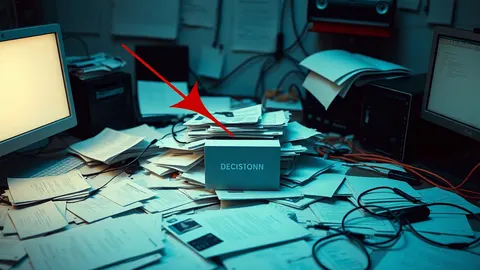
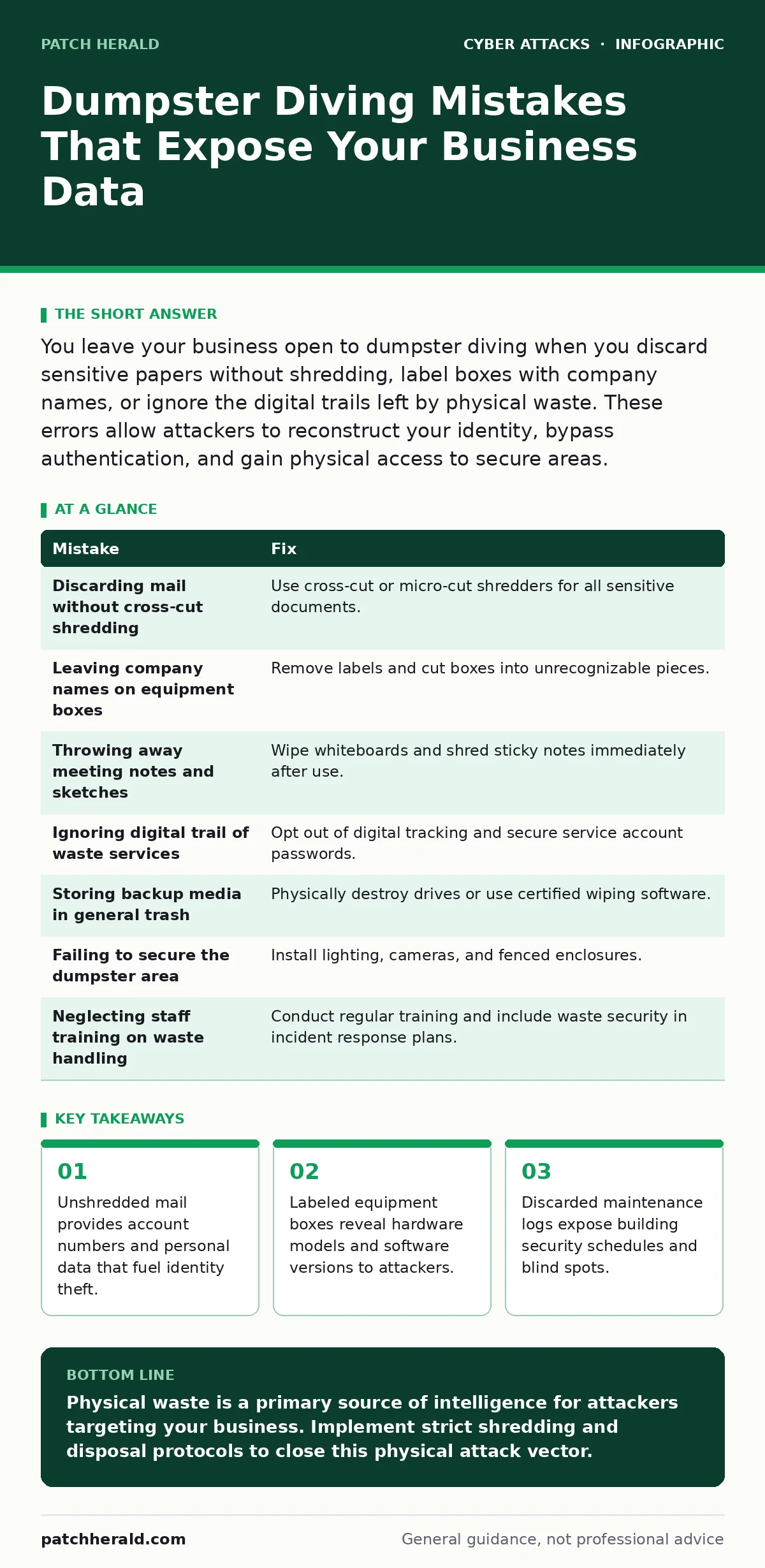
You leave your business open to dumpster diving when you discard sensitive papers without shredding, label boxes with company names, or ignore the digital trails left by physical waste. These errors allow attackers to reconstruct your identity, bypass authentication, and gain physical access to secure areas.
Mistake 1: Discarding sensitive mail without cross-cut shredding
Standard single-cut shredders create long strips of paper that are easily reassembled by determined attackers. These strips retain enough visual information to reconstruct credit card numbers, bank statements, and tax documents. Cross-cut shredders chop documents into small confetti-like particles that are physically impossible to reassemble. You must shred all incoming mail containing account numbers, personal identification, or financial data before disposal.
Why it hurts:
Reconstructed documents provide attackers with the exact personal information required for identity fraud. They can open new credit lines, change billing addresses, or access existing accounts using the recovered data. This physical theft often precedes digital attacks, as the stolen identities serve as the foundation for more complex social engineering campaigns.
The fix:
Invest in a cross-cut or micro-cut shredder rated for high-security documents. Place the shredder in a secure, accessible location so staff can use it immediately after reading sensitive mail. Establish a policy that mandates shredding all documents containing personal or financial data, regardless of perceived sensitivity.
Mistake 2: Leaving company names on equipment boxes
Large cardboard boxes containing servers, printers, or networking gear are often left curbside for collection. These boxes prominently display the manufacturer, model number, and serial numbers of the hardware inside. Attackers use this information to identify the specific technology stack your organization relies on. They can then tailor malware or exploit kits to target those specific device vulnerabilities.
Why it hurts:
Knowing your hardware inventory allows attackers to select exploits that are known to work against your specific models. This reduces the time and effort required to breach your network perimeter. It also signals to attackers that your business has valuable assets, making you a higher-priority target for physical theft or targeted ransomware campaigns.
The fix:
Remove all labels, stickers, and tape from boxes before placing them for recycling. Cut the boxes into smaller, unrecognizable pieces using a box cutter. This destroys the visual cues that link the waste to your specific business operations and hardware environment.
Mistake 3: Throwing away meeting notes and whiteboard sketches
Whiteboard markers and sticky notes often contain strategic plans, code snippets, or internal process diagrams. Discarded notes may reveal upcoming product launches, security vulnerabilities you are planning to patch, or internal software architecture. Attackers analyze this intellectual property to predict your business moves and find weaknesses in your current defenses.
Why it hurts:
Strategic documents provide context that makes digital attacks more effective. If an attacker knows you are planning a migration to a new system, they can target the old system before the switch occurs. They can also use code snippets to reverse-engineer your proprietary algorithms or identify hardcoded credentials left in draft documents.
The fix:
Wipe whiteboards immediately after meetings and dispose of used sticky notes in a shredder. Treat draft documents with the same security level as final reports. Implement a clean desk policy that requires staff to secure or destroy any written notes containing business logic or security details at the end of each day.
Mistake 4: Ignoring the digital trail of physical waste
Modern waste management often involves digital tracking. Some services provide apps or online portals where you can schedule pickups or view collection history. If you use a service that stores your address and waste type digitally, attackers can correlate this data with other breaches. This creates a map of your physical operations and security routines.
Why it hurts:
Digital records of waste disposal reveal when your premises are vulnerable to unauthorized access. Attackers can determine when bins are full and when security staff are distracted by waste management tasks. This timing information is valuable for coordinating physical intrusions or timing social engineering calls when staff are least attentive.
The fix:
Review the privacy policies of your waste management providers. Opt out of any digital tracking features that are not operationally necessary. Ensure that your account passwords for these services are unique and protected by multi-factor authentication, preventing attackers from accessing your waste history through compromised credentials.
Mistake 5: Storing backup media in general trash
Old hard drives, USB sticks, and tape backups are frequently disposed of with general electronics waste. Even if you have deleted files from these devices, the data often remains recoverable using standard forensic tools. Attackers retrieve these storage media and use data recovery software to extract sensitive files, customer records, and intellectual property.
Why it hurts:
Recoverable data on discarded media provides a complete snapshot of your historical operations. Attackers can use this data to understand your business processes, identify key personnel, and find patterns in your data handling. This information is particularly valuable for targeted phishing campaigns or for building a profile of your organization’s security posture.
The fix:
Physically destroy storage media before disposal. Drill holes through hard drives or use a dedicated degausser for magnetic tapes. For solid-state drives, use certified data wiping software that overwrites the data multiple times before physical destruction. Keep records of the destruction process for compliance and audit purposes.
See also: Drive-By Downloads Explained: Mechanics, Risks, and Silent Prevention · Malicious Bot Traffic: What It Is and How to Stop It
Mistake 6: Failing to secure the dumpster area
Dumpsters are often located in open areas with poor lighting and no surveillance. This lack of physical security makes it easy for attackers to access the waste without being detected. Attackers can return multiple times to collect small amounts of information, piecing together a larger picture of your business over weeks or months.
Why it hurts:
Unsecured dumpsters provide attackers with a low-risk, high-reward target. They can operate freely without fear of immediate detection. This encourages persistent monitoring of your waste output, allowing attackers to build a comprehensive dossier on your operations through gradual information gathering.
The fix:
Install motion-activated lighting and security cameras covering the dumpster area. Place dumpsters in fenced enclosures that require a key or code to open. Limit access to the area to authorized maintenance staff only. Regular patrols by security personnel can also deter casual dumpster diving attempts.
Mistake 7: Neglecting to train staff on waste handling
Employees often do not realize the security risks associated with improper waste disposal. Without proper training, staff may discard sensitive documents in regular bins or leave equipment boxes visible. This human error is the weakest link in your physical security chain, as it bypasses even the most robust technical controls.
Why it hurts:
Untrained staff inadvertently create opportunities for attackers to gather intelligence. Their actions can negate the efforts of security teams to protect data digitally. A single discarded document can provide the key to bypassing complex authentication systems, making staff awareness a critical component of your overall security strategy.
The fix:
Conduct regular training sessions on proper waste handling procedures. Include specific examples of what must be shredded and how to dispose of packaging. Incorporate waste security into your broader incident response plans, ensuring that staff know how to report suspicious activity near waste areas.
| Mistake | Fix |
|---|---|
| Discarding mail without cross-cut shredding | Use cross-cut or micro-cut shredders for all sensitive documents. |
| Leaving company names on equipment boxes | Remove labels and cut boxes into unrecognizable pieces. |
| Throwing away meeting notes and sketches | Wipe whiteboards and shred sticky notes immediately after use. |
| Ignoring digital trail of waste services | Opt out of digital tracking and secure service account passwords. |
| Storing backup media in general trash | Physically destroy drives or use certified wiping software. |
| Failing to secure the dumpster area | Install lighting, cameras, and fenced enclosures. |
| Neglecting staff training on waste handling | Conduct regular training and include waste security in incident response plans. |
Key takeaways
- Unshredded mail provides account numbers and personal data that fuel identity theft.
- Labeled equipment boxes reveal hardware models and software versions to attackers.
- Discarded maintenance logs expose building security schedules and blind spots.
Physical waste is a primary source of intelligence for attackers targeting your business. Implement strict shredding and disposal protocols to close this physical attack vector.
Frequently asked questions
How long does it take to reconstruct shredded documents?
Simple single-cut strips can be reassembled in hours by experienced individuals. Cross-cut particles are generally considered impossible to reconstruct manually.
Can attackers use dumpster diving to launch vishing attacks?
Yes. Recovered personal data allows attackers to impersonate trusted entities and call victims to verify false account issues, making vishing attempts more convincing.
Does zero trust security protect against dumpster diving?
Zero trust security focuses on network and access control. It does not prevent the physical theft of documents, making physical security measures a necessary complement.
Should I incinerate sensitive documents instead of shredding them?
Incineration is effective but often impractical for small businesses. Cross-cut shredding is the standard, reliable method for destroying paper documents securely.
How this guide was produced: written by the Patch Herald editorial team with AI assistance, checked against the public references listed below, and reviewed when the facts change. See our editorial policy or report an error.