
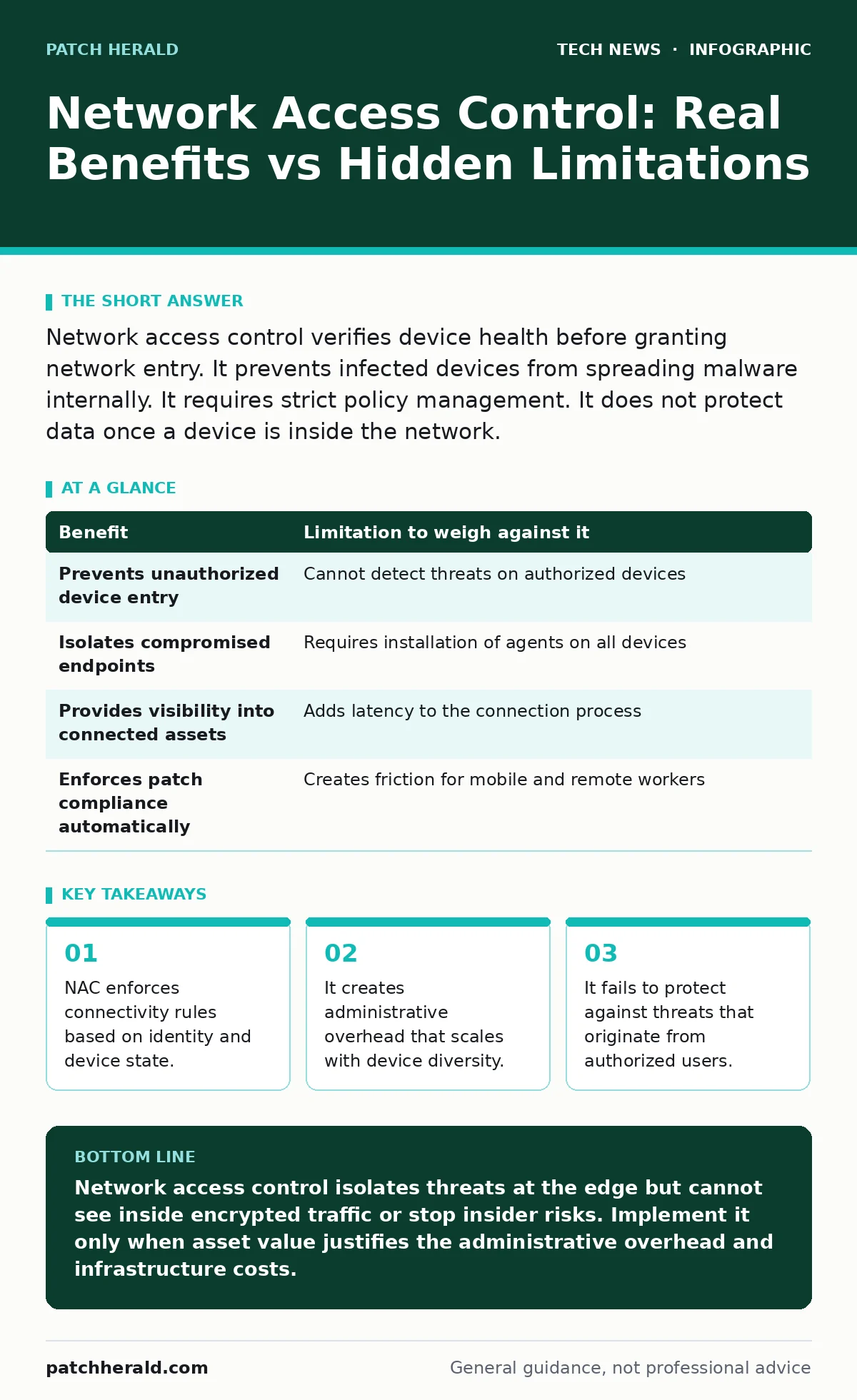
Network access control verifies device health before granting network entry. It prevents infected devices from spreading malware internally. It requires strict policy management. It does not protect data once a device is inside the network.
How Network Access Control Functions
Network access control acts as a gatekeeper at the edge of your network. It checks every device that attempts to connect. The system verifies the device identity and its security posture. This posture includes the presence of updated antivirus software and operating system patches. If the device meets the rules, the system grants access. If it fails, the system blocks the connection or places it in a restricted zone. This mechanism prevents known bad actors from entering the main environment. It also stops compromised devices from communicating with sensitive servers.
The control relies on policies you define. These policies dictate what constitutes a healthy device. A healthy device might be one that runs a specific operating system version. It might require a firewall to be active. The system checks these conditions automatically. It does not require manual inspection of each device. This automation reduces the workload on IT staff. However, it introduces complexity in policy creation. You must balance security with usability.
Concrete Benefits of Enforcement
The primary benefit is reduced attack surface. You limit who and what can reach your resources. This containment stops lateral movement by malware. If a laptop is infected, NAC isolates it. The infection cannot spread to other machines on the network. This isolation buys time for remediation. It limits the damage of a breach.
Another benefit is visibility. You gain a clear view of connected devices. You can see rogue devices that employees plug in. You can identify devices that should not be on the network. This visibility helps in auditing compliance. It proves that only authorized equipment is present. This is useful for regulatory requirements. It also aids in troubleshooting connectivity issues. You can quickly see if a device is blocked by policy.
Honest Limitations and Blind Spots
NAC has significant blind spots. It cannot inspect encrypted traffic. Most modern web traffic uses HTTPS. NAC sees the connection but not the content. It cannot detect malware hidden inside encrypted streams. It also cannot stop threats from authorized users. If an employee intentionally leaks data, NAC will allow it. The device is authorized and healthy. The user is trusted. NAC relies on this trust.
Another limitation is the reliance on device health agents. These agents run on the endpoint. They report status to the NAC system. If the agent is disabled or removed, the report fails. You must decide how to handle this. Blocking the user causes productivity loss. Allowing access defeats the purpose. This creates a trade-off between security and workflow. Additionally, NAC does not protect against phishing. Users can still click malicious links. The malware can execute on the authorized device.
The Trade-Off Table
Every security measure has a cost. NAC is no different. You must weigh the benefits against the limitations. This table highlights the key trade-offs. Understanding these helps in decision making. It clarifies what NAC can and cannot do.
| Benefit | Limitation to weigh against it |
|---|---|
| Prevents unauthorized device entry | Cannot detect threats on authorized devices |
| Isolates compromised endpoints | Requires installation of agents on all devices |
| Provides visibility into connected assets | Adds latency to the connection process |
| Enforces patch compliance automatically | Creates friction for mobile and remote workers |
When It Is Worth It
NAC is worth the investment when you have high-value assets. If you store sensitive customer data, isolation is key. It prevents ransomware from encrypting all servers. It is also worth it in environments with many guests. Cafes or hospitals have many unknown devices. NAC keeps these devices separate from critical systems. It reduces the risk of accidental compromise.
It is also valuable for compliance. Many regulations require strict access controls. NAC provides the technical means to enforce these rules. It logs access attempts and outcomes. These logs support audits. They prove that you control network entry. This is crucial for maintaining certifications. It also helps in managing Bring Your Own Device policies. You can allow personal devices while restricting their access. This balances flexibility with security.
See also: Zero Trust Mistakes That Break Security and How to Fix Them · Remote Desktop Security Mistakes: Fix These 7 Common Errors
When It Is Not Worth It
NAC is not worth it for small, simple networks. If you have few devices and no sensitive data, the cost outweighs the benefit. The administrative overhead is high. You must maintain policies and agents. This requires dedicated staff time. For a small team, this is a distraction. It is better to focus on software updates and strong passwords.
It is also not suitable if you lack network infrastructure support. NAC requires compatible switches and controllers. Older hardware may not support the necessary protocols. Upgrading hardware is expensive. If you cannot afford this, NAC will not work well. It may cause connectivity issues. This frustrates users and staff. In such cases, basic firewall rules are more effective. They are easier to manage and maintain.
Integration With Other Defenses
NAC works best as part of a layered defense. It is not a standalone solution. It must work with other security tools. For example, it complements operating system hardening. Hardening reduces vulnerabilities on the device. NAC ensures only hardened devices connect. This combination strengthens the overall posture. It also works with virtualization security. In virtual environments, NAC can isolate virtual machines. This prevents breaches from spreading across virtual hosts.
It does not replace endpoint detection. You still need antivirus and monitoring. NAC stops entry, but not execution. You need tools to catch malware that gets in. This is why WordPress security matters for web servers. NAC protects the network, but not the application. You must secure the application layer separately. This layered approach provides deeper protection. It covers gaps that NAC leaves open.
Maintenance and Policy Management
Policies degrade over time. New devices and operating systems appear. Your rules must adapt to these changes. If you ignore this, NAC becomes a bottleneck. Users get blocked for legitimate reasons. This leads to policy bypass. Employees find ways to avoid the controls. This defeats the security benefit. You must regularly review and update policies.
Automation helps in this process. Use scripts to check device health. Integrate with your inventory system. This keeps the database of devices current. It reduces manual errors. It also speeds up onboarding. New devices can be approved quickly. This improves user experience. It also reduces the workload on support staff. They spend less time unblocking users. More time can be spent on proactive security.
Key takeaways
- NAC enforces connectivity rules based on identity and device state.
- It creates administrative overhead that scales with device diversity.
- It fails to protect against threats that originate from authorized users.
Network access control isolates threats at the edge but cannot see inside encrypted traffic or stop insider risks. Implement it only when asset value justifies the administrative overhead and infrastructure costs.
Frequently asked questions
Does NAC protect against password theft?
No, NAC verifies device health and identity, but it does not secure credentials. You still need multi-factor authentication to protect accounts.
Can NAC block all malware?
No, NAC only blocks devices that fail health checks. It cannot detect malware that is hidden or newly created.
Is NAC required for home networks?
Generally no, home networks lack the scale and sensitivity to justify the complexity. Basic router settings are usually sufficient.
How does NAC handle mobile devices?
NAC can restrict access based on device type or app installation, but mobile OS updates can change compliance status frequently.
How this guide was produced: written by the Patch Herald editorial team with AI assistance, checked against the public references listed below, and reviewed when the facts change. See our editorial policy or report an error.