
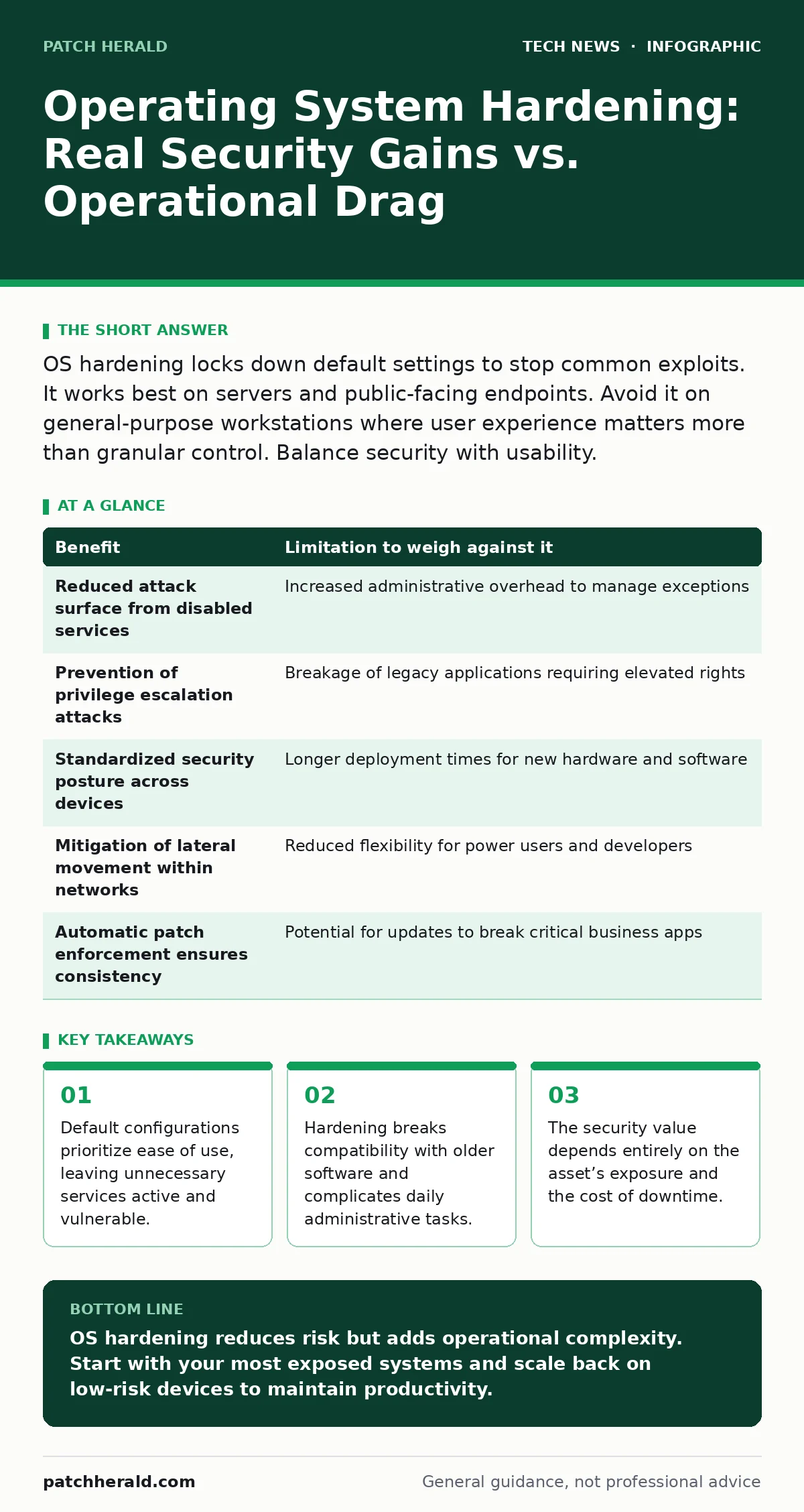
OS hardening locks down default settings to stop common exploits. It works best on servers and public-facing endpoints. Avoid it on general-purpose workstations where user experience matters more than granular control. Balance security with usability.
The Illusion of Default Safety
Most operating systems ship with features turned on by default. This design choice prioritizes immediate usability over security. A fresh installation allows remote management protocols, file sharing, and guest accounts to function without configuration. Attackers scan for these open doors constantly. They do not need to invent new exploits; they simply look for the default settings that most users never change.
You gain security by turning off what you do not need. This process is called hardening. It involves disabling unused services, restricting user permissions, and enforcing strict update policies. The goal is to reduce the attack surface, which is the sum of all points where an unauthorized user can try to enter or extract data from your system. Every service you disable is one less vector for an attacker to exploit.
The Hidden Cost of Friction
Hardening introduces operational friction. When you restrict permissions, legitimate users encounter errors. A sales representative cannot save a file to a shared drive because the group policy forbids it. An accountant cannot install a specialized calculator plugin because the system blocks unsigned scripts. These moments of friction accumulate. They lead to workarounds, shadow IT, and eventual policy fatigue.
Suppose you disable all administrative privileges for standard users. This stops malware from installing itself with high-level permissions. However, it also stops users from installing necessary printer drivers or updates for legacy software. You then need a help desk to intervene for every minor installation. The security gain is real, but the productivity loss is immediate and measurable.
Balancing Benefits and Limitations
Every security control has a trade-off. Hardening is no exception. The table below outlines the primary benefits of tightening your operating system configuration against the corresponding limitations you must manage.
| Benefit | Limitation to weigh against it |
|---|---|
| Reduced attack surface from disabled services | Increased administrative overhead to manage exceptions |
| Prevention of privilege escalation attacks | Breakage of legacy applications requiring elevated rights |
| Standardized security posture across devices | Longer deployment times for new hardware and software |
| Mitigation of lateral movement within networks | Reduced flexibility for power users and developers |
| Automatic patch enforcement ensures consistency | Potential for updates to break critical business apps |
When It Is Worth It
Hardening is worth the effort when the asset faces direct exposure to untrusted networks. Servers hosting public websites, email systems, or database services must be hardened. These machines talk to the internet. Attackers probe them constantly for known vulnerabilities in default configurations. Here, the risk of compromise is high, and the cost of downtime is severe.
It is also worth it for devices that handle sensitive data. Machines storing financial records, health information, or intellectual property need strict access controls. If a laptop is stolen, you want to ensure the drive is encrypted and the OS prevents unauthorized boot sequences. In these cases, the value of the data justifies the inconvenience of strict security policies.
When It Is Not
Hardening is often counterproductive for general-purpose workstations in low-risk environments. If a machine only connects to a trusted internal network and runs standard office software, aggressive hardening adds little value. The likelihood of a targeted attack on that specific machine is low. The cost of managing strict policies outweighs the marginal security improvement.
Avoid hardening on devices used by non-technical staff who require maximum flexibility. If your team frequently uses diverse software that requires varying permission levels, strict hardening will disrupt their workflow. Instead, focus on user training and basic hygiene. A well-trained user who knows to report suspicious emails is often more effective than a heavily locked-down machine that frustrates its owner.
See also: Difference Between Operating System and Kernel: Core Functions Explained · Can IP Addresses Be Traced? How Visibility Works
The Human Factor in Security
Technology controls are only as good as the people who manage them. Hardening requires ongoing maintenance. New software versions may require new exceptions to your policies. If your IT team is small or understaffed, maintaining a hardened environment becomes a burden. You may find yourself disabling security features just to keep the business running.
Consider the skill level of your staff. If they are not familiar with security concepts, they may bypass protections or fall for social engineering attacks. No amount of OS hardening stops a user from willingly handing over credentials. You must pair technical controls with clear policies and regular training. Security is a process, not a one-time configuration.
Integrating with Broader Security
OS hardening does not exist in a vacuum. It must work with other security measures. For example, using OAuth allows applications to access resources without sharing passwords, reducing the risk of credential theft even if the OS is compromised. Similarly, understanding API key security helps prevent unauthorized access to cloud services that your hardened machines might connect to.
Network security also plays a role. A hardened machine on an insecure network is still at risk. Ensure your remote work security policies are strict. Use a Domain Name System service that filters malicious domains before they reach your devices. These layers of defense complement OS hardening, creating a deeper security posture.
Key takeaways
- Default configurations prioritize ease of use, leaving unnecessary services active and vulnerable.
- Hardening breaks compatibility with older software and complicates daily administrative tasks.
- The security value depends entirely on the asset’s exposure and the cost of downtime.
OS hardening reduces risk but adds operational complexity. Start with your most exposed systems and scale back on low-risk devices to maintain productivity.
Frequently asked questions
Does hardening slow down my computer?
Minimal impact on modern hardware, but disabling certain background services can slightly improve performance by reducing resource usage.
Can hardening prevent all malware?
No, hardening reduces the likelihood of infection but cannot stop all threats, especially those exploiting zero-day vulnerabilities or social engineering.
How often should I review my hardening settings?
Review settings after major software updates or changes in business processes to ensure policies remain effective and do not break functionality.
Is hardening the same for Windows and macOS?
The principles are the same, but the specific tools and settings differ. Each operating system has its own mechanisms for permission management and service control.
How this guide was produced: written by the Patch Herald editorial team with AI assistance, checked against the public references listed below, and reviewed when the facts change. See our editorial policy or report an error.