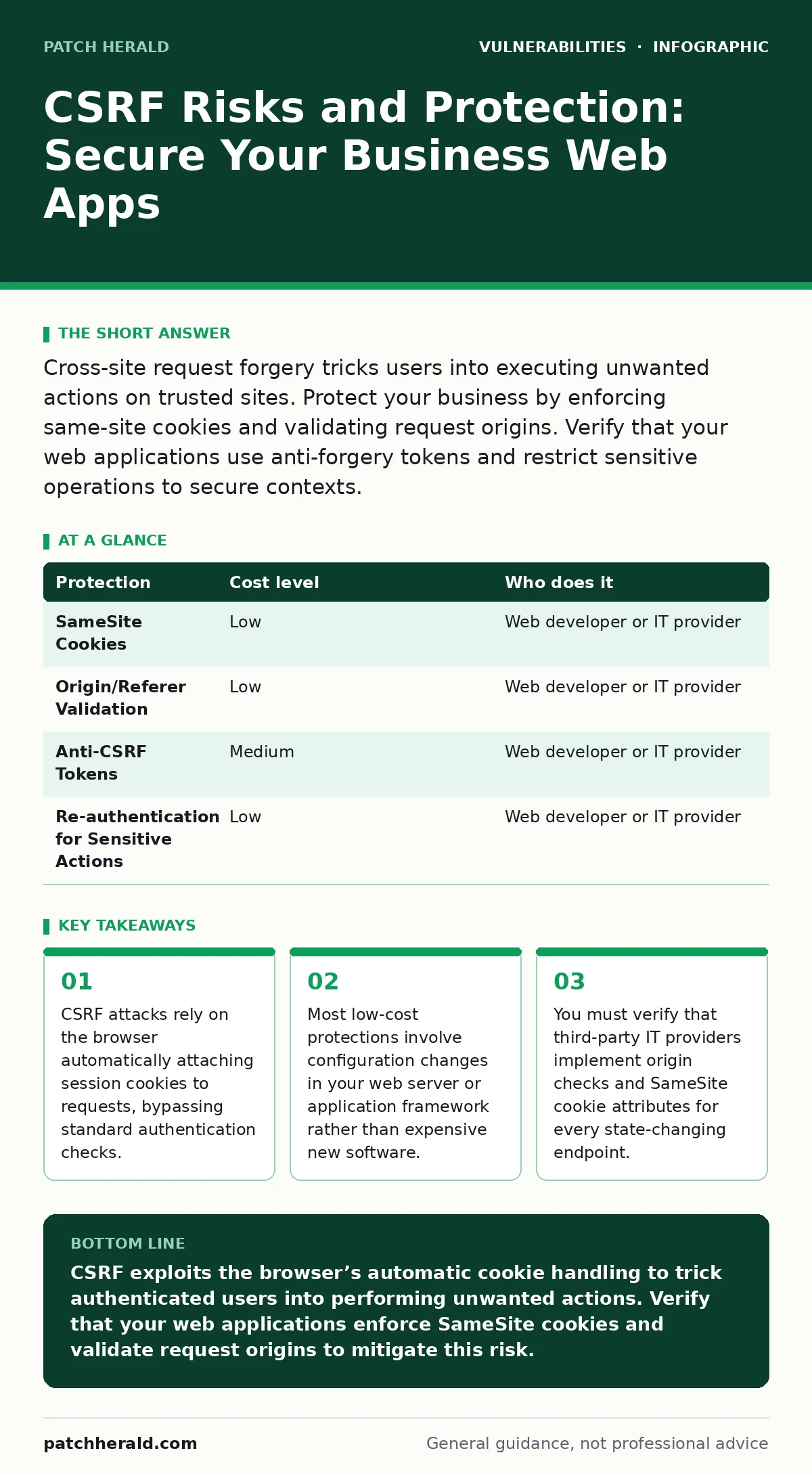
Cross-site request forgery tricks users into executing unwanted actions on trusted sites. Protect your business by enforcing same-site cookies and validating request origins. Verify that your web applications use anti-forgery tokens and restrict sensitive operations to secure contexts.
The Trust Exploit Mechanism
Cross-site request forgery, or CSRF, is an attack that forces an end user to execute unwanted actions on a trusted web application where they are currently authenticated. Unlike many other web vulnerabilities, CSRF does not exploit a flaw in the application’s code logic. Instead, it exploits the trust that a site has in a user’s browser.
Web browsers automatically include cookies with every request to the domain that set them. This behavior is designed for convenience, allowing you to stay logged in as you navigate between pages. An attacker creates a malicious page or email that contains a request to your business application. When a logged-in user visits that malicious content, their browser sends the request along with their valid session cookies.
The application receives the request and sees the valid cookie. It assumes the user intended to perform the action. If the action is sensitive, such as changing an email address or transferring funds, the attacker has succeeded. The user may never notice the change until the consequences appear.
Why Small Organizations Remain Exposed
Small organizations often assume that their limited digital footprint makes them invisible to attackers. This assumption is dangerous because CSRF attacks are automated and do not require deep reconnaissance. Attackers scan for common application patterns and exploit any site that lacks proper request validation.
Many small businesses rely on off-the-shelf web applications or simple custom sites built by freelancers. These solutions often prioritize functionality over security. Developers may forget that every form submission or API call that changes data is a potential CSRF vector.
Furthermore, small teams often lack dedicated security personnel. They rely on general IT support that may not understand the nuance between different web vulnerabilities. This knowledge gap means that standard security audits might miss CSRF protections, focusing instead on more visible issues like exposed admin panels or weak passwords.
The Hidden Cost of Inaction
The immediate cost of a CSRF attack is often low, involving no direct data theft. However, the downstream effects are severe. An attacker might change the password reset email address for an administrator account. This gives them persistent access to the system.
Once an attacker has administrative access, they can exfiltrate data, install malware, or disrupt operations. The cost of remediation includes forensic investigation, legal fees, and reputational damage. For a small business, a single week of downtime can be existential.
CSRF is particularly insidious because it leaves few traces. The logs show a valid user performing a valid action. Detecting the attack often requires correlating user behavior with unusual outcomes, such as a sudden change in payment settings. By the time you notice, the attacker has likely already escalated their privileges.
Low-Cost Protection Strategies
You do not need expensive security appliances to mitigate CSRF. Most effective protections are built into modern web standards and require only configuration changes. The first line of defense is the SameSite cookie attribute.
Setting cookies to SameSite=Strict or SameSite=Lax tells the browser not to send them with cross-site requests. This blocks the majority of CSRF attacks because the malicious request will not carry the session cookie. This setting is now default in most modern browsers, but you must ensure your application explicitly sets it for backward compatibility.
Another critical measure is validating the Origin and Referer headers. Your server should check that the request comes from your own domain. If a request arrives from an external site, the server should reject it. This adds a layer of verification that confirms the user is interacting with your interface, not a third-party page.
| Protection | Cost level | Who does it |
|---|---|---|
| SameSite Cookies | Low | Web developer or IT provider |
| Origin/Referer Validation | Low | Web developer or IT provider |
| Anti-CSRF Tokens | Medium | Web developer or IT provider |
| Re-authentication for Sensitive Actions | Low | Web developer or IT provider |
Implementing Anti-CSRF Tokens
For high-security operations, you should implement anti-CSRF tokens. These are unique, secret values generated by the server and embedded in forms or API requests. When the user submits the form, the token is sent back to the server.
The server verifies that the token matches the one it generated for that specific session. An attacker cannot guess this token because it is not stored in a cookie or visible in the URL. This ensures that the request originated from a page served by your application.
This method is more complex to implement than SameSite cookies. It requires changes to how your application generates forms and handles API endpoints. However, it provides the strongest protection against CSRF, especially for older browsers that do not support SameSite attributes.
What to Ask Your IT Provider
When engaging an IT provider or web developer, you must verify their understanding of CSRF mitigation. Do not accept vague assurances about "security." Ask specific questions about their implementation details.
- How do you set the SameSite attribute on all session cookies?
- Do you validate the Origin or Referer header for all state-changing endpoints?
- How do you generate and validate anti-CSRF tokens for forms and API calls?
- Do you require re-authentication for sensitive actions like password changes or financial transactions?
- How do you test for CSRF vulnerabilities during your development and deployment cycles?
These questions reveal whether the provider follows modern security standards or relies on outdated practices. If they cannot answer confidently, consider seeking a provider with stronger web application security expertise.
Integration with Broader Security Practices
CSRF protection works best when integrated with other security measures. For example, combining CSRF tokens with role-based access control limits the damage if an attack succeeds. If an attacker can only perform actions allowed by the user’s role, the blast radius is smaller.
Additionally, keeping your web server and application frameworks up to date is critical. Many frameworks include built-in CSRF protection that is enabled by default. However, this protection can be disabled or bypassed if the framework is outdated or misconfigured. Ensure that your IT provider applies out-of-band patches promptly to address any newly discovered vulnerabilities in these frameworks.
You should also review your dependency chain. If your application uses third-party libraries, ensure they do not introduce CSRF vulnerabilities. This is similar to protecting against dependency confusion attacks, where malicious packages are injected into the supply chain. Regular audits of your dependencies help identify and mitigate these risks.
Final Verification Steps
After implementing protections, you must verify their effectiveness. This involves testing your application with tools that simulate CSRF attacks. Many open-source tools can automate this process, checking for missing tokens or incorrect cookie attributes.
Do not assume that your provider has done this testing. Request a report of their security testing, including specific results for CSRF checks. If they cannot provide this, conduct your own independent audit.
Regularly review your logs for unusual activity. While CSRF attacks are hard to detect in real-time, patterns of unexpected changes can alert you to a breach. Set up alerts for sensitive actions, such as changes to administrator accounts or payment settings. This allows you to respond quickly if an attack occurs.
Key takeaways
- CSRF attacks rely on the browser automatically attaching session cookies to requests, bypassing standard authentication checks.
- Most low-cost protections involve configuration changes in your web server or application framework rather than expensive new software.
- You must verify that third-party IT providers implement origin checks and SameSite cookie attributes for every state-changing endpoint.
CSRF exploits the browser’s automatic cookie handling to trick authenticated users into performing unwanted actions. Verify that your web applications enforce SameSite cookies and validate request origins to mitigate this risk.
Frequently asked questions
Does CSRF steal user data?
No, CSRF does not steal data. It forces the user to perform actions on the website, such as changing settings or transferring funds, but the attacker cannot see the response or the data returned by the application.
Can a firewall stop CSRF attacks?
Standard network firewalls cannot stop CSRF attacks because the traffic appears legitimate. The request comes from the user’s browser and carries valid session cookies. Protection must be implemented at the application layer.
Is CSRF a risk for mobile apps?
Yes, if the mobile app uses web views or shares session cookies with a mobile browser. However, native mobile apps often use different authentication mechanisms that are less susceptible to traditional CSRF attacks.
How often should I check for CSRF vulnerabilities?
You should check for CSRF vulnerabilities every time you update your web application or
How this guide was produced: written by the Patch Herald editorial team with AI assistance, checked against the public references listed below, and reviewed when the facts change. See our editorial policy or report an error.