
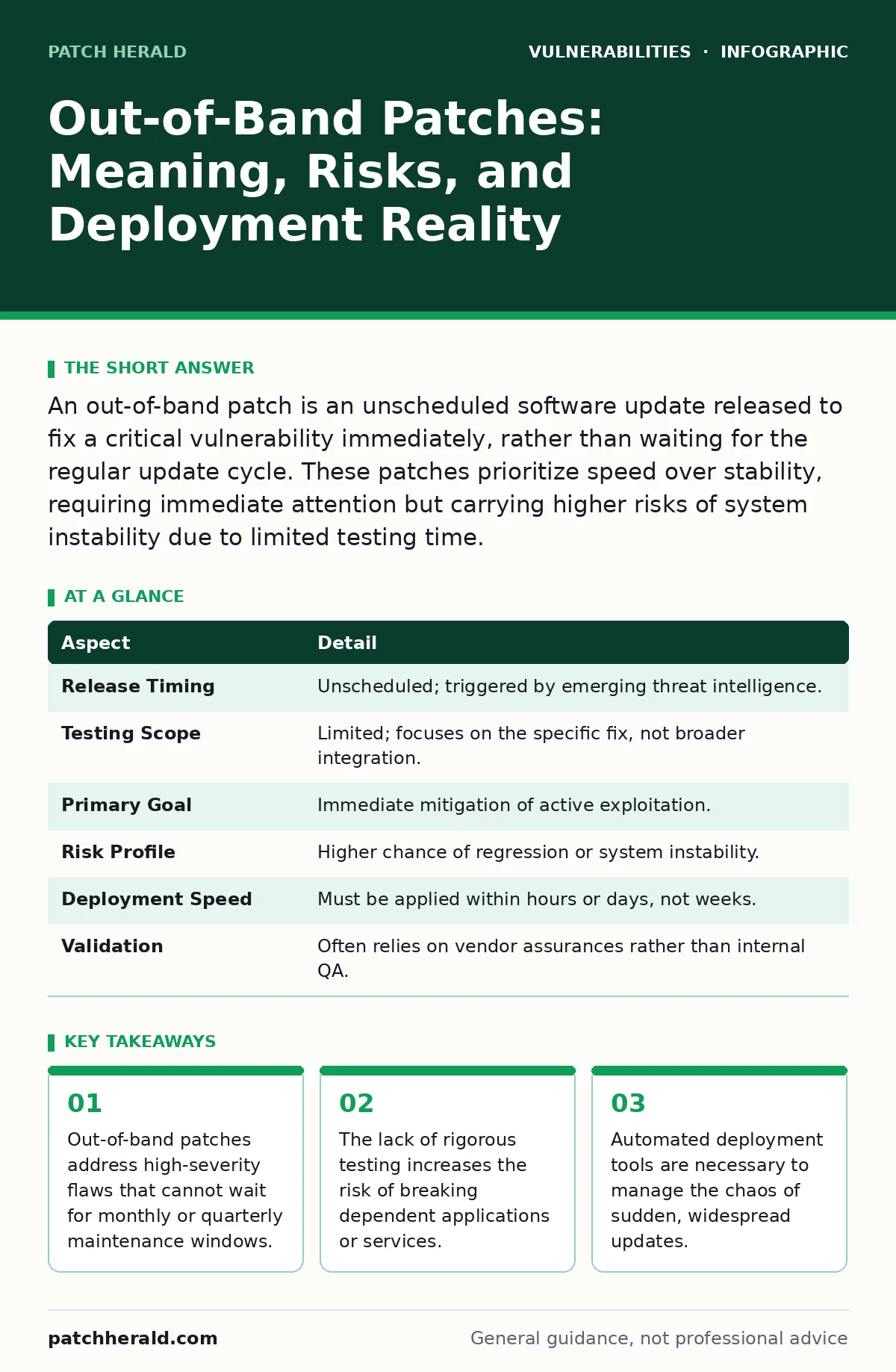
An out-of-band patch is an unscheduled software update released to fix a critical vulnerability immediately, rather than waiting for the regular update cycle. These patches prioritize speed over stability, requiring immediate attention but carrying higher risks of system instability due to limited testing time.
The Emergency Brake Analogy
Imagine driving a car with a failing brake line. You do not wait for the next scheduled oil change to fix it. You pull over and repair it immediately, even if you are in the middle of a trip. This is the core concept of an out-of-band patch. In software, the "brake line" is a vulnerability that attackers are actively exploiting. The "scheduled oil change" is your regular maintenance window. When the threat is immediate, you bypass the schedule to stop the bleeding.
This distinction matters because regular patches are tested for compatibility. Emergency patches are tested for functionality. The trade-off is speed versus stability. You gain protection hours or days earlier, but you accept a higher chance that the update might break something else on your system. Understanding this trade-off prevents panic-driven decisions that cause more downtime than the vulnerability itself.
At a Glance: Out-of-Band Patch Characteristics
| Aspect | Detail |
|---|---|
| Release Timing | Unscheduled; triggered by emerging threat intelligence. |
| Testing Scope | Limited; focuses on the specific fix, not broader integration. |
| Primary Goal | Immediate mitigation of active exploitation. |
| Risk Profile | Higher chance of regression or system instability. |
| Deployment Speed | Must be applied within hours or days, not weeks. |
| Validation | Often relies on vendor assurances rather than internal QA. |
How the Term Emerges in Practice
The phrase "out-of-band" originates from telecommunications, referring to a separate channel for control signals. In software maintenance, it describes any action that falls outside the standard, predictable workflow. Most organizations operate on a cadence. Windows might release updates on the second Tuesday of the month. Linux distributions might have six-month release cycles. This predictability allows you to plan downtime, test in staging environments, and communicate changes to staff.
An out-of-band patch shatters this rhythm. It arrives because a researcher discovered a flaw, a vendor confirmed it, and attackers began scanning for it. The "band" is your normal operational schedule. The patch is "out" of that schedule because the risk of waiting outweighs the risk of breaking things. For small operations, this means your IT schedule is no longer yours to control. You become reactive to the vulnerability’s severity, not your business needs. This shift requires a different set of tools and mindsets than routine maintenance.
The Hidden Cost of Speed
The obvious cost of an out-of-band patch is the disruption. The hidden cost is the degradation of your security process. When you rush to apply an update, you often skip verification steps. You might not check if the patch conflicts with other installed software. You might not verify the checksum of the downloaded file against a trusted source. This haste creates a false sense of security. You think you are safe because the patch is installed, but the system is actually more fragile.
Consider the case where a patch fixes one vulnerability but introduces a new one. This is not hypothetical. Vendors often discover these secondary issues only after widespread deployment. If you have applied the patch without testing, you are now exposed to a new vector. This is why regression testing, the process of re-running tests to ensure old features still work, is vital. Without it, you are trading one risk for another unknown risk. The urgency of the initial flaw blinds you to the collateral damage of the fix.
What People Usually Get Wrong
A common misconception is that all out-of-band patches are created equal. You might see a "critical" rating and assume immediate action is required. Severity ratings are often based on theoretical exploitability, not real-world risk. If the vulnerability requires physical access to your server, it is not an emergency for your remote workforce. Applying the patch immediately might cause downtime for no practical security gain.
Another error is assuming the vendor’s first release is the final solution. Vendors often issue a patch, then a revised patch a week later to fix bugs in the first attempt. If you automate your updates to install everything immediately, you might install the flawed first patch, suffer instability, and then install the second patch. This "patch churn" exhausts your resources. It is better to monitor vendor advisories for a short period to see if a corrected version is available, provided the immediate risk is managed through other controls like network segmentation.
See also: Cloud Vulnerability Scanning: How to Find Hidden Risks in Your Infrastructure · Secure Software Development Lifecycle: 6 Common Misconceptions
Navigating Dependencies and Conflicts
Software does not exist in isolation. Your applications depend on libraries, frameworks, and operating system components. An out-of-band patch to a core library can break every application that uses it. This is known as dependency hell. When you patch the foundation, the house might shake.
Before applying an out-of-band patch, you must map your dependencies. Identify which systems use the vulnerable component. If only one server uses it, patch that server. If fifty servers use it, you need a staged rollout. Do not push to all systems at once. Push to a small subset, monitor for errors, and then expand. This approach limits the blast radius if the patch fails. It also gives you time to identify configuration changes that might be needed. Ignoring dependencies is a primary cause of extended downtime after emergency updates.
Integrating with Broader Security Strategies
Out-of-band patches are a reactive measure. They fix the hole in the bucket. They do not stop the rain. You need a strategy that reduces the impact of vulnerabilities while you wait for patches. This includes exposed admin panels protection, which limits who can access management interfaces. It also involves understanding CWE weakness categories to prioritize which flaws are most likely to be exploited in your specific environment.
For instance, if you understand integer overflow vulnerabilities, you can implement input validation that catches these errors before they crash your application. This is a form of defense in depth. It means that even if you miss an out-of-band patch by a few hours, your application logic might still prevent the exploit from succeeding. You are not relying solely on the patch. You are relying on multiple layers of control. This reduces the pressure to deploy immediately and allows for better testing.
Key takeaways
- Out-of-band patches address high-severity flaws that cannot wait for monthly or quarterly maintenance windows.
- The lack of rigorous testing increases the risk of breaking dependent applications or services.
- Automated deployment tools are necessary to manage the chaos of sudden, widespread updates.
- Treating every patch as critical leads to alert fatigue and missed genuine threats.
Frequently asked questions
How do I know if a patch is truly out-of-band?
Check the release date against your vendor’s regular schedule. If it appears on a day or month when updates are not normally released, it is out-of-band. Also, look for explicit labels like "Hotfix" or "Emergency Update" in the advisory.
Can I delay an out-of-band patch?
You can delay if the vulnerability is not exploitable from your external network. Implement compensating controls like firewall rules or intrusion prevention systems to block the attack vector. This buys you time to test the patch in a non-production environment.
What is the biggest risk of ignoring an out-of-band patch?
The risk is active exploitation. If attackers are already using the flaw, every minute you delay increases the chance of data theft or system compromise. The risk is not just theoretical; it is operational.
Do out-of-band patches require rebooting?
Many do, especially those that update core operating system files or drivers. Always check the vendor documentation for reboot requirements. Plan your deployment during maintenance windows if possible, even for emergency patches, to minimize user impact. BOTTOM LINE: Out-of-band patches trade stability for immediate security, requiring careful handling to avoid breaking your systems. Automate your deployment tools to manage the speed, but never skip the verification step.
How this guide was produced: written by the Patch Herald editorial team with AI assistance, checked against the public references listed below, and reviewed when the facts change. See our editorial policy or report an error.