Cloud vulnerability scanning is the automated process of identifying security weaknesses in your cloud workloads and infrastructure. It works by comparing your live environment against databases of known flaws. You use it to prioritize fixes before attackers exploit them, ensuring your data remains secure despite the dynamic nature of cloud services.
What Is Cloud Vulnerability Scanning?
Cloud vulnerability scanning is an automated assessment that identifies security weaknesses in your cloud-based applications, servers, and databases. It compares your live infrastructure against a constantly updated database of known security flaws. Unlike manual audits, this process runs continuously or on a schedule. It provides a real-time view of your exposure. You gain visibility into risks that exist only when systems are running. This method catches issues that static code reviews might overlook.
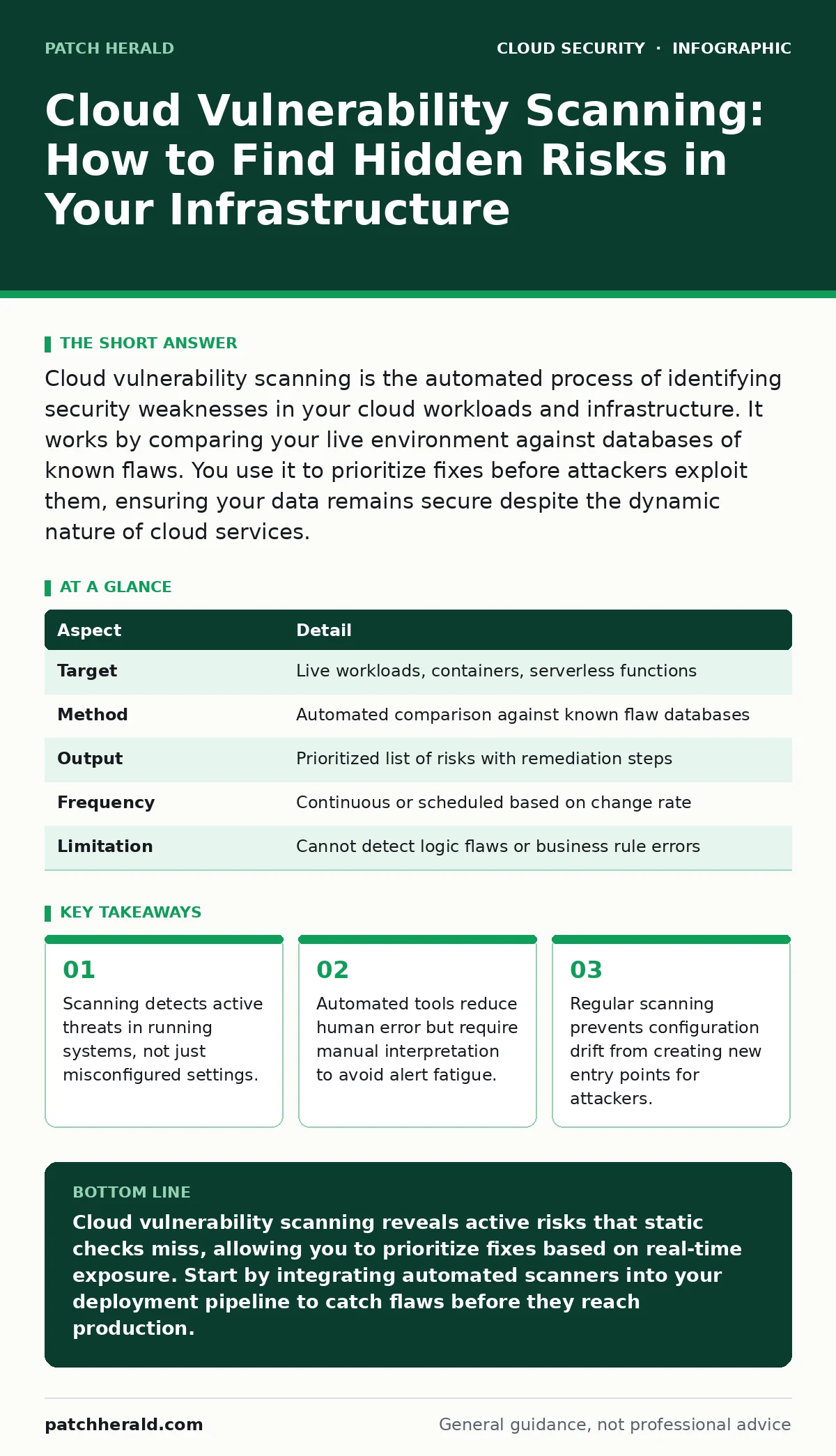
At a Glance
| Aspect | Detail |
|---|---|
| Target | Live workloads, containers, serverless functions |
| Method | Automated comparison against known flaw databases |
| Output | Prioritized list of risks with remediation steps |
| Frequency | Continuous or scheduled based on change rate |
| Limitation | Cannot detect logic flaws or business rule errors |
How Cloud Vulnerability Scanning Works
The process begins with inventory discovery. The scanner maps every asset in your cloud environment, including virtual machines, containers, and serverless functions. It then probes these assets for known weaknesses. This involves checking software versions for unpatched bugs. It also examines open ports and exposed services. The tool correlates findings with public vulnerability databases. It assigns a severity score to each finding. You receive a report that highlights the most critical risks first. This prioritization helps you focus on the threats that matter most.
Imagine you deploy a new web application. The development team used a library with a known flaw. A static code review missed it because the library was imported indirectly. Cloud vulnerability scanning detects the running instance of that library. It flags the specific version as vulnerable. The report tells you exactly which patch to apply. You fix the issue before users interact with the app. This prevents attackers from exploiting the flaw in your live environment.
Who It Affects and Why It Matters
Every organization using cloud services faces this risk. Small businesses often lack dedicated security teams. They rely on manual checks that are slow and prone to error. Larger enterprises face complexity due to scale. Their environments change constantly. Configuration drift occurs when settings diverge from the original secure state. This drift creates new vulnerabilities over time. Attackers scan for these exposed weaknesses automatically. They exploit the lowest hanging fruit. Your business faces data loss, service disruption, and reputational damage. Understanding your exposure is the first step to mitigation.
What People Usually Get Wrong
Many assume that finding a vulnerability means immediate exploitation. This is not always true. Some flaws require specific conditions to trigger. Scanners report theoretical risk, not active compromise. You must assess context before panicking. Another common error is ignoring false positives. These are alerts for issues that do not exist or are not reachable. Wasting time on false positives leads to alert fatigue. Teams stop trusting the tool. You must validate findings manually. Combine scanning with other security measures. Do not rely on a single tool for complete protection.
See also: Federated Identity: Definition, Purpose and How It Works · Detect Misconfigured Cloud Storage Leaks Before Data Exfiltration
Fixing the Gaps in Your Defense
Start by establishing a baseline. Scan your current environment to understand your starting point. Prioritize fixes based on severity and exploitability. Patch high-severity issues first. Automate patching where possible. Use infrastructure as code to enforce secure configurations. This prevents configuration drift from recurring. Monitor for changes continuously. When you deploy new code, trigger a scan. This ensures you do not introduce new flaws. Review scanner results regularly. Adjust your rules to reduce false positives. Train your team to interpret reports accurately.
| Step | Action |
|---|---|
| 1 | Inventory all cloud assets |
| 2 | Configure automated scanning schedules |
| 3 | Validate findings manually |
| 4 | Patch high-severity vulnerabilities |
| 5 | Update infrastructure code |
Beyond Scanning: A Holistic Approach
Scanning alone is not enough. You need a layered security strategy. Combine scanning with cloud firewalls to block traffic to vulnerable services. Use private endpoints to limit access to sensitive data. This reduces the attack surface. Monitor for cloud data exfiltration attempts. Detect unusual data movement patterns. Review public code repository leaks to prevent credential exposure. Align your configurations with CIS Benchmarks for proven standards. Address denial-of-wallet attacks by setting budget alerts. These measures work together to protect your environment.
Maintaining Long-Term Security
Security is not a one-time task. It is a continuous cycle. Your cloud environment changes constantly. New vulnerabilities emerge daily. You must adapt your defenses accordingly. Schedule regular reviews of your scanning results. Update your remediation procedures as needed. Keep your team trained on the latest threats. Encourage a culture of security ownership. Developers should understand the impact of their code. Operations teams should enforce secure configurations. Leadership should support continuous improvement. This approach ensures lasting protection.
Summary of Actions
You now understand the mechanics of cloud vulnerability scanning. You know how it works and why it matters. You have seen common mistakes and how to avoid them. You have a plan for fixing gaps. You understand the need for a holistic approach. Start by implementing automated scanning today. Validate your findings carefully. Prioritize your remediation efforts. Integrate security into your development process. Monitor your environment continuously. Adapt your strategies as threats evolve. This disciplined approach keeps your cloud infrastructure secure.
Key takeaways
- Scanning detects active threats in running systems, not just misconfigured settings.
- Automated tools reduce human error but require manual interpretation to avoid alert fatigue.
- Regular scanning prevents configuration drift from creating new entry points for attackers.
Cloud vulnerability scanning reveals active risks that static checks miss, allowing you to prioritize fixes based on real-time exposure. Start by integrating automated scanners into your deployment pipeline to catch flaws before they reach production.
Frequently asked questions
How often should I perform cloud vulnerability scanning?
Run scans continuously or at least daily. Cloud environments change frequently, so weekly scans may miss critical windows of exposure introduced by new deployments or configuration changes.
Can cloud vulnerability scanning detect insider threats?
No. Scanning tools identify technical weaknesses in software and configuration. They do not monitor user behavior or intent. You need separate user activity monitoring to detect insider threats.
What is the difference between vulnerability scanning and penetration testing?
Scanning is automated and identifies known flaws. Penetration testing is manual and simulates real attacks to find complex logic errors. Use both for a complete security assessment.
Do I need to stop my services to run a scan?
Usually no. Most modern scanners are non-intrusive. They analyze metadata and network traffic without disrupting service. Ensure you configure scan windows to avoid performance impacts during peak usage.
How this guide was produced: written by the Patch Herald editorial team with AI assistance, checked against the public references listed below, and reviewed when the facts change. See our editorial policy or report an error.