
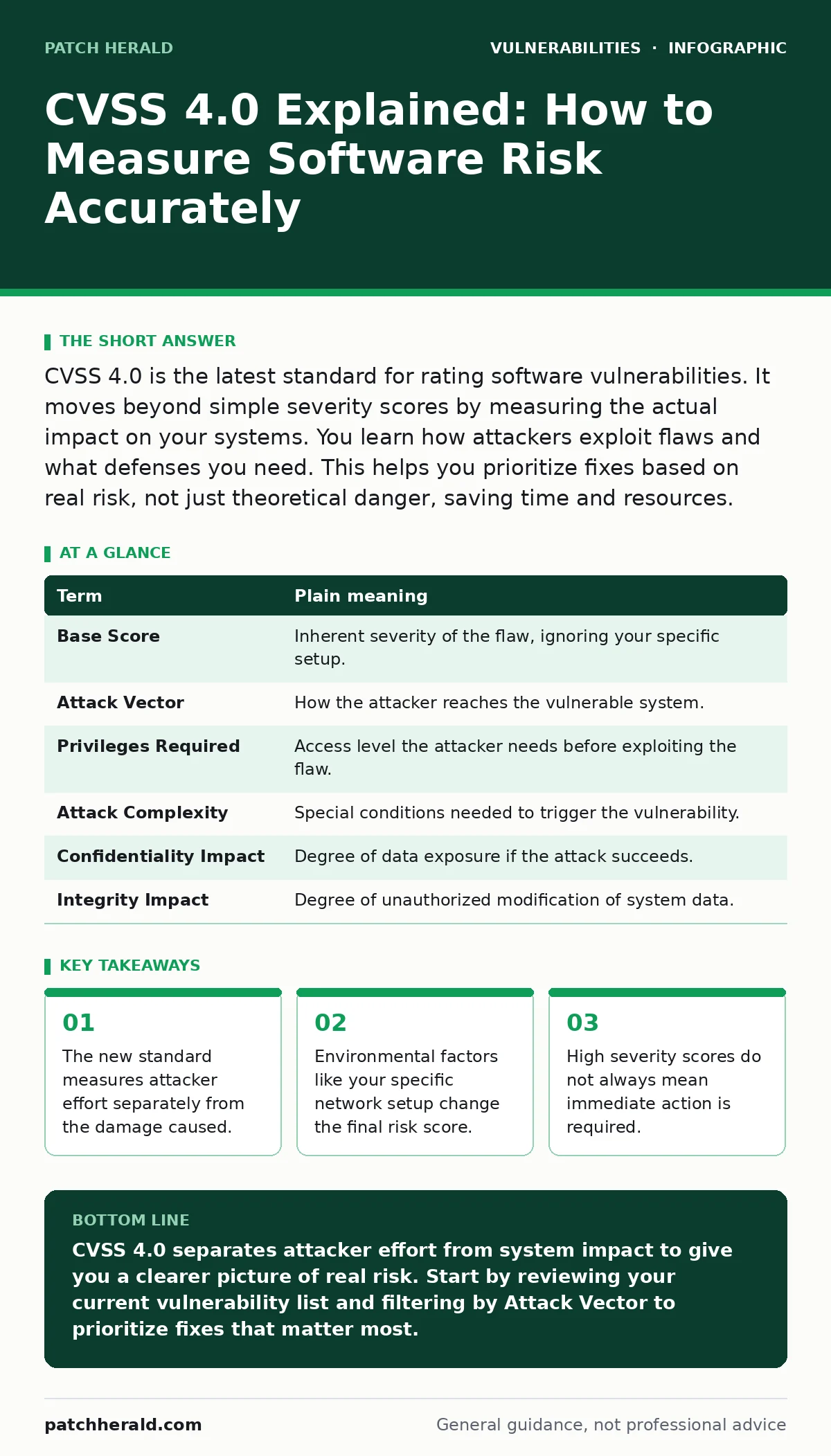
CVSS 4.0 is the latest standard for rating software vulnerabilities. It moves beyond simple severity scores by measuring the actual impact on your systems. You learn how attackers exploit flaws and what defenses you need. This helps you prioritize fixes based on real risk, not just theoretical danger, saving time and resources.
The Home Security Analogy
Imagine your business is a house. A vulnerability is a broken lock on a window. Old scoring methods asked, "How easy is it to break the lock?" CVSS 4.0 asks two questions. First, "How hard is it for a thief to reach the window?" Second, "What happens if they get in?" If the window leads to an empty closet, the risk is low. If it leads to the safe, the risk is high. This distinction prevents panic over minor flaws.
Key Terms Defined
Understanding the metrics requires knowing the language. The table below defines the core concepts used in the CVSS 4.0 framework. These terms replace older, less precise categories.
| Term | Plain meaning |
|---|---|
| Base Score | Inherent severity of the flaw, ignoring your specific setup. |
| Attack Vector | How the attacker reaches the vulnerable system. |
| Privileges Required | Access level the attacker needs before exploiting the flaw. |
| Attack Complexity | Special conditions needed to trigger the vulnerability. |
| Confidentiality Impact | Degree of data exposure if the attack succeeds. |
| Integrity Impact | Degree of unauthorized modification of system data. |
Separating Effort From Impact
Previous versions combined difficulty and damage into one number. This created confusion. A flaw that is easy to exploit but causes no damage scored high. A flaw that is hard to exploit but destroys your database also scored high. CVSS 4.0 splits these. You now see the Attack Vector and Attack Complexity separately from the impact metrics. This reveals hidden costs. Some easy-to-exploit flaws only affect local settings. You can ignore them if remote access is blocked.
The Role of Environmental Factors
Your network is unique. A vulnerability in a public-facing web server carries different risk than the same flaw in an isolated internal printer. CVSS 4.0 allows you to adjust scores based on your environment. You define which systems are exposed. You define what data resides on them. This customization prevents false alarms. It aligns the score with your actual exposure. Without this step, you might waste resources patching systems that attackers cannot reach.
Common Points of Confusion
Readers often mix up Privileges Required with User Interaction. Privileges refer to the attacker's starting access level. User Interaction refers to whether the victim must click a link or open a file. A flaw might require no privileges but need user interaction. This means it is not a remote code execution flaw. It is a social engineering vector. Understanding this difference helps you design better training. You focus on user behavior rather than just network segmentation.
See also: Secure Software Development Lifecycle: 6 Common Misconceptions · Bug Bounty Programs: How External Researchers Secure Your Code
Hidden Costs of High Scores
A high CVSS score triggers automated alerts. Many organizations patch everything above a certain threshold immediately. This creates operational strain. It may require taking down critical services during business hours. CVSS 4.0 helps you avoid this. By looking at the Attack Vector, you see if the flaw is remotely exploitable. If it requires physical access, you can schedule the fix during maintenance windows. You balance security with business continuity.
Try This Now
Apply these steps to your next vulnerability report. This process takes minutes but improves decision-making.
- Identify the Base Score and the Attack Vector for each finding.
- Check if the vulnerable system is directly accessible from the internet.
- Adjust your priority based on the environmental exposure, not just the score.
Integrating With Other Standards
CVSS scores work best when combined with other frameworks. You can map findings to CWE weakness categories to understand the root cause. This helps you fix the code, not just the symptom. For web applications, consider how PHP application vulnerabilities might interact with your input validation.
If you use remote access tools, check for vulnerabilities in VPN appliances separately. Network-level flaws differ from application-level flaws. For deeper analysis, look into side-channel attacks which exploit timing rather than code logic. Understanding dependency confusion attacks helps you secure your software supply chain.
Moving Beyond The Score
The score is a starting point, not an end point. It tells you where to look. It does not tell you how to fix the issue. You still need to review the code. You still need to test the patch. Use the score to sort your work queue. Use your expertise to solve the problems. This approach saves time. It reduces burnout. It keeps your systems secure without disrupting operations.
Key takeaways
- The new standard measures attacker effort separately from the damage caused.
- Environmental factors like your specific network setup change the final risk score.
- High severity scores do not always mean immediate action is required.
CVSS 4.0 separates attacker effort from system impact to give you a clearer picture of real risk. Start by reviewing your current vulnerability list and filtering by Attack Vector to prioritize fixes that matter most.
Frequently asked questions
Does CVSS 4.0 replace CVSS 3.1?
It does not replace it immediately. Organizations can use both standards during the transition period. Many tools support both versions simultaneously.
Can I use CVSS 4.0 for hardware flaws?
Yes. The standard applies to any vulnerable component. It measures the impact on the system, regardless of whether the flaw is in software or hardware firmware.
How do I calculate the environmental score?
You adjust the base score based on your specific setup. You define which assets are exposed and what data they hold. Most scanning tools automate this calculation.
Is a score of 9.0 always critical?
No. A score of 9.0 might indicate a flaw with no remote attack vector. If the flaw requires physical access, it may not be an immediate threat to your remote workforce.
How this guide was produced: written by the Patch Herald editorial team with AI assistance, checked against the public references listed below, and reviewed when the facts change. See our editorial policy or report an error.