
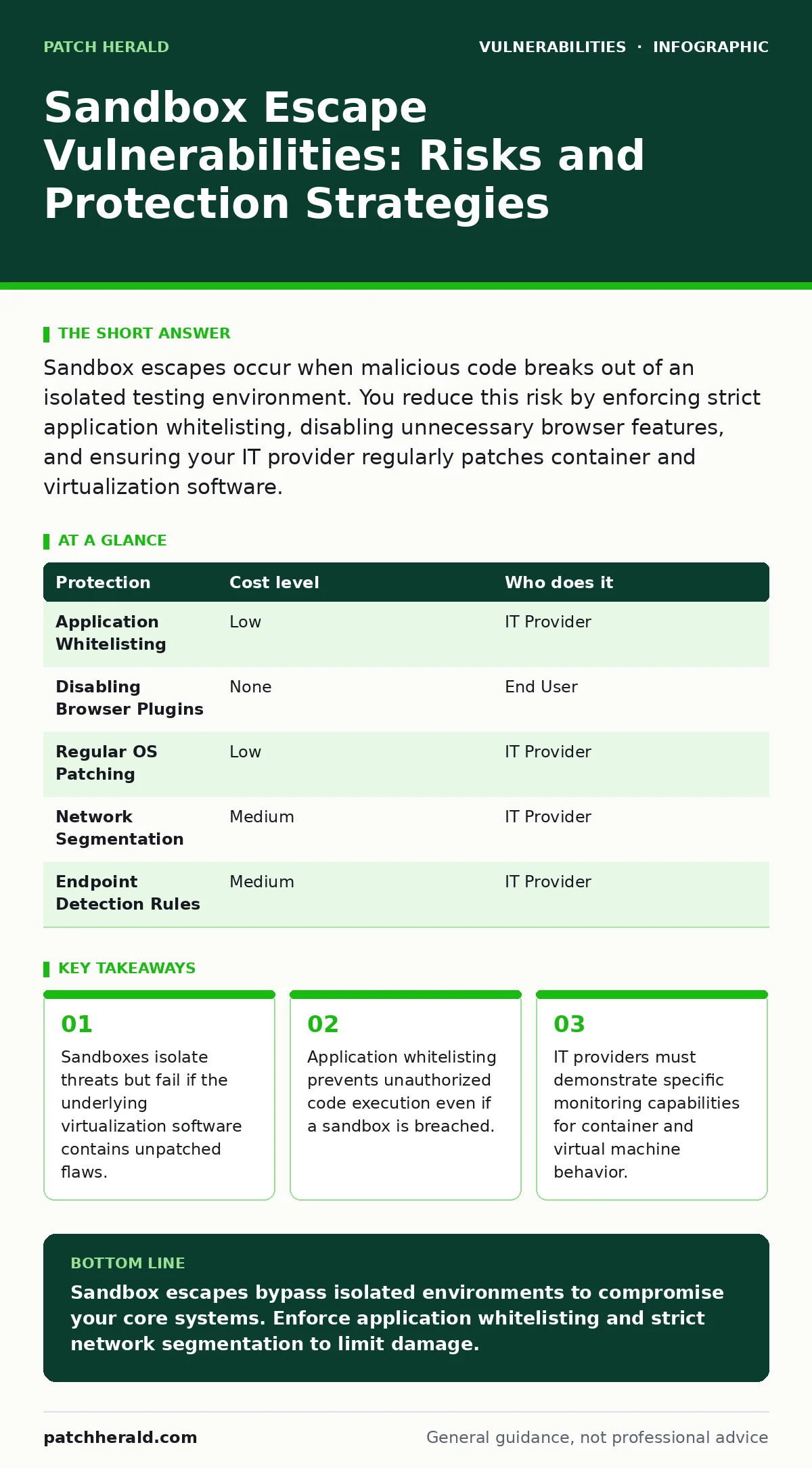
Sandbox escapes occur when malicious code breaks out of an isolated testing environment. You reduce this risk by enforcing strict application whitelisting, disabling unnecessary browser features, and ensuring your IT provider regularly patches container and virtualization software.
How Sandbox Escapes Threaten Small Organizations
A sandbox is a secure, isolated environment where potentially dangerous code runs without affecting the host system. Think of it as a separate room with no windows or doors. A sandbox escape vulnerability occurs when malware finds a way to break out of that room. This is not a theoretical risk for small organizations. Attackers target smaller entities because they often rely on automated security tools that use sandboxes for initial threat detection.
When a sandbox escape happens, the malware gains access to the host operating system. It can then move laterally across your network. It can steal credentials, encrypt files for ransom, or install persistent backdoors. The damage is immediate and severe because the initial containment failed. Your security perimeter is breached at the point of entry.
Small businesses are exposed because they often assume that cloud-based email security or antivirus software provides complete protection. These tools frequently use sandboxing to analyze suspicious files. If the sandbox implementation has a flaw, the tool becomes a gateway rather than a barrier. You cannot rely on the vendor’s default settings alone. You must understand how your security stack handles untrusted code.
Why Default Configurations Fail
Default security configurations prioritize ease of use over strict isolation. Many browser-based sandboxes allow certain plugins or extensions to interact with the host system. These interactions create potential pathways for an attacker. If a plugin contains a vulnerability, it can serve as a bridge between the sandboxed page and your computer.
Consider the concept of a side-channel attack. This technique does not break the code directly. Instead, it measures physical effects like power consumption or timing differences to infer data. While more common in hardware security, similar logic applies to software sandboxes. An attacker might measure how long the sandbox takes to process specific inputs to guess memory locations. This allows them to bypass memory protection mechanisms.
You must recognize that no sandbox is perfectly isolated. The virtualization layer that creates the sandbox runs with high privileges. If that layer has a bug, the sandbox is useless. This is why patching the host system and the virtualization software is just as important as patching the applications inside the sandbox. Neglecting the underlying infrastructure leaves a hidden gap in your defenses.
Low-Cost Protections You Can Implement
You do not need expensive enterprise solutions to mitigate sandbox escape risks. Several low-cost measures significantly reduce your attack surface. These steps focus on limiting what can run and how it interacts with your system.
| Protection | Cost level | Who does it |
|---|---|---|
| Application Whitelisting | Low | IT Provider |
| Disabling Browser Plugins | None | End User |
| Regular OS Patching | Low | IT Provider |
| Network Segmentation | Medium | IT Provider |
| Endpoint Detection Rules | Medium | IT Provider |
Application whitelisting is the most effective control. It allows only approved software to run. If malware escapes the sandbox, it cannot execute because it is not on the approved list. This stops the attack dead in its tracks. It is more effective than traditional blacklisting, which tries to block known bad files. New malware is always unknown.
Disabling unnecessary browser plugins reduces the number of attack vectors. Plugins often run outside the browser’s main sandbox. They have direct access to the operating system. By removing them, you remove the bridge attackers use to escape. This is a free change that requires user discipline.
Regular operating system patching addresses known vulnerabilities in the virtualization layer. Microsoft, Apple, and Linux vendors release updates that fix sandbox flaws. Applying these updates promptly closes the doors attackers use to escape. This is a basic hygiene task that many organizations neglect.
What to Ask Your IT Provider
Your IT provider plays a critical role in managing these risks. You need to ensure they are not just installing software but configuring it securely. Ask specific questions about their approach to sandboxing and virtualization.
- How do you monitor for unusual behavior in containerized applications?
- What is your process for patching virtualization drivers and hypervisors?
- Do you enforce application whitelisting on all endpoints?
- How do you detect if a process has broken out of its designated environment?
- Can you demonstrate your incident response plan for a sandbox escape?
These questions reveal whether your provider understands the depth of the threat. A provider who only mentions antivirus software is not fully prepared. They should discuss behavioral monitoring and strict access controls. They should explain how they validate that applications stay within their assigned boundaries.
You should also ask about their use of secure software development lifecycle practices if they build custom tools for you. If they develop internal applications, those applications must be tested for sandbox escape vulnerabilities before deployment. This prevents you from introducing your own risks.
The Hidden Cost of Over-Reliance on Automation
Automated security tools are convenient, but they create a false sense of security. You might assume that because a file was scanned in a sandbox, it is safe. This assumption is dangerous. Attackers know that sandboxes are automated. They design malware to behave benignly in a sandbox and maliciously on a real system.
This technique is known as evasion. The malware checks for signs of a virtual environment. If it detects one, it pauses or exits. If it detects a real system, it activates. This makes sandbox analysis less effective over time. You cannot rely on it as your sole line of defense.
You must layer your defenses. Combine sandboxing with other methods like static analysis and behavioral monitoring. Static analysis examines the code without running it. It can find suspicious patterns that dynamic sandboxing might miss. Behavioral monitoring watches what the software does after it runs. It detects actions that are typical of malware, such as encrypting files or connecting to command and control servers.
See also: PHP Application Vulnerabilities: Simple Causes and Fixes
Managing Browser and Application Risks
Browsers are a primary entry point for sandbox escapes. Modern browsers use multiple sandbox layers to protect you. However, these layers can be bypassed if the browser or its components are outdated. You must ensure that all users keep their browsers updated.
Disable features that are not necessary for business operations. JavaScript is often required, but other features like Flash or Java are rarely needed and pose significant risks. Removing these reduces the complexity of the sandbox environment. Less complexity means fewer opportunities for an attacker to find a flaw.
For internal applications, consider the risks of exposed admin panels. If an attacker gains access to an administrative interface, they might be able to upload malicious files. These files could bypass normal sandboxing rules if the admin panel has elevated privileges. Restrict access to administrative interfaces to specific IP addresses and use strong authentication.
Building a Resilient Security Posture
Protecting against sandbox escapes requires a shift in mindset. You must assume that malware will eventually bypass initial detection. Your focus should be on limiting the damage once it does. This is the principle of defense in depth.
Implement strict network segmentation. If malware escapes the sandbox, it should not be able to reach your critical servers. Separate your network into zones. Limit traffic between zones. This contains the breach and gives you time to respond.
Monitor your systems for anomalies. Look for processes that should not be talking to each other. Look for unusual network connections. Early detection allows you to isolate the affected machine before the malware spreads. This reduces the impact of a successful escape.
Final Steps for Security Improvement
Review your current security tools. Identify which ones use sandboxing. Understand their limitations. Ensure that your IT provider is actively managing the underlying virtualization infrastructure.
Update your incident response plan. Include specific steps for handling a sandbox escape. Test these steps regularly. Ensure that your team knows how to isolate an affected machine and investigate the breach.
Stay informed about new vulnerabilities. Security is an ongoing process. New escape techniques are discovered regularly. Keep your systems patched and your configurations strict. This proactive approach minimizes your risk.
Key takeaways
- Sandboxes isolate threats but fail if the underlying virtualization software contains unpatched flaws.
- Application whitelisting prevents unauthorized code execution even if a sandbox is breached.
- IT providers must demonstrate specific monitoring capabilities for container and virtual machine behavior.
Sandbox escapes bypass isolated environments to compromise your core systems. Enforce application whitelisting and strict network segmentation to limit damage.
Frequently asked questions
Can a sandbox escape happen on a mobile device?
Yes, mobile operating systems also use sandboxing for applications. If an app contains a vulnerability, it can potentially access data outside its designated space.
How often should I update my sandbox software?
You should update sandboxing software and the underlying operating system as soon as patches are released. Delays leave your system vulnerable to known exploits.
Is cloud storage safe from sandbox escapes?
Cloud storage providers use sandboxing to scan uploads. However, if a file escapes the sandbox, it could affect the provider’s infrastructure. Use client-side encryption to protect your data regardless of the provider’s security.
What is the difference between a sandbox and a virtual machine?
A sandbox is a restricted environment for running untrusted code. A virtual machine is a full emulation of a computer. Sandboxes are lighter and faster but may have fewer isolation guarantees than full VMs.
How this guide was produced: written by the Patch Herald editorial team with AI assistance, checked against the public references listed below, and reviewed when the facts change. See our editorial policy or report an error.