
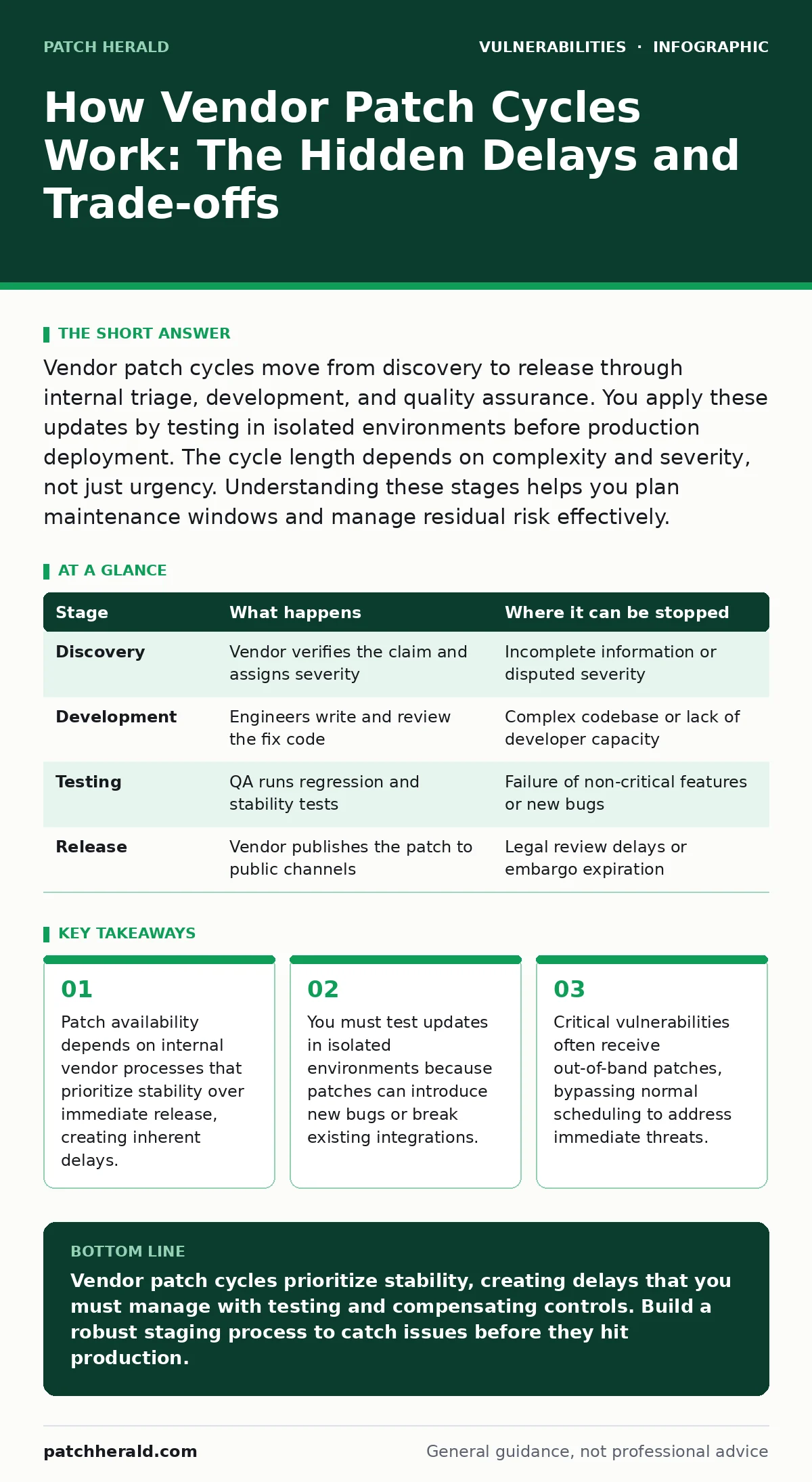
Vendor patch cycles move from discovery to release through internal triage, development, and quality assurance. You apply these updates by testing in isolated environments before production deployment. The cycle length depends on complexity and severity, not just urgency. Understanding these stages helps you plan maintenance windows and manage residual risk effectively.
The Anatomy of a Patch Cycle
Vendor patch cycles follow a rigid sequence from vulnerability discovery to public release. This process determines when you can protect your infrastructure against known threats. Understanding the mechanics helps you predict availability and plan your response. The cycle is not instantaneous. It involves multiple teams, verification steps, and risk assessments. Each stage adds time but reduces the likelihood of deploying a broken update. You control only the application phase, but your preparation affects the outcome. The vendor controls the creation and release phases.
Stage 1: Discovery and Triage
The cycle begins when a researcher or internal team identifies a flaw. The vendor must verify the claim and assess the severity. This step determines whether the issue requires immediate attention or can wait for the next scheduled release. Triage teams evaluate the exploitability and potential impact. They assign a priority level based on available resources and existing backlogs. This stage often takes the longest because verification requires deep technical analysis.
Stage 2: Development and Remediation
Engineers write code to fix the identified flaw. This process is rarely simple. The fix must address the root cause without altering the intended functionality of the software. Developers may need to rewrite significant portions of the codebase. They also ensure the fix does not create new security issues. This stage requires careful coding and peer review. Complexity dictates the duration. A simple typo fix takes hours. A structural flaw in a legacy system takes weeks or months.
Stage 3: Internal Testing and QA
The fixed code enters quality assurance. Testers attempt to break the software using the same methods that revealed the original flaw. They also run regression tests to ensure the fix did not break other features. This stage is critical for stability. Vendors fear that a patch causing system crashes is worse than the vulnerability itself. Testing continues until the code meets strict stability thresholds. Any failure sends the patch back to development.
| Stage | What happens | Where it can be stopped |
|---|---|---|
| Discovery | Vendor verifies the claim and assigns severity | Incomplete information or disputed severity |
| Development | Engineers write and review the fix code | Complex codebase or lack of developer capacity |
| Testing | QA runs regression and stability tests | Failure of non-critical features or new bugs |
| Release | Vendor publishes the patch to public channels | Legal review delays or embargo expiration |
Stage 4: Release and Distribution
The vendor publishes the patch. Distribution methods vary by product type. Some updates push automatically. Others require manual download and installation. The vendor may issue an advisory explaining the flaw and the fix. This stage marks the end of the vendor's responsibility for creation. Your responsibility for protection begins here. The patch is now available, but it is not yet applied to your systems.
Applying Patches Safely
You cannot simply install every patch immediately. Doing so risks destabilizing your environment. You must integrate patching into a structured workflow. This workflow includes testing, scheduling, and rollback planning. The goal is to minimize downtime while maximizing security. You balance the risk of remaining vulnerable against the risk of breaking operations. This balance requires discipline and consistent processes.
Stage 5: Staging and Testing
Before applying a patch to production, you test it in a staging environment. This environment mirrors your production setup as closely as possible. You apply the patch and monitor for errors. You check application compatibility and performance. This step catches issues that the vendor missed. It also validates your specific configuration. Skipping this step is a common cause of outages. You must verify that critical services remain functional.
Stage 6: Production Deployment
You deploy the patch to live systems during a maintenance window. You apply the update to a small subset of servers first. You monitor these systems for stability. If issues arise, you halt the deployment. If the subset remains stable, you roll out the patch to the rest of the fleet. You document the deployment for audit purposes. This phased approach limits the blast radius of a bad patch.
Stage 7: Verification and Monitoring
After deployment, you verify the patch is active. You check system logs for errors. You monitor performance metrics for anomalies. You confirm that the vulnerability is no longer exploitable. This step ensures the patch worked as intended. You also update your asset inventory to reflect the new version. Accurate records help you track compliance and future update needs.
Hidden Costs and Trade-offs
Patch cycles involve trade-offs that affect your security posture. Vendors prioritize stability, which delays critical fixes. You must manage this delay through compensating controls. Network segmentation and strict access controls reduce the impact of unpatched systems. You also face the cost of testing and deployment. These activities require staff time and infrastructure. Ignoring these costs leads to rushed deployments and increased risk.
The Stability Paradox
Vendors fear breaking customer systems more than they fear leaving vulnerabilities open. This bias creates a stability paradox. Critical fixes may be delayed to ensure they do not cause crashes. You must accept that some risk remains until the patch is ready. You mitigate this risk by limiting exposure. You do not rely solely on patching for security. You layer defenses to protect against exploitation during the waiting period.
The Complexity Tax
As software grows more complex, patch cycles lengthen. Legacy codebases require more testing and careful handling. You face longer exposure windows for older systems. You must plan for these delays. You cannot expect rapid fixes for complex, legacy infrastructure. You may need to upgrade hardware or migrate to newer platforms to reduce patch cycle times. This is a long-term strategy, not a quick fix.
Managing Out-of-Band Releases
Normal patch cycles follow a predictable schedule. Critical vulnerabilities may trigger out-of-band patches. These releases bypass the normal schedule to address immediate threats. You must have a process for handling these urgent updates. They require faster testing and deployment. You cannot ignore them. You must prioritize them over routine updates. Your incident response plan should include procedures for out-of-band patching.
Integrating with Development Practices
Patch management is not just an IT task. It connects to the secure software development lifecycle. Vendors that follow strict development practices produce higher-quality patches. You can influence this by providing feedback and bug reports. You also benefit from understanding how vendors build their products. Knowledge of their process helps you anticipate delays and quality issues. You align your expectations with their capabilities.
See also: Sandbox Escape Vulnerabilities: Risks and Protection Strategies · Implement External Attack Surface Scanning: A Step-by-Step Framework
Planning for the Unpredictable
Vendor patch cycles are predictable in structure but unpredictable in timing. You must plan for variability. Build buffers into your maintenance windows. Train staff to handle urgent patches. Automate testing where possible to reduce manual effort. Monitor vendor communication channels for early warnings. You cannot control the vendor, but you can control your readiness. Preparedness reduces the impact of unexpected delays.
Key takeaways
- Patch availability depends on internal vendor processes that prioritize stability over immediate release, creating inherent delays.
- You must test updates in isolated environments because patches can introduce new bugs or break existing integrations.
- Critical vulnerabilities often receive out-of-band patches, bypassing normal scheduling to address immediate threats.
Vendor patch cycles prioritize stability, creating delays that you must manage with testing and compensating controls. Build a robust staging process to catch issues before they hit production.
Frequently asked questions
How long do vendor patch cycles typically take?
Cycle length varies by severity and complexity. Critical fixes may take days, while complex legacy issues can take months. You must plan for variability.
Can I skip testing for critical patches?
No. Skipping testing risks system instability. Even critical patches must be validated in a staging environment. Use automated tests to speed up the process.
What if a vendor stops supporting a product?
You face unpatched vulnerabilities indefinitely. You must isolate these systems, limit access, and plan for replacement. No vendor will provide further fixes.
How do I handle patches for third-party plugins?
Treat them like vendor patches. Monitor for updates, test in staging, and deploy carefully. WordPress plugin vulnerabilities often follow similar cycles, so stay vigilant.
How this guide was produced: written by the Patch Herald editorial team with AI assistance, checked against the public references listed below, and reviewed when the facts change. See our editorial policy or report an error.