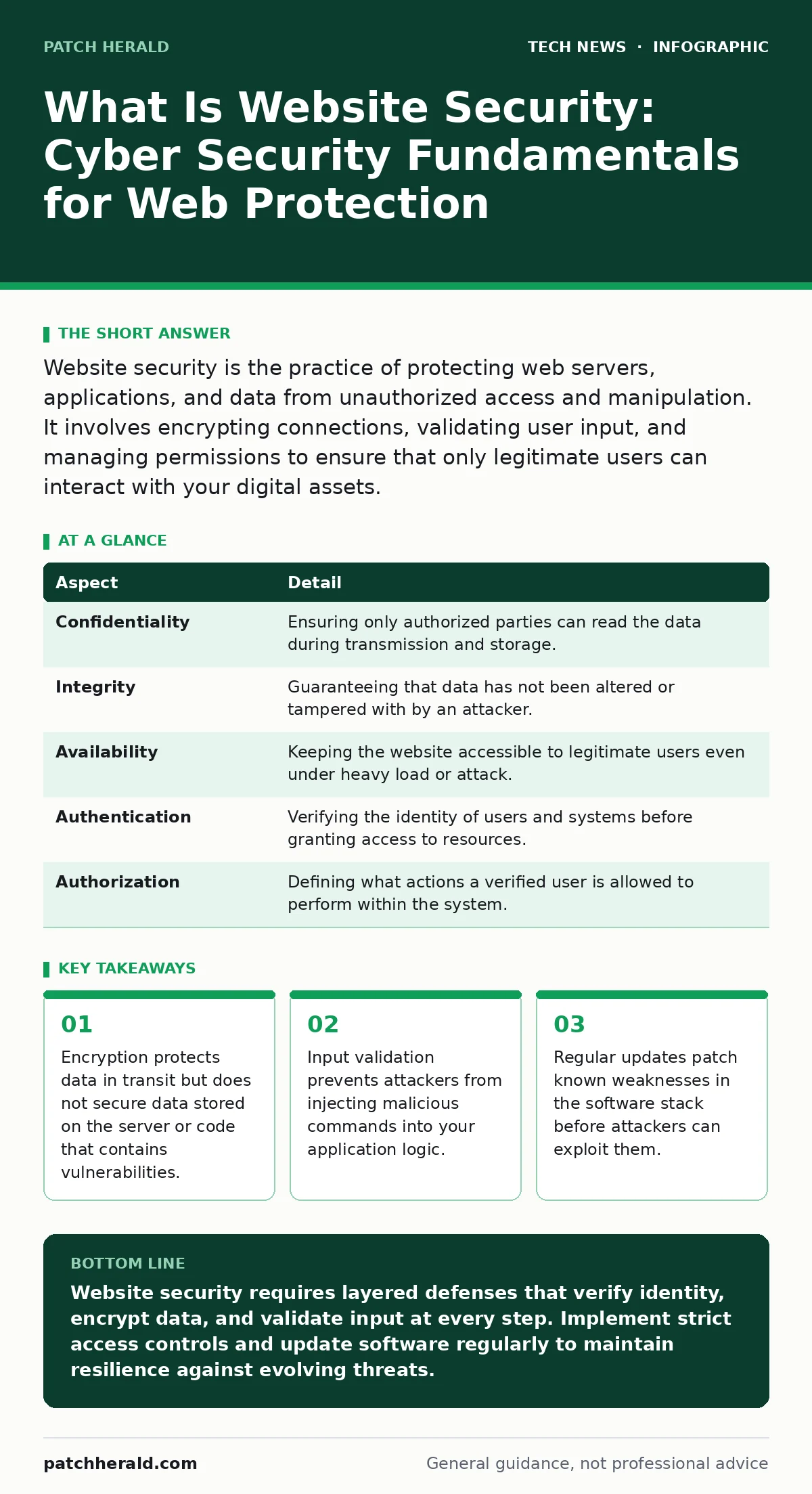
Website security is the practice of protecting web servers, applications, and data from unauthorized access and manipulation. It involves encrypting connections, validating user input, and managing permissions to ensure that only legitimate users can interact with your digital assets.
What Is Website Security: Cyber Security Fundamentals
Website security is the collection of technologies, policies, and practices designed to protect web servers, applications, and the data they handle from unauthorized access, alteration, or destruction. It ensures that the digital storefront you present to the world remains intact and trustworthy. When you ask what is website security cyber security fundamentals, you are asking how to build a structure that resists both automated scanning and targeted human intervention.
Imagine a physical bank. The building has walls, but security also involves the vault, the tellers verifying identities, and the cameras recording transactions. Website security works similarly. It is not a single product but a series of checks that happen at every stage of a request. A user types a URL, the browser connects to a server, data travels across the internet, and the server processes the request. Each step requires verification.
| Aspect | Detail |
|---|---|
| Confidentiality | Ensuring only authorized parties can read the data during transmission and storage. |
| Integrity | Guaranteeing that data has not been altered or tampered with by an attacker. |
| Availability | Keeping the website accessible to legitimate users even under heavy load or attack. |
| Authentication | Verifying the identity of users and systems before granting access to resources. |
| Authorization | Defining what actions a verified user is allowed to perform within the system. |
How Website Protection Works in Practice
Protection begins with encryption. When a browser connects to a server, it establishes a secure channel using protocols like TLS. This protocol encrypts the data so that anyone intercepting the traffic sees only scrambled noise. Without this, attackers can read passwords and personal information as they move across the network.
The server then checks who is making the request. This is authentication. It usually involves a username and password, but modern systems often use multi-factor authentication to add a second layer of proof. Once the identity is confirmed, the system checks authorization. This determines if the user has permission to view specific pages or perform actions like deleting records.
Input validation is the next critical step. Web applications accept data from users, such as search terms or form entries. If the application does not validate this input, an attacker can send malicious code disguised as a normal request. The server must treat all incoming data as untrusted until it is verified against strict rules.
Who Website Security Affects
Every entity that hosts a website is affected by these security requirements. Small businesses often assume they are too small to be targets, but automated tools scan the entire internet for vulnerabilities without regard for company size. Attackers use bots to find weak points in common software like content management systems.
Users are affected when security fails. If a site is compromised, visitors may encounter malicious redirects, fake login pages, or corrupted content. This damages trust and can lead to legal liability if user data is exposed. The Domain Name System plays a role here, as attackers can hijack domain records to point users to fraudulent sites. Understanding how DNS works helps you appreciate why controlling your domain registration is part of website security.
Developers and administrators bear the operational burden. They must configure servers, update software, and monitor logs for suspicious activity. Neglecting these tasks creates gaps that attackers can exploit. The cost of fixing a breach is always higher than the cost of maintaining secure configurations.
Common Misconceptions About Web Safety
Many people believe that a firewall is enough to secure a website. A firewall controls traffic at the network level, blocking or allowing connections based on IP addresses and ports. It does not inspect the content of the requests for application-level attacks. An attacker can send a malicious command through a legitimate port, bypassing the firewall entirely.
Another mistake is relying solely on antivirus software. Antivirus tools detect known malware signatures on endpoints. They do not protect the web application logic itself. If your code has a flaw that allows data injection, antivirus software on the server will not stop it. You need web application firewalls and secure coding practices to address these risks.
Some assume that using HTTPS solves all security problems. HTTPS encrypts the connection between the user and the server. It does not prevent the server from having vulnerabilities that allow attackers to take control. It also does not stop social engineering attacks where users are tricked into giving up their credentials. Certificate Transparency logs help verify that certificates are valid, but they do not fix broken application code.
What To Do About It
Start by hardening the server environment. This means removing unnecessary services, disabling default accounts, and ensuring the operating system is up to date. Open-source software security is a major concern because popular platforms are frequently targeted. You must apply patches as soon as they are released. Delaying updates leaves you exposed to known exploits.
Implement strict input validation. Every field that accepts user data must be checked for length, type, and format. Reject any input that does not meet the criteria. This prevents injection attacks where malicious code is inserted into the application. Use prepared statements for database queries to ensure that user input is treated as data, not as executable commands.
Manage access controls carefully. Follow the principle of least privilege. Users should only have the permissions necessary to perform their specific tasks. Administrators should not use their accounts for daily operations. This limits the damage if an account is compromised. Remote work security practices apply here too, as employees may access administrative interfaces from untrusted networks.
See also: Load Balancers Types: How Traffic Distribution Protects Your Systems
Maintaining Long-Term Resilience
Security is not a one-time setup. It requires continuous monitoring and adjustment. Attackers change their tactics, and new vulnerabilities are discovered regularly. You must stay informed about threats relevant to your technology stack. Network monitoring tools can alert you to unusual traffic patterns that might indicate an attack in progress.
Consider the broader infrastructure. Virtualization security is important if you host your website on virtual machines. A breach in one virtual machine could potentially allow an attacker to escape to the host system or other virtual machines. Ensure that virtualization platforms are configured securely and updated.
Plan for incidents. Even with strong defenses, breaches can occur. Have a response plan that includes steps for isolating affected systems, notifying users, and recovering data from backups. Test this plan regularly to ensure it works under pressure. AI data centers are becoming more common, and understanding how they handle data can inform your own backup and recovery strategies.
The Role of Standards and Frameworks
Using established standards helps ensure you are not missing critical controls. Frameworks provide a checklist of best practices for different aspects of security. They help you prioritize efforts based on risk. For example, focusing on authentication and authorization before worrying about less critical features.
Regular audits and penetration testing can identify weaknesses that your internal team might miss. External experts can attempt to breach your system in a controlled manner, revealing vulnerabilities before attackers do. This proactive approach is more effective than waiting for a breach to discover flaws.
Website security is a balance between protection and usability. Overly strict controls can frustrate users and hinder business operations. Find the right level of security that protects your assets without creating unnecessary barriers. This requires understanding your specific risks and tailoring your defenses accordingly.
Key takeaways
- Encryption protects data in transit but does not secure data stored on the server or code that contains vulnerabilities.
- Input validation prevents attackers from injecting malicious commands into your application logic.
- Regular updates patch known weaknesses in the software stack before attackers can exploit them.
Website security requires layered defenses that verify identity, encrypt data, and validate input at every step. Implement strict access controls and update software regularly to maintain resilience against evolving threats.
Frequently asked questions
Does HTTPS protect my website from all attacks?
No, HTTPS only encrypts data in transit. It does not protect against application vulnerabilities, server misconfigurations, or social engineering attacks.
How often should I update my web software?
You should update as soon as security patches are released. Delaying updates leaves your site vulnerable to known exploits that attackers can easily find.
What is the difference between a firewall and a web application firewall?
A standard firewall controls network traffic based on ports and IPs, while a web application firewall inspects HTTP traffic for application-level attacks like injection.
Can a small business be targeted by cyberattacks?
Yes, automated tools scan all websites regardless of size. Small businesses are often targeted because they may have weaker security defenses than larger organizations.
How this guide was produced: written by the Patch Herald editorial team with AI assistance, checked against the public references listed below, and reviewed when the facts change. See our editorial policy or report an error.