
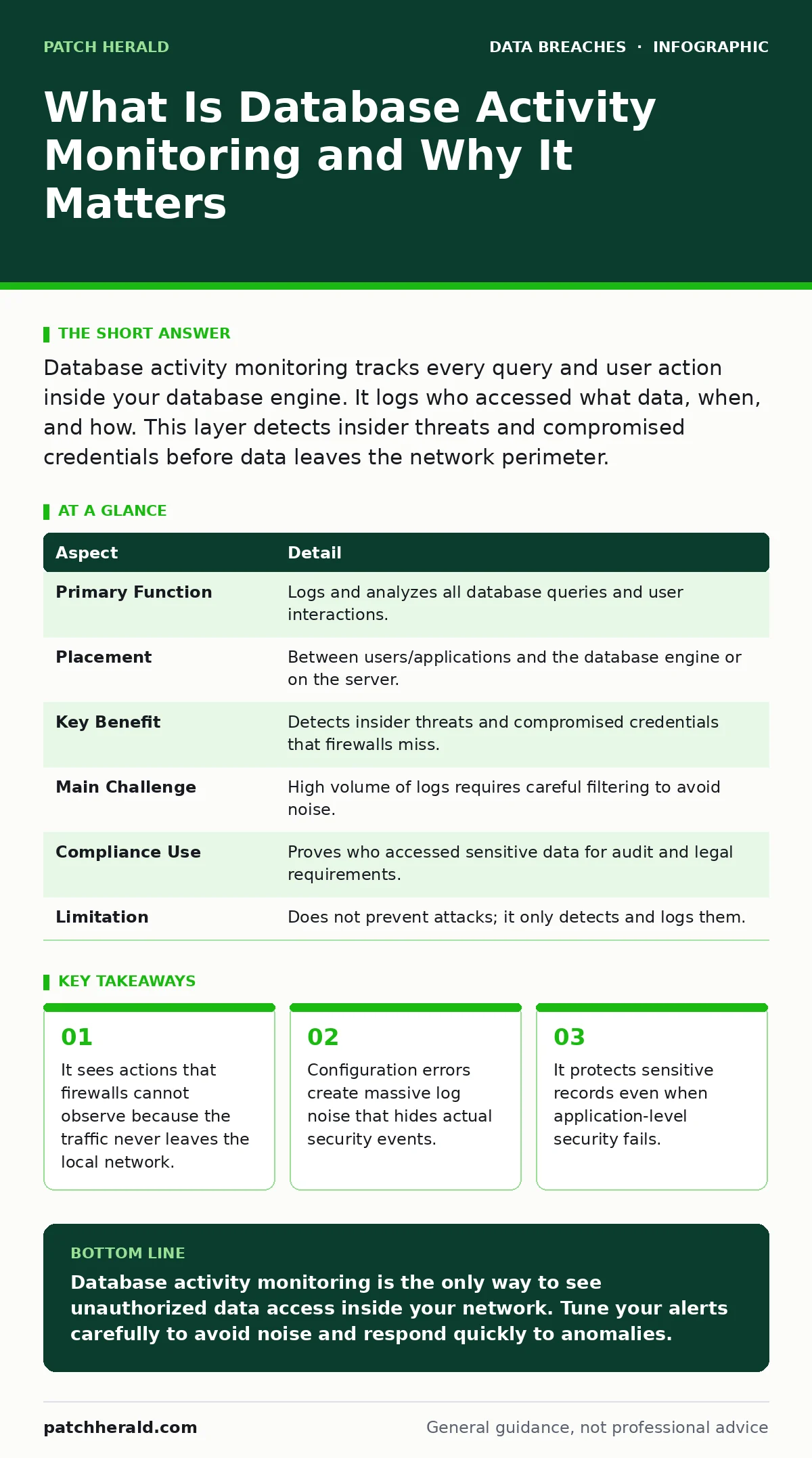
Database activity monitoring tracks every query and user action inside your database engine. It logs who accessed what data, when, and how. This layer detects insider threats and compromised credentials before data leaves the network perimeter.
What Is Database Activity Monitoring
Imagine a library where the door logs every visitor, but no one watches the shelves. A thief can walk in with a valid badge and steal books without triggering the door alarm. Database activity monitoring acts as the librarian. It watches every shelf, every book pulled, and every note taken. It records the specific queries users run against your data stores.
This technology sits between your users and the database engine. It intercepts and analyzes SQL statements, stored procedure calls, and direct table accesses. It does not care how the request arrived. It only cares what the database actually executed. This distinction matters because it catches attacks that bypass application logic.
| Aspect | Detail |
|---|---|
| Primary Function | Logs and analyzes all database queries and user interactions. |
| Placement | Between users/applications and the database engine or on the server. |
| Key Benefit | Detects insider threats and compromised credentials that firewalls miss. |
| Main Challenge | High volume of logs requires careful filtering to avoid noise. |
| Compliance Use | Proves who accessed sensitive data for audit and legal requirements. |
| Limitation | Does not prevent attacks; it only detects and logs them. |
How Database Activity Monitoring Works
The system captures network traffic or hooks into the database process. It parses the raw data stream to reconstruct SQL commands. It then compares these commands against a set of rules. These rules define normal behavior for each user role. A marketing manager who suddenly queries customer credit card numbers triggers an alert.
The engine tracks the source IP address, the user ID, and the time of day. It also records the result of the query. Did the query return 10 rows or 10,000? A small result set might be a test. A large result set often indicates data exfiltration. The system flags the anomaly for immediate review.
Who It Affects and Why It Matters
Every organization that stores structured data needs this visibility. This includes customer records, financial transactions, and employee details. You might think your firewall is enough. Firewalls block external attacks. They do not see what happens inside your network. An insider with valid credentials can copy your entire database without touching the firewall.
Compromised application accounts are a common vector. Hackers often steal user credentials from a weak web application. They then use those credentials to access the database directly. The database activity monitor catches this because the access pattern changes. A user who usually views one record at a time suddenly exports thousands.
Protected health information requires strict access controls. If you handle medical records, you must prove who viewed them. This monitoring provides the audit trail required by law. It also helps prevent data sovereignty violations. If data crosses borders unexpectedly, the logs show where it went.
What People Usually Get Wrong
Many teams assume that application logs are sufficient. They are not. Application logs show who logged into the software. They do not show what SQL queries ran. A user can use a database client tool to bypass the application entirely. The application sees nothing. The database monitor sees everything.
Another common error is turning on monitoring without tuning it. The system generates massive amounts of data. If you alert on every SELECT statement, your security team will ignore the alerts. You must define baseline behavior. You must suppress alerts for known batch jobs and maintenance tasks.
Some believe that encryption solves the problem. Encryption protects data at rest. It does not stop a user from reading the data while it is in memory. It does not stop a user from copying it. Monitoring is the only way to see unauthorized access in real time.
Setting Up Effective Monitoring
Start by defining what normal looks like. Map out which users should access which tables. A finance user should not read HR files. Create rules based on these roles. Then, enable logging for all connections. Include failed login attempts. Failed attempts often precede a successful breach.
Do not rely on default settings. They are usually too broad. Tune the rules to reduce false positives. False positives waste time and cause alert fatigue. You want to catch the needle in the haystack, not throw away the haystack. Review logs regularly. Update rules as your business changes.
Integrate with your broader security stack. Feed alerts into your security information and event management system. This allows you to correlate database events with other signs of compromise. A failed login followed by a large data export is more suspicious than either event alone.
See also: What Is Doxxing Someone: The Mechanics and Defense · When Can Protected Health Information Be Disclosed Without Authorization
Common Pitfalls to Avoid
Ignoring non-SQL access is a critical gap. Users can access data through command-line tools or backup software. Ensure your monitor covers all access methods. Some tools only watch network traffic. They miss local connections from the database server itself. Local attacks are hard to detect. They require agent-based monitoring.
Another pitfall is poor credential management. If users share accounts, you cannot track individual actions. The log will show "Admin" accessed the data, but not which person. Use unique credentials for every user. This ties actions to specific individuals. It also supports password hygiene best practices.
Failing to archive logs is a compliance risk. You must store logs for years. Regulatory bodies may request them long after an incident. Ensure your storage solution is secure. Misconfigured cloud storage leaks can expose these logs. Keep them encrypted and access-controlled.
When to Escalate and Respond
Not every alert is an emergency. A user pulling a report for a meeting is normal. A user pulling the same report at 3 AM is not. Context matters. Train your team to look for patterns. Single large exports are suspicious. Repeated small exports are also suspicious. They indicate slow data theft.
Have a response plan ready. Do not wait to figure out what to do. When an alert triggers, isolate the user account immediately. Do not shut down the database. That causes downtime. Block the specific user or IP address. Investigate the scope of the access. Determine if data left the network.
Document every step. This documentation is vital for legal and insurance purposes. It shows you acted responsibly. It also helps you improve your rules. Every incident teaches you what your monitoring missed. Use those lessons to tighten your defenses.
Beyond Basic Monitoring
Database activity monitoring is one layer of defense. It works best with other controls. Full disk encryption protects data if someone steals the server hardware. Mobile device management secures devices that access the database remotely. Together, these layers create a strong barrier.
You must also address human error. Most breaches start with a mistake. Users click bad links or reuse passwords. This leads to tax identity theft or doxxing for employees. Training reduces these risks. It makes your monitoring more effective because fewer incidents are caused by simple errors.
Regular reviews keep your system effective. Technology changes. Threats change. Your rules must change too. Schedule quarterly reviews of your monitoring configuration. Remove stale rules. Add new ones for new applications. Stay ahead of the attackers.
Key takeaways
- It sees actions that firewalls cannot observe because the traffic never leaves the local network.
- Configuration errors create massive log noise that hides actual security events.
- It protects sensitive records even when application-level security fails.
Database activity monitoring is the only way to see unauthorized data access inside your network. Tune your alerts carefully to avoid noise and respond quickly to anomalies.
Frequently asked questions
Does database activity monitoring slow down my database?
Yes, it adds some overhead. The impact depends on your setup. Agent-based monitoring is faster but requires installation. Network-based monitoring is slower but easier to deploy. Test in a non-production environment first.
Can it prevent a data breach?
No, it only detects activity. It cannot stop a query from running. You must combine it with access controls. Use alerts to trigger automated blocking if your system supports it. Manual response is common.
Do I need it if I use cloud databases?
Yes. Cloud providers offer basic logging. They do not offer deep activity analysis by default. You must enable and configure these features yourself. Third-party tools often provide better visibility than native cloud logs.
How long should I keep the logs?
Keep them for at least seven years. Regulatory requirements vary by industry. Medical and financial data often require long retention. Ensure your storage is secure and immutable. This prevents tampering with the evidence.
How this guide was produced: written by the Patch Herald editorial team with AI assistance, checked against the public references listed below, and reviewed when the facts change. See our editorial policy or report an error.