
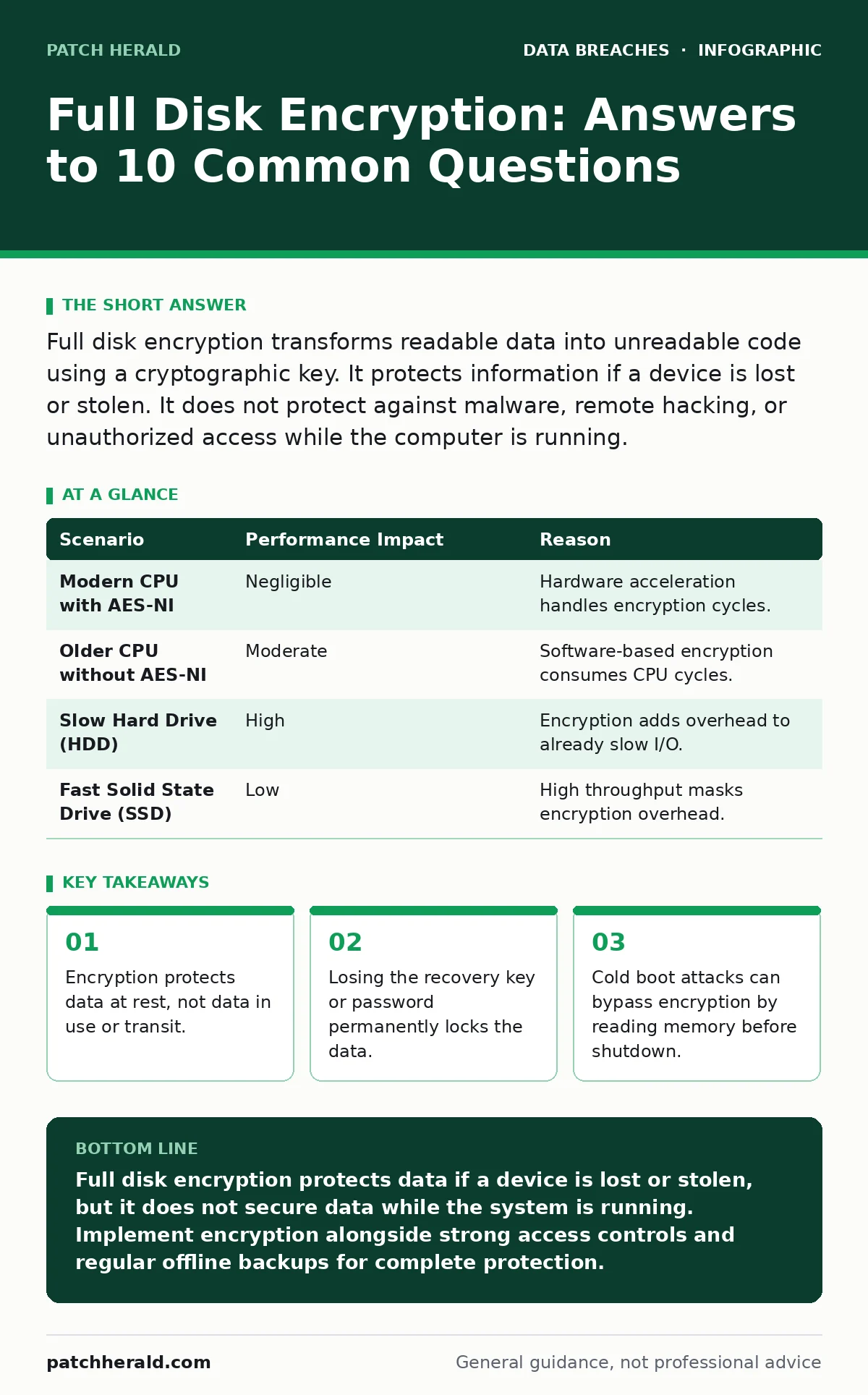
Full disk encryption transforms readable data into unreadable code using a cryptographic key. It protects information if a device is lost or stolen. It does not protect against malware, remote hacking, or unauthorized access while the computer is running.
Does full disk encryption protect my data from hackers?
Full disk encryption only secures data when the computer is off or sleeping. It converts storage contents into ciphertext, which is unreadable without the correct decryption key. Once you log in, the operating system decrypts the data in memory, making it accessible to any malware or attacker who has compromised the active system. Encryption is a shield for physical theft, not a firewall against network intrusions.
What happens if I forget my password?
You will lose access to your data permanently if no recovery mechanism exists. Most systems store the encryption key in a way that is derived from your password. If you forget the password, the key cannot be regenerated. Some enterprise setups provide a recovery key stored in a directory service, but consumer devices often lack this safety net. Plan for key recovery before you encrypt sensitive drives.
Is full disk encryption enough for my business?
No, encryption is only one layer of a broader security strategy. It protects against physical loss but does not prevent unauthorized access via weak credentials or misconfigured cloud storage leaks. You must combine encryption with password hygiene and role-based access control to limit who can access data once the system is running. Relying solely on encryption creates a false sense of security.
How does full disk encryption affect computer performance?
Modern processors include hardware instructions that accelerate encryption tasks, minimizing the performance hit. Older systems without these instructions may experience slower boot times and file operations. The impact is usually negligible for typical office tasks but can be noticeable during heavy data transfers. Benchmark your specific hardware before deploying encryption across a large fleet.
| Scenario | Performance Impact | Reason |
|---|---|---|
| Modern CPU with AES-NI | Negligible | Hardware acceleration handles encryption cycles. |
| Older CPU without AES-NI | Moderate | Software-based encryption consumes CPU cycles. |
| Slow Hard Drive (HDD) | High | Encryption adds overhead to already slow I/O. |
| Fast Solid State Drive (SSD) | Low | High throughput masks encryption overhead. |
Can someone bypass full disk encryption?
Attackers can bypass encryption by targeting the system while it is running. Cold boot attacks involve rapidly rebooting a machine and dumping the contents of volatile memory to retrieve the decryption key. If the system is hibernating, the encrypted memory state is written to the disk, potentially exposing data. Physical access to a powered-on device allows attackers to install keyloggers or memory readers.
See also: Password Hygiene for Small Teams: Practical Controls That Actually Work · Implementing Data Breach Response Plans: A Step-by-Step Guide
What is the difference between full disk and file encryption?
Full disk encryption protects every sector of the drive, including the operating system and temporary files. File encryption secures specific documents or folders, allowing you to share encrypted files with others who have the key. Full disk encryption is transparent to the user, while file encryption requires manual selection. Use full disk encryption for device security and file encryption for sharing sensitive data.
Does full disk encryption protect against ransomware?
No, ransomware encrypts files while the system is running, using the already-decrypted data. Full disk encryption does not stop malware from modifying or encrypting your active files. In fact, if ransomware encrypts your drive, full disk encryption may make recovery harder by obscuring the original file structure. Regular offline backups are the only effective defense against ransomware.
What is a TPM and why does it matter?
A Trusted Platform Module is a dedicated chip that stores cryptographic keys and verifies the system's boot integrity. It ensures that the decryption key is only released if the system software has not been tampered with. This prevents attackers from booting a malicious operating system to steal the key. TPMs add a hardware layer of trust to the encryption process.
How often should I update my encryption settings?
Update your encryption software whenever critical vulnerabilities are discovered, not on a fixed schedule. Encryption algorithms themselves rarely change, but implementation flaws in operating systems or drivers may be exploited. Keep your operating system patched to ensure the encryption module remains secure. Review your key management policies annually to ensure they align with current threats.
What about accidental data disclosure?
Encryption helps if a device is lost, but it does not prevent users from sending sensitive data to the wrong recipient. Accidental data disclosure often occurs through email or file sharing, where encryption is not applied. Implement training and technical controls to prevent users from sending unencrypted sensitive data. Log retention can help you detect and respond to such incidents after they occur.
Key takeaways
- Encryption protects data at rest, not data in use or transit.
- Losing the recovery key or password permanently locks the data.
- Cold boot attacks can bypass encryption by reading memory before shutdown.
Full disk encryption protects data if a device is lost or stolen, but it does not secure data while the system is running. Implement encryption alongside strong access controls and regular offline backups for complete protection.
Frequently asked questions
Can I decrypt a drive if I lose my recovery key?
No, without the recovery key or password, the data is mathematically unrecoverable. Contact your IT provider immediately to check for backup keys.
Does full disk encryption slow down my computer?
On modern hardware, the slowdown is negligible due to hardware acceleration. Older systems may experience noticeable performance drops.
Is full disk encryption required by law?
Regulations vary by industry and region. Many standards require encryption for data at rest to protect sensitive information.
Can full disk encryption be removed?
Yes, you can disable full disk encryption, but this will
How this guide was produced: written by the Patch Herald editorial team with AI assistance, checked against the public references listed below, and reviewed when the facts change. See our editorial policy or report an error.