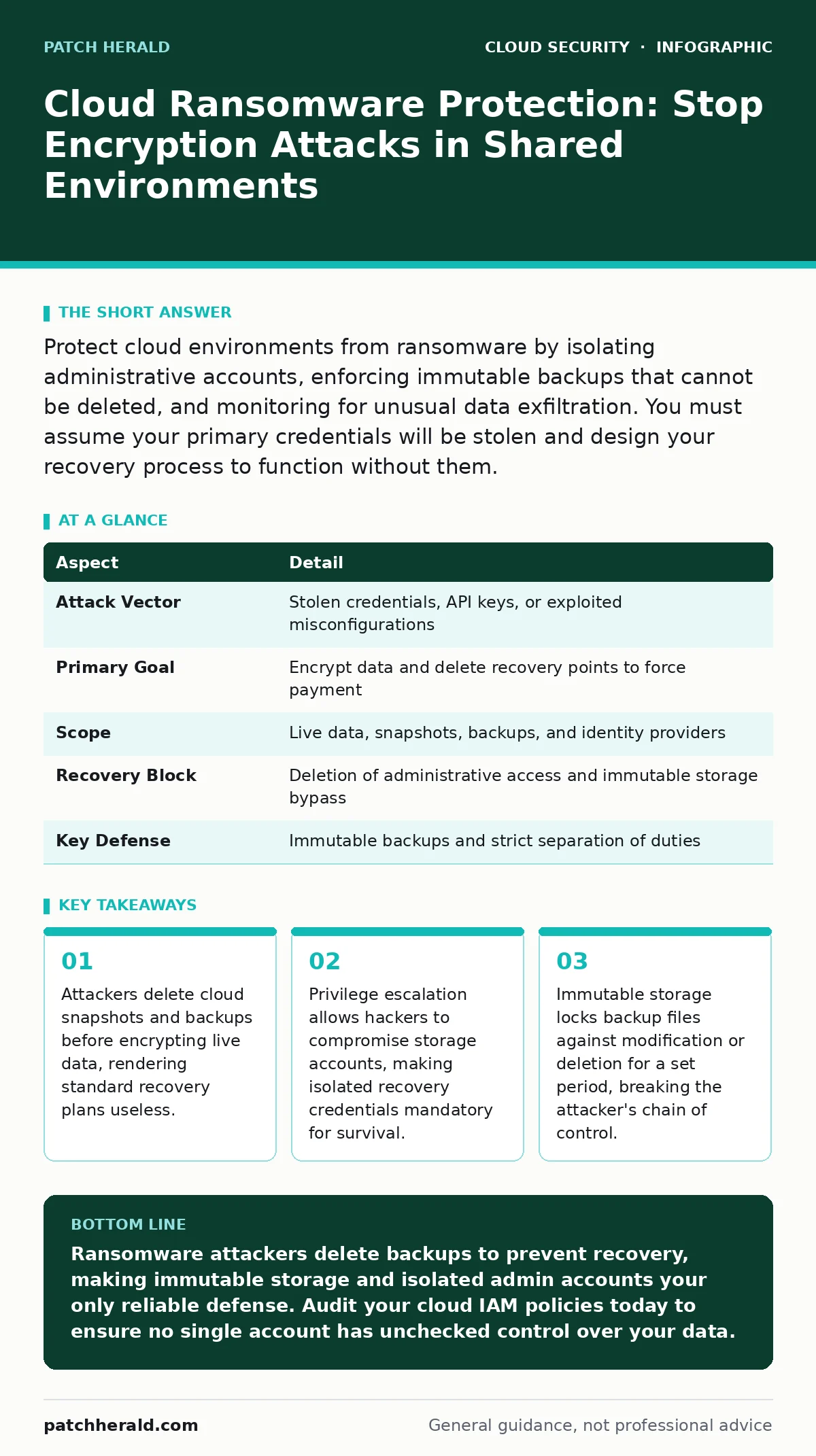
Protect cloud environments from ransomware by isolating administrative accounts, enforcing immutable backups that cannot be deleted, and monitoring for unusual data exfiltration. You must assume your primary credentials will be stolen and design your recovery process to function without them.
Understanding the Threat Model
Imagine a library where the thief does not just burn the books but also steals the keys to the archive room. Cloud ransomware operates on this expanded principle. It is not merely software that encrypts your files on a server. It is an attack chain that targets the entire management plane of your cloud infrastructure. The attacker seeks control over the tools you use to manage, back up, and recover your data.
Traditional ransomware locks local files. Cloud ransomware locks your ability to access, restore, or even delete the compromised resources. This distinction changes every defensive measure. You cannot rely on local antivirus signatures alone. The threat moves through identity providers and storage permissions. Understanding this shift is the first step toward effective cloud ransomware protection.
| Aspect | Detail |
|---|---|
| Attack Vector | Stolen credentials, API keys, or exploited misconfigurations |
| Primary Goal | Encrypt data and delete recovery points to force payment |
| Scope | Live data, snapshots, backups, and identity providers |
| Recovery Block | Deletion of administrative access and immutable storage bypass |
| Key Defense | Immutable backups and strict separation of duties |
How the Infection Chain Unfolds
The attack rarely begins with encryption. It begins with reconnaissance. The adversary scans your environment for exposed services and weak identity policies. They look for public code repository leaks that contain hardcoded secrets. These secrets grant them initial access to your cloud console. Once inside, they move laterally. They escalate privileges to gain administrative rights.
With admin rights, the attacker does not encrypt immediately. They disable monitoring tools. They delete existing snapshots and backups. This step is critical. If you restore from a backup that the attacker has already compromised, you restore the infection. The attacker then deploys encryption tools or data exfiltration scripts. They wait for you to notice the outage. Only then do they demand payment. The speed of this process depends on how quickly they can map your permissions.
Who Faces the Greatest Risk
Any organization using public cloud services faces this risk. Small businesses are frequent targets because they often lack dedicated security teams. They rely on default configurations. They share administrative credentials among staff. This convenience creates a single point of failure. If one account is compromised, the entire environment is exposed.
Large enterprises face different challenges. They have complex environments with thousands of services. Configuration drift occurs naturally as teams change settings. These changes often open doors that were previously closed. The complexity makes it hard to detect subtle permission changes. Both small and large organizations suffer from the same root cause: excessive trust in cloud accounts.
Common Misconceptions About Defense
Many organizations believe their cloud provider protects them from ransomware. This is incorrect. The provider secures the physical hardware and the network infrastructure. You secure the data and the identity. This shared responsibility model is often misunderstood. You are responsible for locking the door to your virtual building.
Another common error is relying solely on cloud firewalls. Firewalls control network traffic. They do not stop an attacker who already has valid credentials. If a hacker logs in with a stolen admin account, the firewall sees this as legitimate traffic. It allows the connection. The attack happens inside the trusted perimeter. You must defend identity, not just network boundaries.
Building Effective Cloud Ransomware Protection
Effective protection requires a layered approach. You must assume your primary credentials will be stolen. Design your system to survive this event. The first layer is identity management. Implement strict cloud IAM policies. These policies define who can access what. Follow the principle of least privilege. Give each account only the permissions it needs to perform its specific task.
The second layer is data resilience. Use immutable storage for backups. Immutable storage prevents any user, including administrators, from modifying or deleting files for a set period. This blocks the attacker from deleting your recovery points. You must keep these backups isolated from the main environment. Use private endpoints to restrict access to management consoles. This reduces the attack surface by hiding services from the public internet.
See also: Shadow IT Myths: 6 Misconceptions Blocking Cloud Security · Federated Identity: Definition, Purpose and How It Works
Monitoring for Early Warning Signs
Detection is faster than prevention. You will likely face an attempt. Monitoring helps you catch it early. Look for unusual login patterns. An admin account logging in from a new country is a red flag. Monitor for bulk deletion events. If snapshots are being deleted rapidly, stop the activity immediately.
Integrate your cloud logs with a security information system. This system correlates events across your environment. It can detect privilege escalation attempts. It can identify when a new admin account is created. These actions are rare in normal operations. They stand out against baseline activity. Set alerts for these specific events. Do not wait for encryption to begin.
Integrating with Broader Security Practices
Cloud ransomware protection does not exist in isolation. It connects to your overall security posture. Regular cloud vulnerability management identifies weak points in your software. Patch these weaknesses before attackers exploit them. Use federated identity to manage access across multiple cloud providers. This centralizes control and improves visibility.
Review your configurations frequently. Configuration drift can introduce new risks. Automated tools can check your settings against best practices. They alert you when a setting deviates from the secure baseline. This continuous improvement reduces the chance of accidental exposure. Combine these practices with strict access controls.
The Role of Incident Response
Preparation determines your recovery speed. Have a written incident response plan. This plan should outline steps for isolating compromised accounts. It should define how to trigger immutable backups. Assign roles to team members. Who contacts the cloud provider? Who communicates with staff? Clarity reduces panic during an attack.
Practice your plan with simulations. Run through a hypothetical ransomware scenario. Identify gaps in your process. Update the plan based on these findings. A static plan becomes outdated quickly. Regular testing ensures your team knows how to act under pressure. This readiness can save your organization from prolonged downtime.
Key takeaways
- Attackers delete cloud snapshots and backups before encrypting live data, rendering standard recovery plans useless.
- Privilege escalation allows hackers to compromise storage accounts, making isolated recovery credentials mandatory for survival.
- Immutable storage locks backup files against modification or deletion for a set period, breaking the attacker's chain of control.
Ransomware attackers delete backups to prevent recovery, making immutable storage and isolated admin accounts your only reliable defense. Audit your cloud IAM policies today to ensure no single account has unchecked control over your data.
Frequently asked questions
Does multi-factor authentication stop cloud ransomware?
MFA protects user accounts but does not secure service accounts or API keys. Attackers often bypass MFA by stealing long-lived credentials.
How often should I test my cloud backups?
Test backups at least quarterly. Verify that data can be restored and that the restoration process does not reintroduce malware.
Can I use the same admin account for daily work and backups?
No. Separate accounts prevent attackers from deleting backups after compromising a daily-use account. Use isolated credentials for recovery tasks.
What is the first step after detecting a ransomware attack?
Immediately revoke all compromised credentials. Isolate affected resources to prevent further encryption or data theft.
How this guide was produced: written by the Patch Herald editorial team with AI assistance, checked against the public references listed below, and reviewed when the facts change. See our editorial policy or report an error.