
Cloud identity policies do not simply add permissions; they evaluate conditions in a specific order that can silently override restrictions. Misreading how defaults, inheritance, and condition keys work creates hidden access paths. You must treat every policy as a potential entry point that requires explicit denial to secure.
Misreading: Policies Add Permissions Linearly
Many users assume that cloud identity and access management works like a checklist. You add a permission, and the user gets it. You remove it, and they lose it. This linear thinking fails because policy evaluation is cumulative and complex. When multiple policies apply to a single request, the system merges them.
Correct reading: Treat policies as overlapping layers of logic. An explicit deny in any attached policy overrides all allows. This means you cannot simply "add security" by stacking allow statements. You must actively construct deny rules to block unwanted actions. If you rely on absence of permission for security, you will fail.
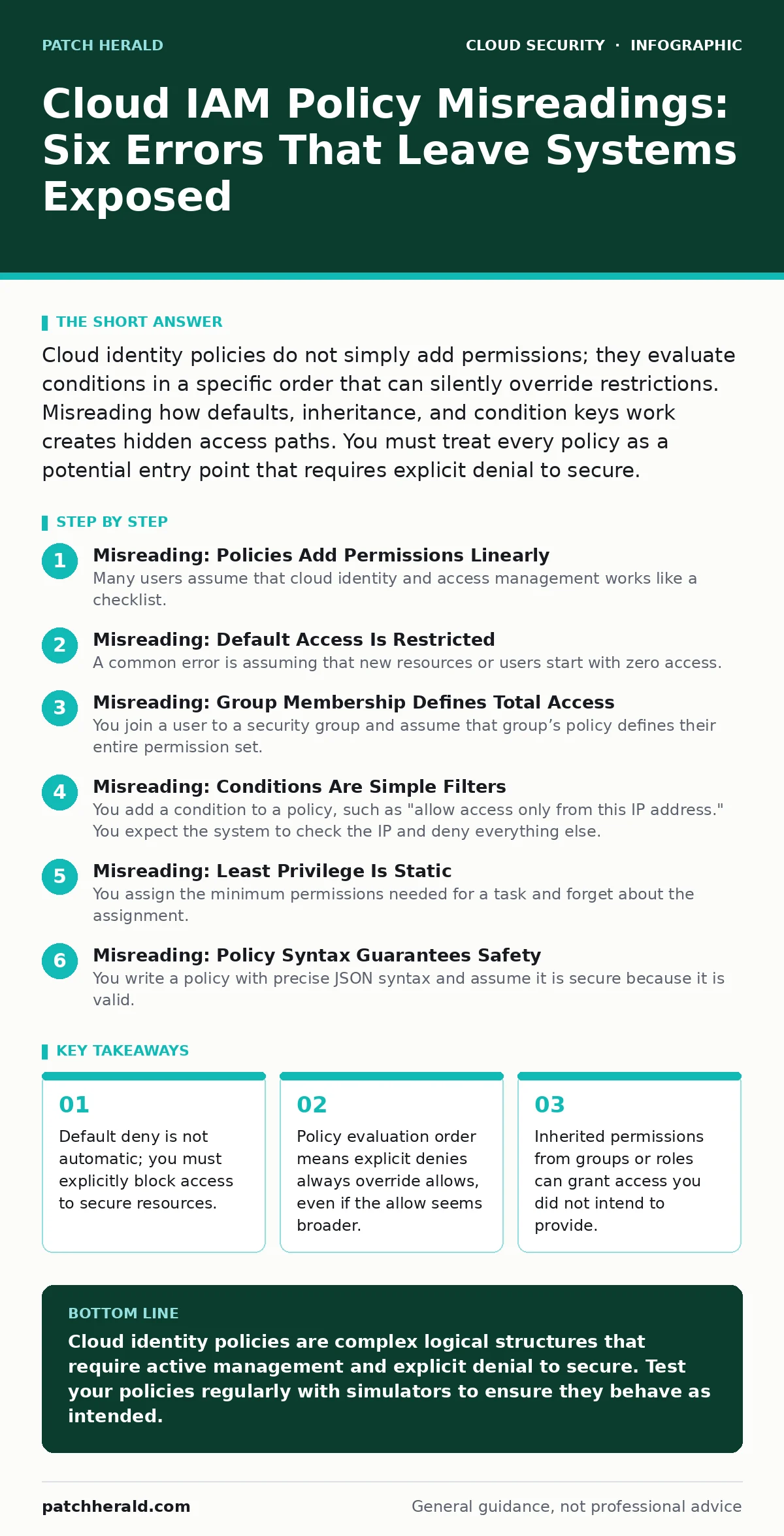
Misreading: Default Access Is Restricted
A common error is assuming that new resources or users start with zero access. You create a new storage bucket or a new user account and believe it is locked down by default. This assumption is dangerous because many cloud services grant broad access to the root account or default roles.
Correct reading: Verify the baseline permissions for every new entity. The root account often has unrestricted access to all services. New roles may inherit permissions from managed policies that are broader than you expect. You must explicitly audit the default policy attachments. Do not assume silence means security; silence often means inherited privilege.
Misreading: Group Membership Defines Total Access
You join a user to a security group and assume that group’s policy defines their entire permission set. This view ignores the reality of multiple attachments. A user can belong to several groups, each with its own policy. The system evaluates all attached policies together.
Correct reading: Map the union of all permissions across every group, role, and direct attachment. A user might gain access to delete production databases through a secondary group you forgot about. This accumulation of privilege is a primary driver of shadow IT risks, where employees use tools they technically can access but should not. You must view access as an aggregate state, not a single label.
Misreading: Conditions Are Simple Filters
You add a condition to a policy, such as "allow access only from this IP address." You expect the system to check the IP and deny everything else. However, condition keys are strict. If the request does not contain the expected key, or if the data type mismatches, the condition often evaluates to false.
Correct reading: Understand that conditions are prerequisites, not just filters. If a service does not support a specific condition key, that condition is ignored. If you require an IP match but the request comes through a load balancer that obscures the original IP, the condition fails. The request might then be denied by default, or worse, allowed by another policy without the condition. This complexity mirrors the challenges in hybrid cloud security, where network paths obscure source identities.
Misreading: Least Privilege Is Static
You assign the minimum permissions needed for a task and forget about the assignment. You believe that "least privilege" is a one-time configuration. This static view ignores the evolving nature of applications and services. New features may require new permissions. Old permissions may remain after a project ends.
Correct reading: Least privilege is a continuous process of audit and reduction. Permissions that were necessary six months ago may now be dangerous. Unused permissions increase the cloud attack surface for attackers who compromise a service account. You must regularly review access patterns and remove permissions that are not actively used. This is the core defense against denial-of-wallet attacks, where attackers exploit unused privileges to run expensive resources.
See also: Federated Identity: Definition, Purpose and How It Works
Misreading: Policy Syntax Guarantees Safety
You write a policy with precise JSON syntax and assume it is secure because it is valid. Syntax validity does not mean semantic safety. A policy can be perfectly formatted but still grant dangerous access due to logical errors. For example, using a wildcard in the wrong field can expose all resources in an account.
Correct reading: Validate the logic, not just the syntax. Use policy simulators to test specific scenarios. Ask what happens if a user tries to access a resource they should not. If the simulator shows "Allow," trace the path. Often, a broad allow in a base policy overrides your specific intent. This logical gap is similar to public code repository leaks, where a small error in configuration exposes sensitive data to the world.
Misreading: Audits Are Historical Records
You run an access report and file it away for compliance. You view the report as a historical record of what happened. This passive approach misses the opportunity to detect drift. Access patterns change over time. New users join. Projects end. The report is a snapshot, not a trend.
Correct reading: Analyze access logs for anomalies and drift. Look for permissions that are granted but never used. Look for sudden spikes in access from unusual locations. Integrate this analysis into your cloud incident response plan. Early detection of unusual access patterns can stop an attack before data exfiltration occurs. This proactive stance is critical for securing unsecured cloud databases, which are often targeted after initial access is gained.
Misreading: Third-Party Access Is Controlled
You grant a vendor access to your cloud environment and trust their stated security practices. You assume their access is limited to what you agreed upon. However, third-party accounts often have broader permissions than necessary. They may retain access after the contract ends.
Correct reading: Treat third-party access with the same scrutiny as internal users. Use time-limited credentials. Monitor their activity closely. Revoke access immediately when the engagement ends. This discipline prevents long-term exposure. It also reduces the risk of shadow IT, where vendors bring their own tools into your environment without your knowledge.
Key takeaways
- Default deny is not automatic; you must explicitly block access to secure resources.
- Policy evaluation order means explicit denies always override allows, even if the allow seems broader.
- Inherited permissions from groups or roles can grant access you did not intend to provide.
- Condition keys require exact data types and formats; mismatches often cause conditions to fail silently.
Cloud identity policies are complex logical structures that require active management and explicit denial to secure. Test your policies regularly with simulators to ensure they behave as intended.
Frequently asked questions
How do I know if a policy is too broad?
Use a policy simulator to test specific actions. If the policy allows actions you did not intend, it is too broad. Look for wildcards in resource fields.
Can I automate least privilege enforcement?
Yes, many cloud providers offer tools that analyze usage logs and suggest minimal policies. These tools help reduce manual effort and error.
What is the difference between a role and a user?
A user is a permanent identity for a person or application. A role is a temporary identity that can be assumed by users or services. Roles provide better audit trails.
How often should I review IAM policies?
Review policies quarterly or after any significant change in infrastructure or personnel. Automated tools can help with continuous monitoring.
How this guide was produced: written by the Patch Herald editorial team with AI assistance, checked against the public references listed below, and reviewed when the facts change. See our editorial policy or report an error.