
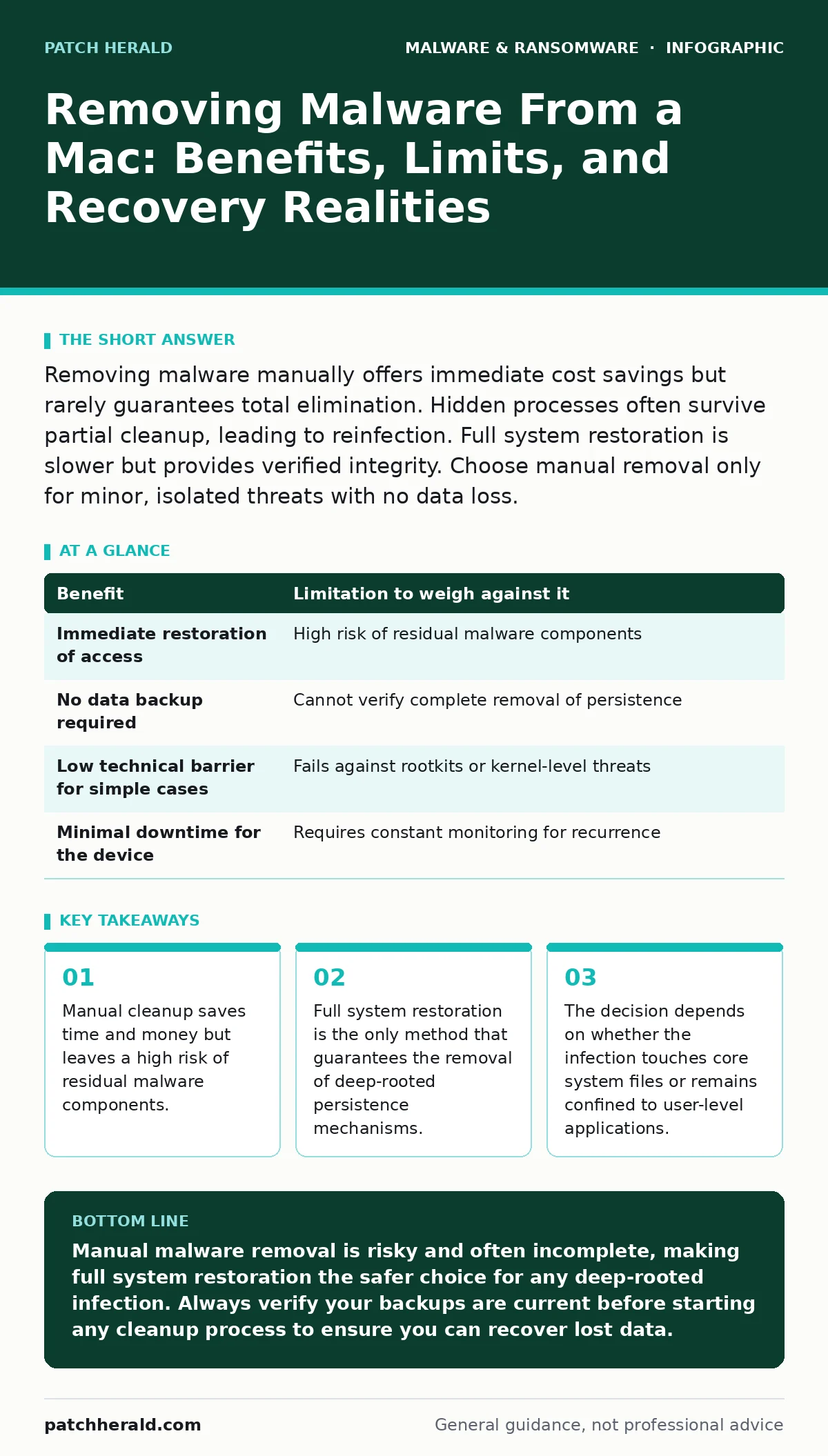
Removing malware manually offers immediate cost savings but rarely guarantees total elimination. Hidden processes often survive partial cleanup, leading to reinfection. Full system restoration is slower but provides verified integrity. Choose manual removal only for minor, isolated threats with no data loss.
The Illusion of Clean Removal
You might assume that deleting a malicious file removes the threat. This assumption is dangerous. Malware often installs multiple components across different directories. These components communicate to maintain access even if the primary payload is deleted.
When you run a scanner, it typically targets known signatures. It looks for specific file hashes or patterns. If the malware changes its code slightly, the scanner misses it. This is called polymorphism. You end up with a false sense of security because the tool reports the system is clean.
The benefit of manual removal is speed. You can delete a file and restart your machine in minutes. You avoid the hours required to back up data and reinstall the operating system. For a small business, this means less downtime. However, this speed comes at the cost of certainty. You cannot verify that every trace is gone without auditing the entire file system.
Persistence Mechanisms and Hidden Costs
Malware survives reboots by creating persistence mechanisms. These are methods that ensure the malicious code runs automatically when the system starts. Common techniques include modifying launch daemons or agents. Launch daemons run with root privileges. Launch agents run with user privileges.
If the malware modifies these system files, deleting the main executable does nothing. The system will try to run the missing file, fail, and then trigger a secondary payload or download a new one. This secondary payload might be a trojan. A trojan disguises itself as legitimate software to bypass security controls.
The hidden cost of manual removal is the labor required to find these mechanisms. You must check scheduled tasks, startup items, and kernel extensions. Kernel extensions run with the highest level of system access. They can intercept network traffic or hide other processes. Finding and removing these requires deep technical knowledge. If you miss one, the infection returns.
When Manual Cleanup Is Worth It
Manual removal is worth attempting when the infection is clearly isolated. This happens when the threat is a single, known file. For example, you might accidentally download a malicious document. These documents often contain macros that execute code. If you catch it early, you can delete the document and clear the temporary files.
This approach works best for non-persistent threats. These are programs that run only while the application hosting them is open. If the application closes, the malware stops. You can verify this by monitoring system activity before and after deleting the file. If no unknown processes appear, the threat is likely gone.
Consider using browser isolation for future browsing sessions. Browser isolation runs web content in a separate environment. This prevents malicious scripts from touching your local file system. It adds a layer of defense that complements manual cleanup by reducing the chance of reinfection.
| Benefit | Limitation to weigh against it |
|---|---|
| Immediate restoration of access | High risk of residual malware components |
| No data backup required | Cannot verify complete removal of persistence |
| Low technical barrier for simple cases | Fails against rootkits or kernel-level threats |
| Minimal downtime for the device | Requires constant monitoring for recurrence |
When Full Restoration Is Necessary
Full system restoration is necessary when the malware has touched core system files. This includes launch daemons, kernel extensions, or system libraries. If you see unknown processes running with high privileges, manual cleanup is insufficient. You cannot trust the system to report its own state accurately.
Restoration involves wiping the drive and reinstalling the operating system. You then restore your data from a backup. This ensures that only clean files return to the system. It is the only way to guarantee that no hidden backdoors remain.
This process aligns with proper disaster recovery plans. These plans outline steps to restore operations after a major incident. They ensure that you have tested backups and clear procedures. Without these plans, restoration becomes chaotic and slow. You risk losing data that was not backed up recently.
The Risk of Reinfection
Even after successful removal, the vulnerability remains. The malware entered through a specific weakness. This could be an unpatched application, a weak password, or a phishing email. If you do not address the root cause, the malware returns.
You must identify how the infection occurred. Check email logs for suspicious attachments. Review installed applications for unknown software. Update all software to the latest version. Patches often fix the vulnerabilities that malware exploits.
Implement software restriction policies to limit what can run on your system. These policies allow only approved applications to execute. This prevents new malware from running even if it bypasses detection. It reduces the attack surface significantly.
See also: Virus vs Malware: Which Threat Model Fits Your Business · Screen Locker Ransomware: How It Traps Users and What To Do
Evaluating Data Integrity
Malware often steals or corrupts data before you notice it. Even if you remove the malicious code, the data may be compromised. Confidential files might have been exfiltrated. Passwords stored in the keychain might be exposed.
You must assume that any data accessed by the malware is no longer secret. Change all passwords that were active during the infection. This includes email, banking, and internal system accounts. Use a password manager to generate unique, complex passwords.
If the malware was a screen locker ransomware, the data might be encrypted. This variant locks the user out of the system. Removal does not decrypt the files. You must rely on backups to restore access. Without backups, the data is lost. This highlights the importance of offline backups.
Making the Final Decision
The decision depends on your risk tolerance. If you can afford the time to restore the system, do it. It provides peace of mind and verified security. If you need immediate access and the threat is minor, try manual removal. But monitor the system closely for signs of return.
Document every step you take. This creates a record for future incidents. It helps you identify patterns and improve your defenses. Over time, you will develop a clearer picture of what works and what does not.
Remember that security is a process, not a product. No single tool or method provides complete protection. You must combine technical controls with user awareness and regular maintenance. This layered approach reduces the likelihood of successful attacks.
Long-Term System Hygiene
After removing malware, focus on long-term hygiene. Regular updates are critical. They patch known vulnerabilities. Configure automatic updates where possible. This reduces the window of exposure.
Audit user permissions regularly. Ensure that users have only the access they need. Limit administrative privileges. This prevents malware from escalating its rights. If a user account is compromised, the damage is contained.
Educate users about social engineering. Many infections start with a human error. Training helps users recognize suspicious emails and links. It reduces the success rate of phishing attempts. This human layer is a vital part of your defense strategy.
Key takeaways
- Manual cleanup saves time and money but leaves a high risk of residual malware components.
- Full system restoration is the only method that guarantees the removal of deep-rooted persistence mechanisms.
- The decision depends on whether the infection touches core system files or remains confined to user-level applications.
Manual malware removal is risky and often incomplete, making full system restoration the safer choice for any deep-rooted infection. Always verify your backups are current before starting any cleanup process to ensure you can recover lost data.
Frequently asked questions
Can I remove malware from a Mac without reinstalling the operating system?
Yes, but only if the malware is confined to user-level files and has not modified system processes or launch daemons. Deep-rooted infections require a full system wipe.
How do I know if the malware is still on my Mac after removal?
Monitor system performance for unexpected slowdowns, high CPU usage, or unknown network connections. Use activity monitor tools to check for unfamiliar processes running in the background.
Is it safe to restore my data from a backup after removing malware?
Only if the backup was created before the infection occurred. Restoring infected data will re-introduce the malware. Verify the backup date and integrity before proceeding.
What is the difference between a trojan and ransomware on a Mac?
A trojan disguises itself as legitimate software to steal data or create backdoors. Ransomware encrypts your files and demands payment for decryption. Both require immediate attention but have different impacts.
How this guide was produced: written by the Patch Herald editorial team with AI assistance, checked against the public references listed below, and reviewed when the facts change. See our editorial policy or report an error.