
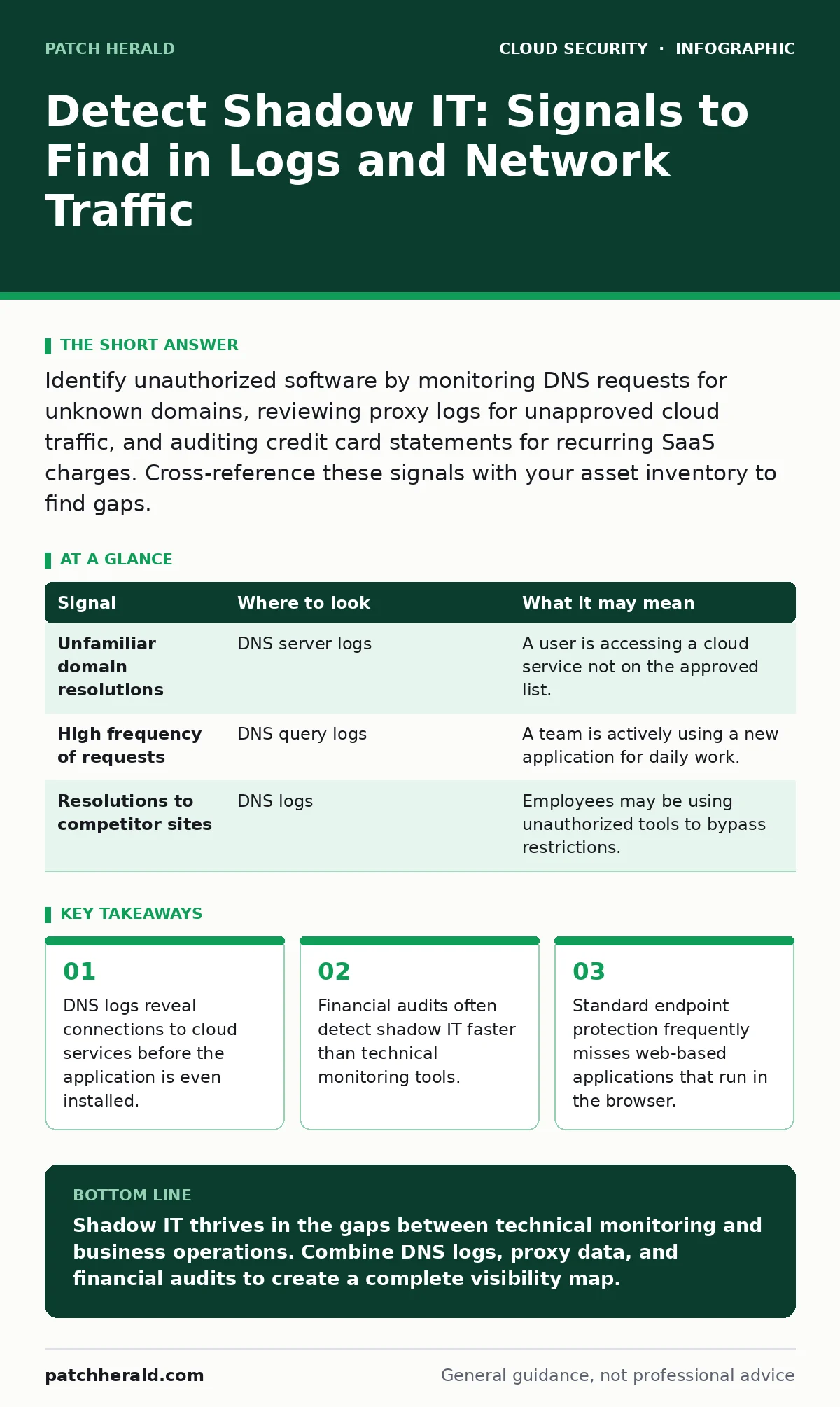
Identify unauthorized software by monitoring DNS requests for unknown domains, reviewing proxy logs for unapproved cloud traffic, and auditing credit card statements for recurring SaaS charges. Cross-reference these signals with your asset inventory to find gaps.
The DNS Trail
The Domain Name System (DNS) translates human-readable domain names into IP addresses. When a user accesses a cloud application, their device must resolve that application's domain. This resolution creates a log entry that is difficult to hide, even if the user bypasses local security controls.
Most organizations monitor DNS for malware indicators, but they often ignore legitimate business software. Look for resolutions to domains that do not match your approved vendor list. A sudden spike in requests to a new domain often signals a team adopting a new tool without IT approval.
Some users attempt to hide this activity by using personal devices or cellular data. However, if the application requires synchronization with a corporate file server or email, the DNS query may still originate from the corporate network. Check for resolutions to file-sharing or collaboration platforms that appear outside of business hours.
| Signal | Where to look | What it may mean |
|---|---|---|
| Unfamiliar domain resolutions | DNS server logs | A user is accessing a cloud service not on the approved list. |
| High frequency of requests | DNS query logs | A team is actively using a new application for daily work. |
| Resolutions to competitor sites | DNS logs | Employees may be using unauthorized tools to bypass restrictions. |
Proxy and Firewall Logs
Web proxies and firewalls inspect traffic leaving your network. They can identify applications by their URL patterns or by analyzing the content of the traffic. If your organization uses a secure web gateway, it likely categorizes traffic into types such as "Social Media" or "Cloud Storage."
Review logs for traffic categorized as "Uncategorized" or "New." These categories often contain emerging tools that security vendors have not yet classified. You may also find approved categories being used for unauthorized purposes. For example, a file-sharing service might be used to store sensitive customer data instead of the designated secure drive.
Imagine a marketing team using an external design tool to create campaign assets. The tool may be free and widely used, but it processes company branding and potentially confidential project details. The firewall log will show the destination IP address, allowing you to block or monitor that traffic.
Endpoint Detection and Response
Endpoint Detection and Response (EDR) agents run on individual computers and servers. They monitor process execution, file changes, and network connections. These agents can detect installed applications that are not part of the standard software image.
Look for processes that communicate with external IP addresses not associated with known business applications. Some shadow IT tools are lightweight and do not require installation. They may run as scripts or within the browser. In these cases, the EDR may only see the browser process making unexpected network connections.
Check for browser extensions that have permission to read or modify data on all websites. These extensions can act as data exfiltration points, sending information to external servers. A user may install a productivity extension that inadvertently shares clipboard data or browsing history with a third-party server.
Financial and Procurement Records
Technical logs are not the only source of evidence. Financial records often reveal shadow IT before security teams notice it. Departments frequently purchase software using corporate credit cards or expense reports to avoid the lengthy IT procurement process.
Audit credit card statements for recurring monthly charges. Look for subscriptions to SaaS (Software as a Service) platforms that are not tracked in your asset management system. A single subscription may be cheap, but if dozens of employees subscribe individually, the total cost and risk exposure become significant.
Behavioral Indicators
User behavior often changes when they adopt new tools. Look for shifts in communication patterns. A team that previously used email for file sharing may suddenly switch to a chat platform that supports large file transfers. This shift may appear as a decrease in email attachment volume and an increase in chat activity.
Monitor for requests to access external domains that are currently blocked. If multiple users request access to the same service, it suggests a business need that your current tools are not meeting. Ignoring these requests drives users to find workarounds, such as using personal accounts or VPNs.
See also: Cloud Vulnerability Scanning: How to Find Hidden Risks in Your Infrastructure · Federated Identity: Definition, Purpose and How It Works
Common Blind Spots
Not all cloud traffic is visible to standard security tools. Some applications use peer-to-peer networking, which bypasses central proxies. Others use standard HTTPS ports, making it difficult to distinguish them from legitimate web traffic without deep packet inspection.
Mobile devices present another blind spot. If employees use personal phones for work, your corporate network logs will not show their activity. You must rely on Mobile Device Management (MDM) policies or user reporting to identify these risks.
Finally, consider the risk of shadow IT within your own security tools. Security teams may use external analysis platforms or threat intelligence feeds that are not fully vetted. Ensure that your own security operations follow the same visibility standards as the rest of the organization.
Building a Detection Baseline
To effectively detect shadow IT, you must first define what is normal. Create a baseline of approved domains, IP addresses, and applications. Update this baseline regularly as new tools are added to your environment.
Use this baseline to filter out noise from your logs. Focus your investigation on deviations from the norm. Automate the correlation of DNS, proxy, and financial data to reduce the manual effort required for detection.
Remember that no single tool provides complete visibility. Combining technical logs with financial audits and user feedback creates a more accurate picture of your organization's software usage. This multi-layered approach helps you identify and manage shadow IT before it becomes a security incident.
Key takeaways
- DNS logs reveal connections to cloud services before the application is even installed.
- Financial audits often detect shadow IT faster than technical monitoring tools.
- Standard endpoint protection frequently misses web-based applications that run in the browser.
Shadow IT thrives in the gaps between technical monitoring and business operations. Combine DNS logs, proxy data, and financial audits to create a complete visibility map.
Frequently asked questions
How do I distinguish between malicious traffic and shadow IT?
Malicious traffic often involves known bad domains or unusual data volumes. Shadow IT typically involves legitimate business services that are not on your approved list.
How often should I review my shadow IT list?
Review your approved list quarterly and monitor logs continuously. New tools emerge frequently, and user needs change over time.
How this guide was produced: written by the Patch Herald editorial team with AI assistance, checked against the public references listed below, and reviewed when the facts change. See our editorial policy or report an error.