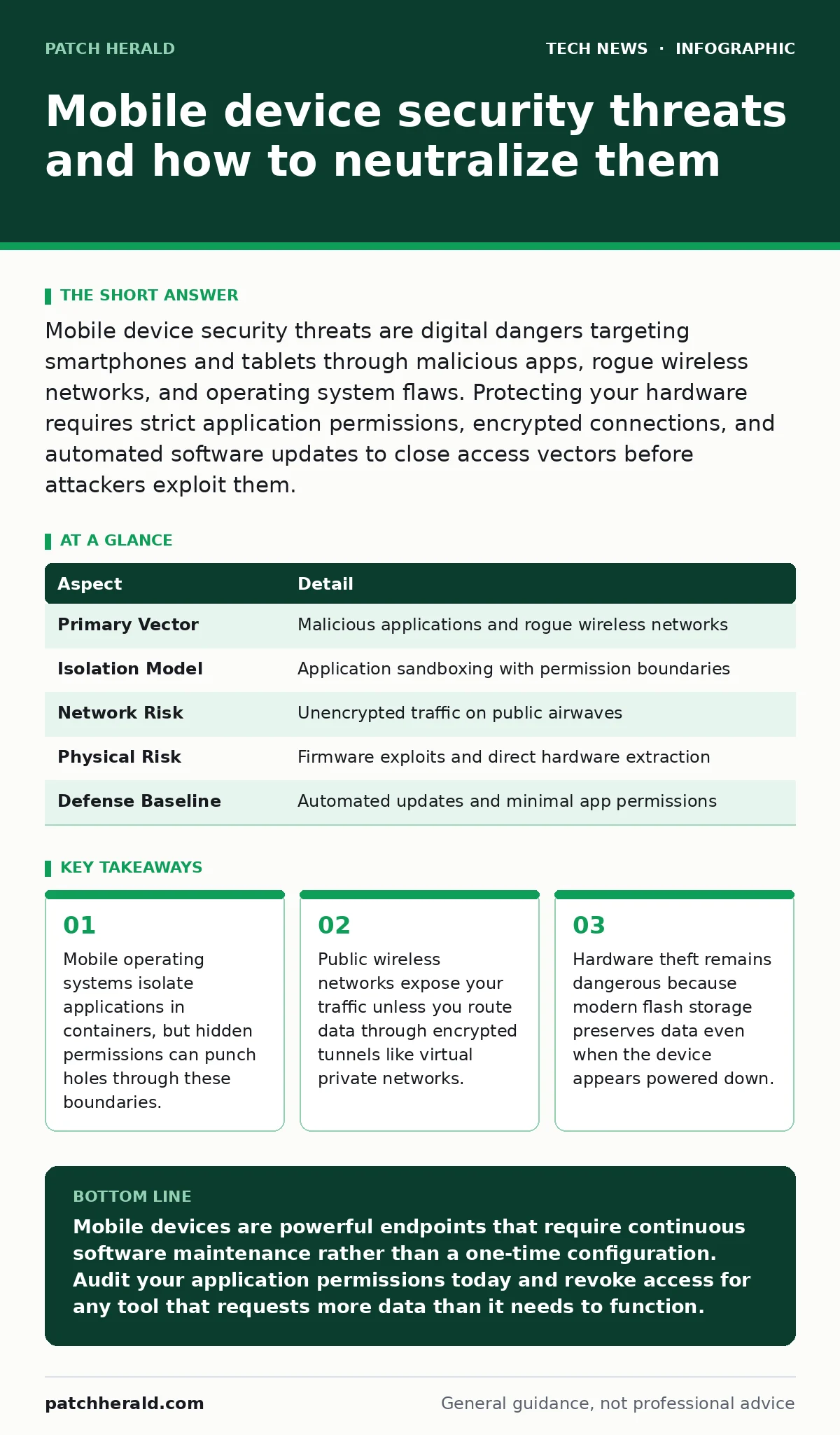
Mobile device security threats are digital dangers targeting smartphones and tablets through malicious apps, rogue wireless networks, and operating system flaws. Protecting your hardware requires strict application permissions, encrypted connections, and automated software updates to close access vectors before attackers exploit them.
Understanding mobile device security threats
Mobile device security threats encompass malicious software, network interception techniques, and physical exploits targeting pocket-sized computers. Smartphones differ from desktop machines because they constantly broadcast location data, connect to untrusted local networks, and house high-value authentication tokens.
Operating systems separate applications using a concept called sandboxing, which restricts programs from accessing data outside their designated storage directories. Flaws in this isolation model allow malicious code to read private files belonging to other apps.
The mechanics of app-based risks
Applications acquire privileges through user consent prompts during installation, trading utility for access to sensitive hardware sensors. Developers sometimes bundle third-party analytics libraries that collect more telemetry than necessary, creating vast databases of harvested behavior.
App stores vet submissions using automated code analysis, yet malicious actors constantly find ways to sneak obfuscated payloads past initial filters. Once installed, these programs can misuse accessibility services to read screen contents and simulate human touch inputs.
Wireless interception vectors
Smartphones constantly search for nearby radio frequencies to maintain cellular and internet connectivity, creating opportunities for eavesdropping. Rogue access points mimic trusted wireless networks, tricking your phone into routing web traffic through hardware controlled by an attacker.
Cellular towers also face impersonation tactics that force devices onto older, unencrypted communication protocols. Securing your connection requires habits similar to maintaining proper home router security, ensuring that local airwaves do not betray your private data packets.
Hardware vulnerabilities and firmware gaps
Silicon processors inside modern phones rely on complex boot chains to verify that the operating system has not been modified by unauthorized parties. If an attacker gains temporary physical access, they can sometimes downgrade firmware to an older version containing known security flaws.
Physical extraction tools can bypass lock screens on vulnerable chipsets by forcing the processor into maintenance modes designed for factory diagnostics. Keeping device bootloaders locked prevents casual tampering, though sophisticated adversaries still exploit zero-day bugs in baseband radio firmware.
Mobile device security threats at a glance
| Aspect | Detail |
|---|---|
| Primary Vector | Malicious applications and rogue wireless networks |
| Isolation Model | Application sandboxing with permission boundaries |
| Network Risk | Unencrypted traffic on public airwaves |
| Physical Risk | Firmware exploits and direct hardware extraction |
| Defense Baseline | Automated updates and minimal app permissions |
See also: Detect Android Malware: Logs, Tools, and Hidden Blind Spots · Removing Malware from Android: Fix 6 Common Removal Myths
What people usually get wrong
Many owners assume that manufacturer biometric locks guarantee complete data privacy against sophisticated digital extraction tools. Biometrics protect against casual snooping, but they do not encrypt the underlying storage volumes while the device remains powered on and unlocked.
Another common misconception is that factory resets permanently erase all traces of personal data from flash memory chips. Remnants often persist in wear-leveling sectors until overwritten by new data cycles, requiring cryptographic erasure commands to scramble underlying blocks safely.
Actionable defense strategies
Auditing installed applications regularly helps remove software that no longer serves a daily purpose on your hardware. Revoke location and microphone permissions for utilities that do not strictly require those sensors to function properly.
Enable remote wipe capabilities through your cloud account provider so you can purge sensitive files if the physical hardware is lost or stolen. Pair these mobile habits with sound open-source software security practices to ensure your broader digital footprint remains resilient against unexpected breaches.
Key takeaways
- Mobile operating systems isolate applications in containers, but hidden permissions can punch holes through these boundaries.
- Public wireless networks expose your traffic unless you route data through encrypted tunnels like virtual private networks.
- Hardware theft remains dangerous because modern flash storage preserves data even when the device appears powered down.
Mobile devices are powerful endpoints that require continuous software maintenance rather than a one-time configuration. Audit your application permissions today and revoke access for any tool that requests more data than it needs to function.
Frequently asked questions
Do mobile phones need traditional antivirus software installed?
Mobile operating systems isolate applications so effectively that traditional signature-based scanning tools cannot inspect other app directories. Built-in system protections handle malicious app detection better than third-party scanners on modern hardware.
Does turning off Bluetooth and Wi-Fi stop all wireless tracking?
Modern chipsets often maintain low-power scanning states for location services even when toggled off in the quick-settings menu. Disabling location permissions entirely within deep system settings provides more reliable radio silence.
What happens to my data if I lose my phone?
Modern phones encrypt local flash storage by default, rendering data unreadable without your unlock PIN or biometric key. Remote wiping commands erase these decryption keys, turning your files into unrecoverable digital noise.
How this guide was produced: written by the Patch Herald editorial team with AI assistance, checked against the public references listed below, and reviewed when the facts change. See our editorial policy or report an error.