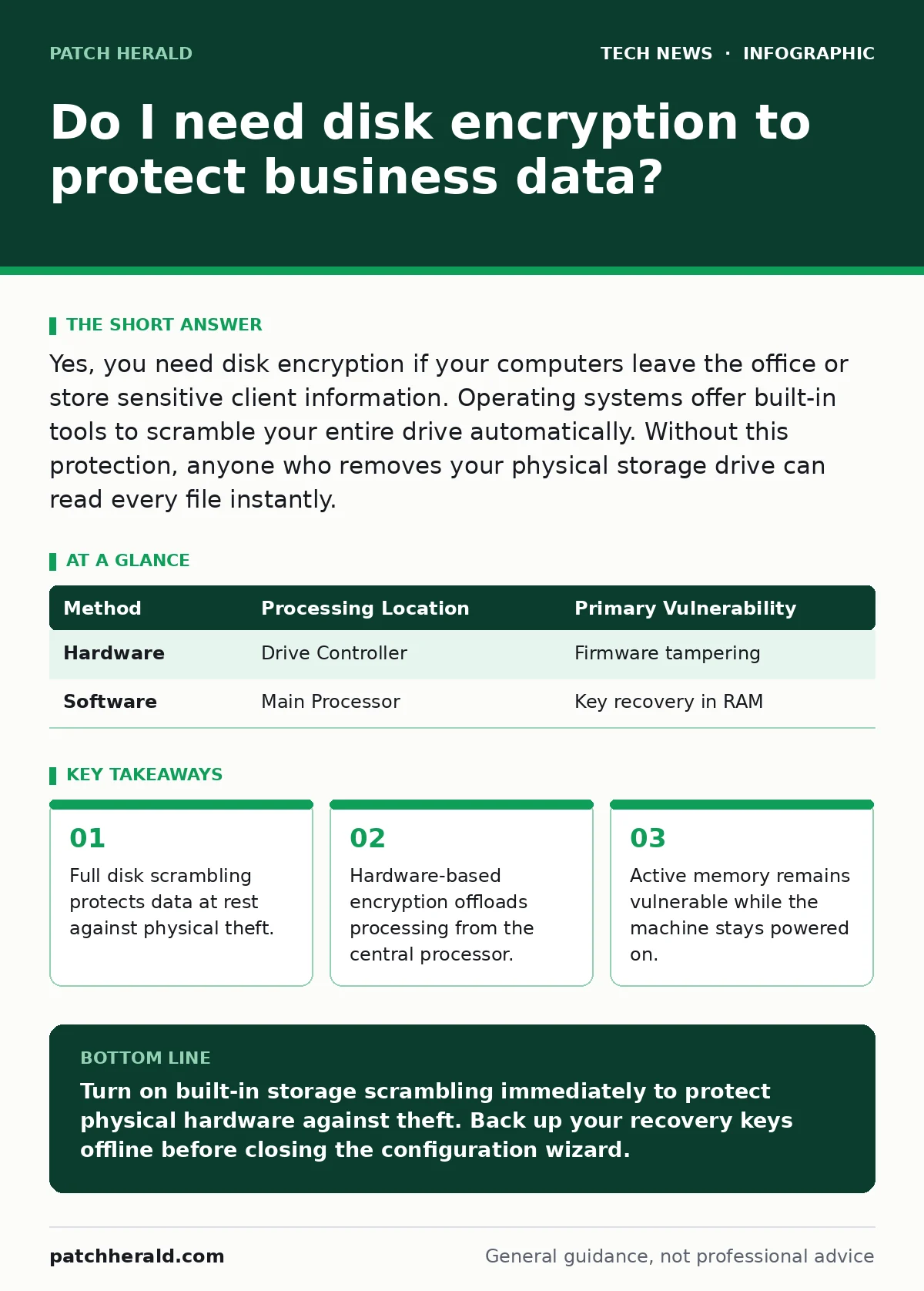
Yes, you need disk encryption if your computers leave the office or store sensitive client information. Operating systems offer built-in tools to scramble your entire drive automatically. Without this protection, anyone who removes your physical storage drive can read every file instantly.
Why do I need disk encryption?
You need disk encryption because physical theft of computer hardware exposes every stored file to direct reading. Full disk encryption transforms raw data into unreadable ciphertext using mathematical algorithms. Anyone who steals your laptop cannot read your documents without the proper authentication key.
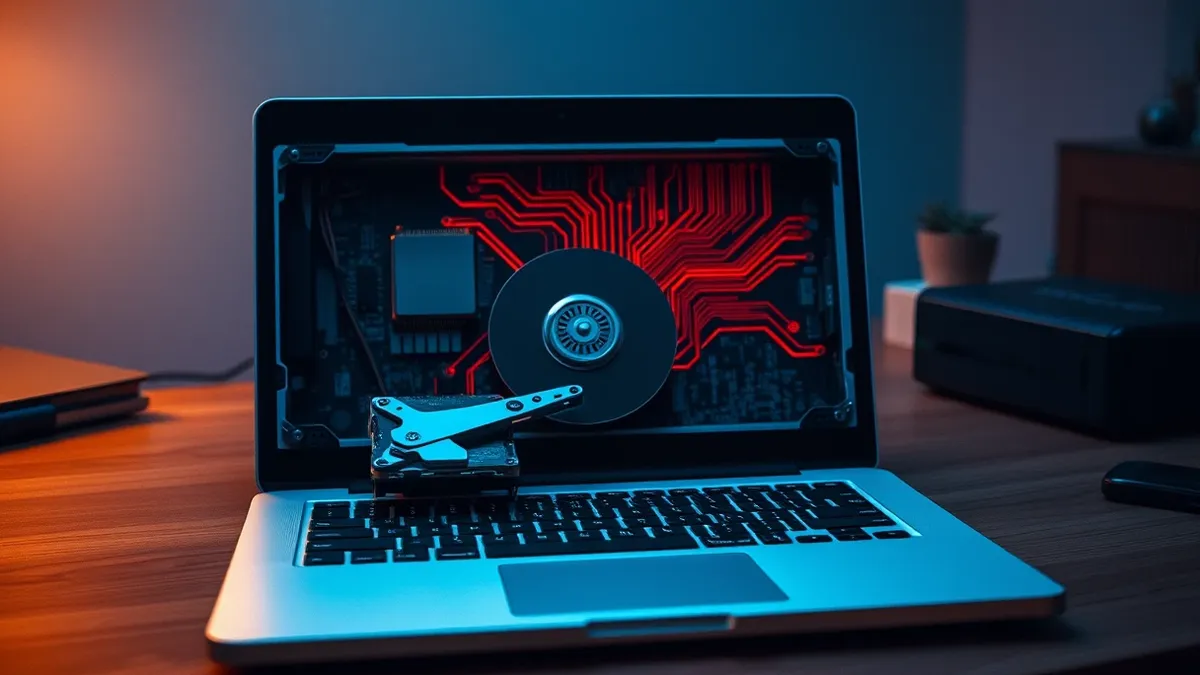
Standard operating system permissions stop working when a thief removes your storage drive and plugs it into another machine. Operating system security relies on running software to enforce user limits. Raw storage bypasses these software rules completely unless the underlying sectors are scrambled.
Does turning on disk encryption slow down my computer?
Enabling built-in storage scrambling causes negligible performance changes on modern computer hardware. Modern processors include dedicated instruction sets designed to calculate cryptographic functions instantly. These hardware accelerators process data blocks so quickly that routine file operations face no noticeable delay.
Older hardware without dedicated cryptographic instructions might experience slight processor overhead during heavy file transfers. AES encryption relies on standardized block ciphers that balance high security with efficient processing speeds across varied architectures. You rarely trade significant speed for data safety on modern devices.
How does storage scrambling handle system memory?
Disk encryption protects data at rest while leaving active memory completely vulnerable to extraction. Data at rest refers to files stored permanently on physical storage drives rather than active processor registers. When your computer is turned on and unlocked, decryption keys reside in random access memory.
Advanced physical attacks can freeze and read random access memory modules to capture active cryptographic keys. Turning off your computer forces the volatile memory to clear, which locks the data back behind the scrambling mechanism. You must shut down or hibernate devices completely rather than just closing the lid.
What is the difference between hardware and software encryption?
Hardware-based scrambling relies on a dedicated microchip built directly into the storage drive itself. Software-encryption utilizes the main processor to transform data before writing it to the storage media. Both methods offer strong protection, but they fail in different failure modes.
| Method | Processing Location | Primary Vulnerability |
|---|---|---|
| Hardware | Drive Controller | Firmware tampering |
| Software | Main Processor | Key recovery in RAM |
Hardware controllers handle the cryptographic transformations independently from the operating system. Software solutions integrate tightly with operating system recovery environments and administrative management tools. Firmware vulnerabilities can occasionally impact hardware controllers without user awareness.
Can I recover data if I lose my password?
Losing your authentication credentials means permanent data loss unless you save a recovery key securely. Cryptographic erasure happens when you destroy the key because the ciphertext becomes mathematically impossible to reverse without it. No data recovery service can reconstruct files if the underlying key is truly gone.
Modern operating systems prompt you to print or save a long recovery passphrase during initial setup. Keep this backup string separate from your daily login credentials. Ignoring this step turns a simple password reset into a complete hardware wipe.
See also: Tax Identity Theft Definition: How Fraudsters Steal Your Refund
What happens when you share encrypted files?
Scrambling your local drive does not protect files once you transmit them across a network. Local storage scrambling only secures data residing on that specific physical media. Sending files via email or cloud storage requires separate protection layers.
Proper remote work security practices demand that you encrypt files individually before transmission. Transport mechanisms protect data in transit, but endpoints require their own specific safeguards. Understanding open-source software security helps you evaluate third-party tools for sharing sensitive files securely.
Key takeaways
- Full disk scrambling protects data at rest against physical theft.
- Hardware-based encryption offloads processing from the central processor.
- Active memory remains vulnerable while the machine stays powered on.
Turn on built-in storage scrambling immediately to protect physical hardware against theft. Back up your recovery keys offline before closing the configuration wizard.
Frequently asked questions
Does disk encryption protect against remote hackers?
No, disk encryption protects data only when the device is powered off or locked, leaving running systems accessible via network connections.
Can I encrypt just a single folder instead of the whole drive?
Yes, you can use file-level scrambling for specific directories, but temporary system files may still leak unencrypted data into unallocated space.
Will disk encryption stop ransomware infections?
No, ransomware attacks active operating systems by encrypting files while you are logged in, rendering the storage scrambling ineffective.
Does my phone use the same scrambling technology as a computer?
Yes, modern mobile devices enforce mandatory hardware-backed scrambling tied directly to your screen lock passcode.
How this guide was produced: written by the Patch Herald editorial team with AI assistance, checked against the public references listed below, and reviewed when the facts change. See our editorial policy or report an error.