
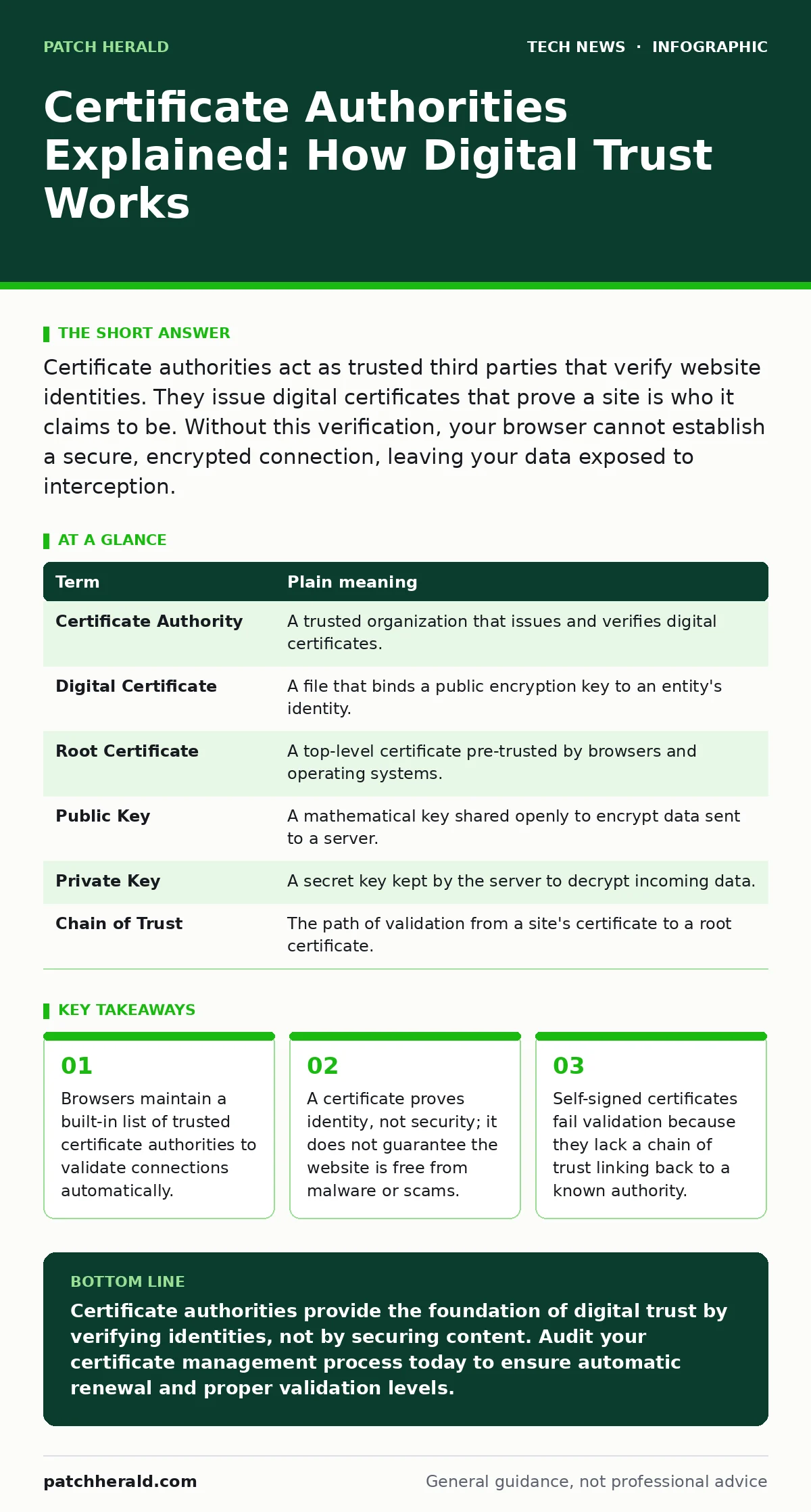
Certificate authorities act as trusted third parties that verify website identities. They issue digital certificates that prove a site is who it claims to be. Without this verification, your browser cannot establish a secure, encrypted connection, leaving your data exposed to interception.
The Notary Public Analogy
Imagine you are sending a sealed envelope to a bank. You want to be sure the envelope arrives intact and that the recipient is actually the bank. You do not hand the envelope to a stranger. Instead, you take it to a notary public. The notary checks the bank’s official documents, stamps the envelope with a unique seal, and signs it. Anyone who receives that envelope can check the notary’s seal. If the seal is valid, the recipient knows the envelope came from the bank and was not tampered with in transit.
In digital communications, the certificate authority serves as that notary public. It does not transport your data. It only verifies the identity of the server you are connecting to. This verification allows your device to establish an encrypted tunnel. Without this step, you would be sending data into the dark, hoping the recipient is legitimate.
How the Chain of Trust Forms
The system relies on a hierarchy called a chain of trust. Your operating system or browser comes pre-installed with a list of root certificates. These root certificates belong to major certificate authorities that have undergone strict vetting. When you visit a website, that site presents a digital certificate. Your device checks if this certificate was signed by one of the trusted root certificates.
If the signature matches, the connection proceeds. If the signature is missing or invalid, your device blocks the connection. This mechanism prevents attackers from impersonating websites. They cannot create a valid certificate for a domain they do not control. The certificate authority will not issue a certificate without verifying domain ownership.
| Term | Plain meaning |
|---|---|
| Certificate Authority | A trusted organization that issues and verifies digital certificates. |
| Digital Certificate | A file that binds a public encryption key to an entity's identity. |
| Root Certificate | A top-level certificate pre-trusted by browsers and operating systems. |
| Public Key | A mathematical key shared openly to encrypt data sent to a server. |
| Private Key | A secret key kept by the server to decrypt incoming data. |
| Chain of Trust | The path of validation from a site's certificate to a root certificate. |
Common Points of Confusion
Many users assume that a green lock icon means a website is safe. It does not. The lock only confirms that the connection is encrypted and the identity is verified. It does not scan the website for malware. It does not verify the business practices of the site owner. A scam site can have a valid certificate if it owns the domain and requests one.
Another confusion involves self-signed certificates. Developers often create these for internal tools. Your browser will flag them as dangerous. This is not because they are weak. It is because they are not signed by a trusted certificate authority. Your device has no way to verify if the developer is who they claim to be. For public-facing services, always use certificates from recognized authorities.
The Cost of Validation
Certificate authorities must balance security with usability. They offer different levels of validation. Domain validation is the fastest and cheapest. The authority only checks that you control the domain name. Organization validation requires checking business records. Extended validation involves deeper legal checks. Each level adds time and cost.
For most small operations, domain validation is sufficient. It provides the same encryption strength as higher levels. The difference is purely in identity verification. However, if you handle sensitive customer data, higher validation levels add a layer of accountability. It makes it harder for an attacker to impersonate your brand because they would need to forge business documents, not just control a domain name.
Maintenance and Renewal
Certificates have expiration dates. This is a security feature, not a bug. If a private key is compromised, the damage is limited to the certificate’s validity period. When a certificate expires, the server can no longer prove its identity. Your browser will block access.
You must renew certificates before they expire. Many hosting providers automate this process. If you manage your own servers, you must set up automated renewal. Failure to renew causes immediate service outages. Users see security warnings and leave. This is a hidden cost of poor management. It is not a technical failure, but an administrative one.
See also: Can IP Addresses Be Traced? How Visibility Works · Malicious Bot Traffic: What It Is and How to Stop It
Integration with Other Security Layers
Certificate security does not exist in isolation. It works with other mechanisms to protect your infrastructure. For example, Domain Name System security ensures that users connect to the correct server IP address. If an attacker redirects traffic to a fake server, even a valid certificate on the real server is useless.
Similarly, network access control policies can restrict which devices can connect to your services. This reduces the attack surface. While certificates protect data in transit, network controls protect the entry point. You should also consider remote desktop security if you allow administrative access. Compromised admin credentials can lead to stolen private keys, breaking the chain of trust entirely.
Try This Now
- Check your browser’s security settings. View the certificate details for your own website. Verify the issuer is a recognized certificate authority.
- Set up automated certificate renewal if you manage your own web servers. Ensure the renewal process tests the new certificate before deploying it.
- Audit your internal tools. Replace any self-signed certificates with those issued by a trusted authority, even for internal use, to build good security habits.
Key takeaways
- Browsers maintain a built-in list of trusted certificate authorities to validate connections automatically.
- A certificate proves identity, not security; it does not guarantee the website is free from malware or scams.
- Self-signed certificates fail validation because they lack a chain of trust linking back to a known authority.
Certificate authorities provide the foundation of digital trust by verifying identities, not by securing content. Audit your certificate management process today to ensure automatic renewal and proper validation levels.
Frequently asked questions
Can I create my own certificate authority?
Yes, but your devices will not trust it by default. You must manually install your root certificate on every device that connects to your services, which is impractical for public websites.
Do I need a certificate for my email server?
Yes. Email servers also use certificates to encrypt connections. Without one, email clients may flag your server as untrusted, and emails may be marked as spam.
What happens if a certificate authority is hacked?
The compromised certificates are revoked immediately. Browsers and operating systems update their blocklists. You may see temporary errors until your device updates its trust store.
Are free certificates less secure?
No. Free certificates use the same encryption standards as paid ones. The difference is usually in support and validation levels, not cryptographic strength.
How this guide was produced: written by the Patch Herald editorial team with AI assistance, checked against the public references listed below, and reviewed when the facts change. See our editorial policy or report an error.