
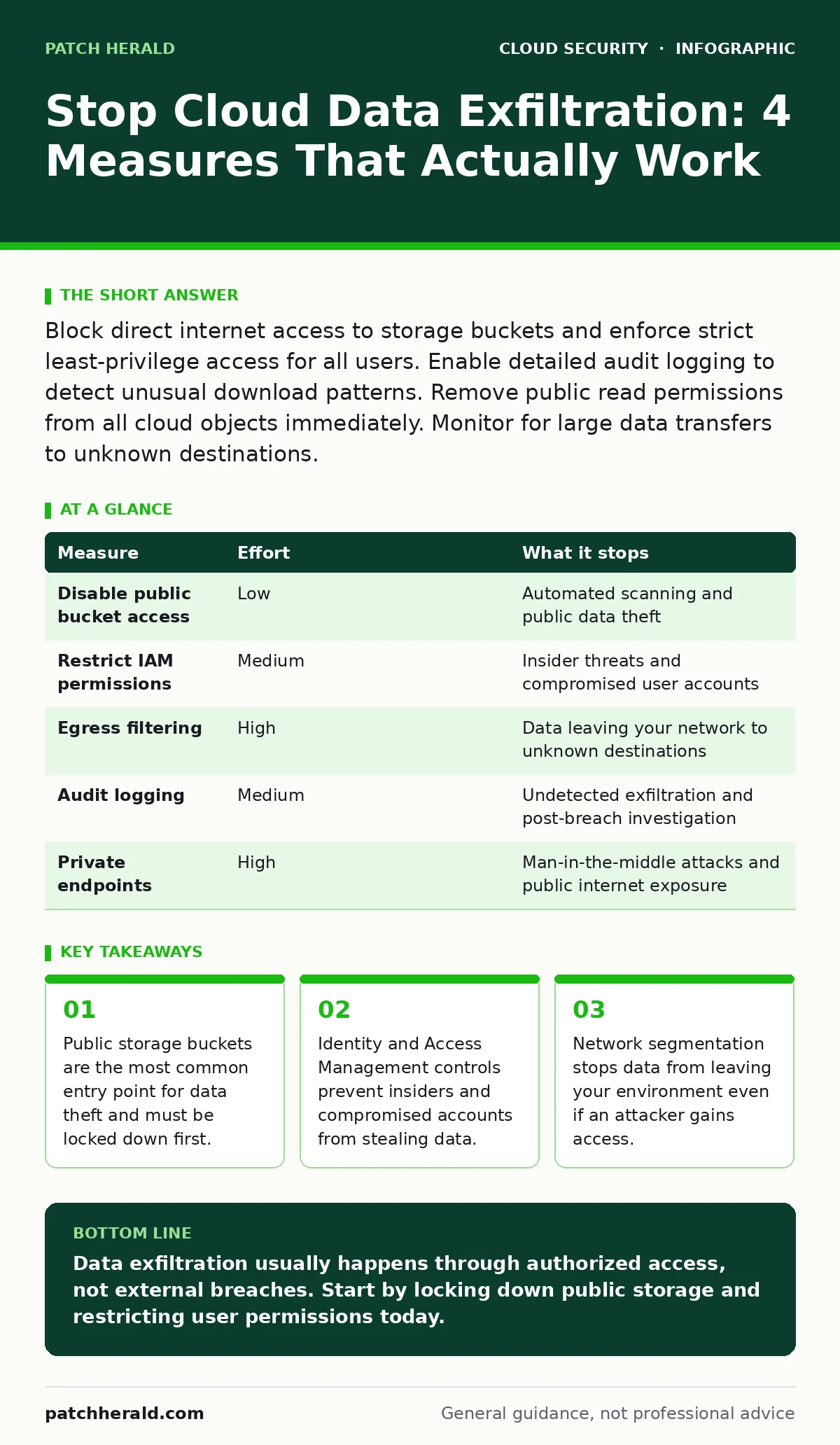
Block direct internet access to storage buckets and enforce strict least-privilege access for all users. Enable detailed audit logging to detect unusual download patterns. Remove public read permissions from all cloud objects immediately. Monitor for large data transfers to unknown destinations.
Block Public Access to Storage Containers
Cloud storage buckets are the primary target for data exfiltration because they are often misconfigured to allow public read access. Attackers scan the internet for these open buckets to harvest sensitive files. You must disable public access at the bucket level, not just for individual files. This setting prevents any anonymous user from downloading your data.
Check every storage container for public read permissions. Even if you believe no sensitive data resides there, attackers use these buckets as staging grounds for malware or as indicators of a broader breach. Disabling public access removes the easiest path for theft. This change requires minimal effort but eliminates a large class of automated attacks.
Enforce Strict Least-Privilege Identity Controls
Most successful exfiltration attempts use valid credentials. An attacker who compromises a user account inherits all that user’s permissions. If that user has broad access to storage or databases, the attacker can copy data without triggering network alerts. You must restrict access to only the resources each user needs to perform their job.
Review user permissions regularly. Remove access for employees who change roles or leave the company. Use cloud IAM policies to define granular access rules. Avoid using administrative accounts for daily tasks. If an admin account is compromised, the attacker gains full control over your environment. Limiting privilege reduces the impact of credential theft.
Imagine a marketing employee whose account is stolen. If that account has read-only access to marketing assets, the loss is limited. If it has administrative access, the attacker can copy financial records and customer databases. Proper segmentation contains the damage.
Restrict Network Egress to Known Destinations
Data exfiltration often occurs over the public internet. Attackers upload stolen data to their own servers or public cloud storage. You can prevent this by blocking outbound traffic to unknown destinations. Allow traffic only to specific, trusted IP addresses or domains. This technique is known as egress filtering.
Configure your cloud security groups to deny all outbound traffic by default. Then, create explicit rules allowing traffic to necessary services. For example, allow HTTPS traffic to your application servers but block direct access to public file storage services. This stops an attacker from sending data out of your environment even if they compromise a server.
Use private endpoints for cloud services whenever possible. This keeps traffic within the cloud provider’s network, reducing exposure to the public internet. It also prevents attackers from intercepting data in transit. This measure adds complexity but significantly raises the barrier for data theft.
Enable Detailed Audit Logging and Monitoring
You cannot detect what you do not record. Cloud providers offer audit logs that track every API call and data access event. You must enable these logs and send them to a secure, immutable storage location. If an attacker compromises your environment, they may try to delete logs to cover their tracks. Storing logs separately prevents this tampering.
Monitor for unusual patterns in these logs. Look for large data downloads, access from unusual locations, or activity outside business hours. Set up alerts for these events. Automated monitoring allows you to respond quickly to potential exfiltration attempts. Manual review of logs is impractical for most organizations.
Integrate your logs with a security information and event management system. This tool correlates events from multiple sources to identify threats. It helps you distinguish between normal activity and malicious behavior. Without centralized logging, detecting exfiltration is like finding a needle in a haystack.
Measure Effectiveness and Effort
Not all security measures provide equal value. Some are easy to implement but offer limited protection. Others require significant effort but block major attack vectors. Prioritize measures that stop the most common exfiltration methods with the least operational burden.
| Measure | Effort | What it stops |
|---|---|---|
| Disable public bucket access | Low | Automated scanning and public data theft |
| Restrict IAM permissions | Medium | Insider threats and compromised user accounts |
| Egress filtering | High | Data leaving your network to unknown destinations |
| Audit logging | Medium | Undetected exfiltration and post-breach investigation |
| Private endpoints | High | Man-in-the-middle attacks and public internet exposure |
Focus on disabling public access and restricting IAM permissions first. These two steps address the majority of exfiltration risks. Egress filtering and private endpoints provide deeper protection but require more configuration. Audit logging supports detection and response for all other measures.
See also: Cloud Misconfiguration Myths: 6 False Beliefs That Leave Data Exposed · Private Endpoints: Correcting 6 Common Cloud Security Misunderstandings
What Does Not Work Alone
Many organizations rely on perimeter defenses like firewalls to stop data exfiltration. This approach fails in cloud environments because the perimeter is fluid. Users and services access data from various locations, making traditional network boundaries ineffective. You cannot protect data by only monitoring the edge.
Another common mistake is relying solely on encryption. Encryption protects data at rest and in transit, but it does not prevent authorized users from copying it. If an attacker obtains valid credentials, they can decrypt and exfiltrate data just like a legitimate user. Encryption is a control for confidentiality, not access.
Do not assume that multi-factor authentication stops exfiltration. MFA prevents unauthorized login, but it does not restrict what a logged-in user can do. Once authenticated, a user with broad permissions can still steal data. You need layered controls that address identity, network, and data access.
Three Actions for Today
Start with these three steps to reduce your risk immediately. These actions require minimal technical expertise and provide immediate protection against common exfiltration methods. Implement them before moving to more complex controls.
- Audit all cloud storage buckets and disable public read access. Ensure no bucket allows anonymous downloads. This stops the easiest form of data theft.
- Review user permissions and remove any accounts with unnecessary administrative rights. Assign least-privilege access based on current job roles.
- Enable audit logging for all cloud services and verify that logs are being stored securely. Ensure you can detect unusual access patterns.
These steps form a foundation for a stronger security posture. They address the most likely paths for data exfiltration. Building on this foundation, you can implement network restrictions and advanced monitoring. Consistency in applying these measures is key to long-term security.
Key takeaways
- Public storage buckets are the most common entry point for data theft and must be locked down first.
- Identity and Access Management controls prevent insiders and compromised accounts from stealing data.
- Network segmentation stops data from leaving your environment even if an attacker gains access.
Data exfiltration usually happens through authorized access, not external breaches. Start by locking down public storage and restricting user permissions today.
Frequently asked questions
How do I know if my data is being exfiltrated?
Look for unusual data download volumes, access from new locations, or API calls outside business hours in your audit logs.
Can encryption stop data exfiltration?
No, encryption protects data confidentiality but does not prevent authorized users or compromised accounts from copying files.
Is multi-factor authentication enough to prevent theft?
MFA stops unauthorized logins but does not limit what a valid user can do once inside your environment.
How often should I review cloud access permissions?
Review permissions quarterly or whenever employees change roles to prevent configuration drift and excessive privilege accumulation.
How this guide was produced: written by the Patch Herald editorial team with AI assistance, checked against the public references listed below, and reviewed when the facts change. See our editorial policy or report an error.