Website defacement monitoring uses automated tools to compare live web pages against stored baselines. It detects unauthorized visual changes immediately. This method is faster than manual checks and alerts you before visitors see the altered content. Set up daily scans to maintain continuous oversight.
The Broken Window Analogy
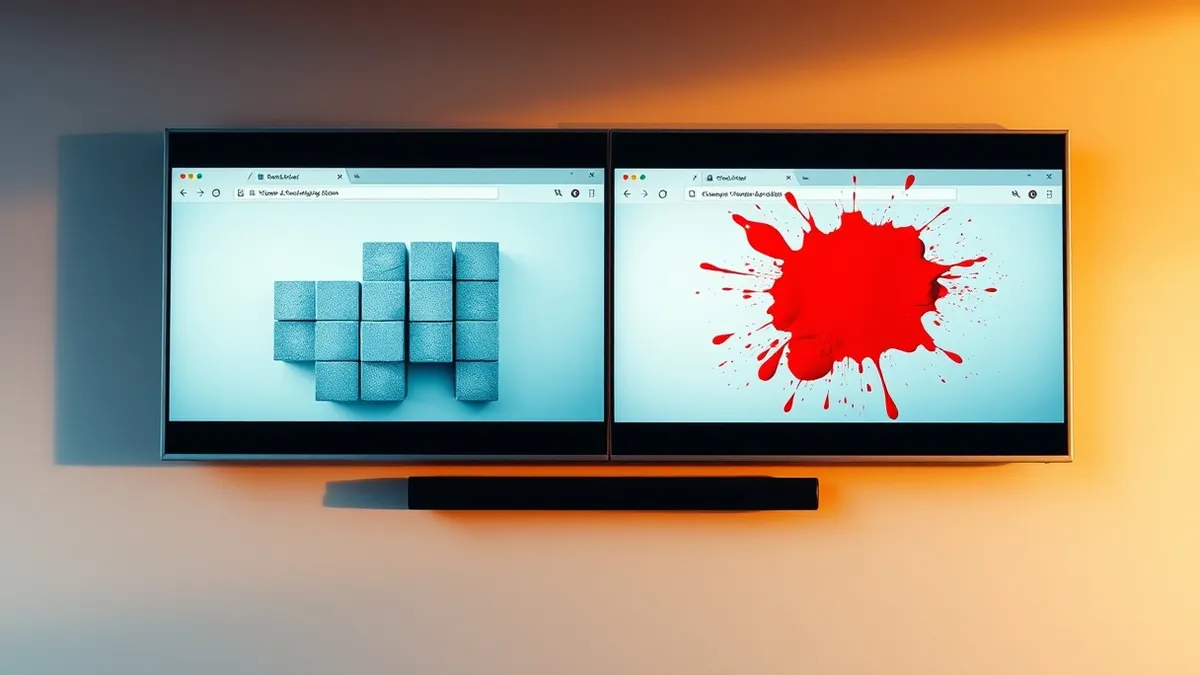
Imagine you own a storefront. You do not stand outside watching the glass all day. Instead, you trust that a broken window will shatter with a sound you hear, or that a security camera will record the impact. Website defacement is the digital equivalent of someone painting graffiti on your window. Monitoring is the camera that records the change the moment it happens. Without it, you rely on customers to call and tell you your store looks different.
What Is Website Defacement?
Website defacement occurs when an attacker gains unauthorized access to a web server and modifies the visible content. This includes changing text, replacing images, or altering the layout to display a message. The goal is rarely data theft. The goal is visibility. Attackers use this method to signal their presence, protest a cause, or simply demonstrate control over your infrastructure. It is a visual statement that your security perimeter failed.
How Defacement Happens
Attackers exploit vulnerabilities in web applications to inject malicious code. Common entry points include outdated plugins, weak authentication credentials, or unpatched server software. Once inside, they replace legitimate files with their own. They might inject JavaScript that changes the background color or replace a logo with a political slogan. The mechanism is simple: gain write access to the web root directory, overwrite the index file, and serve the new content to visitors.
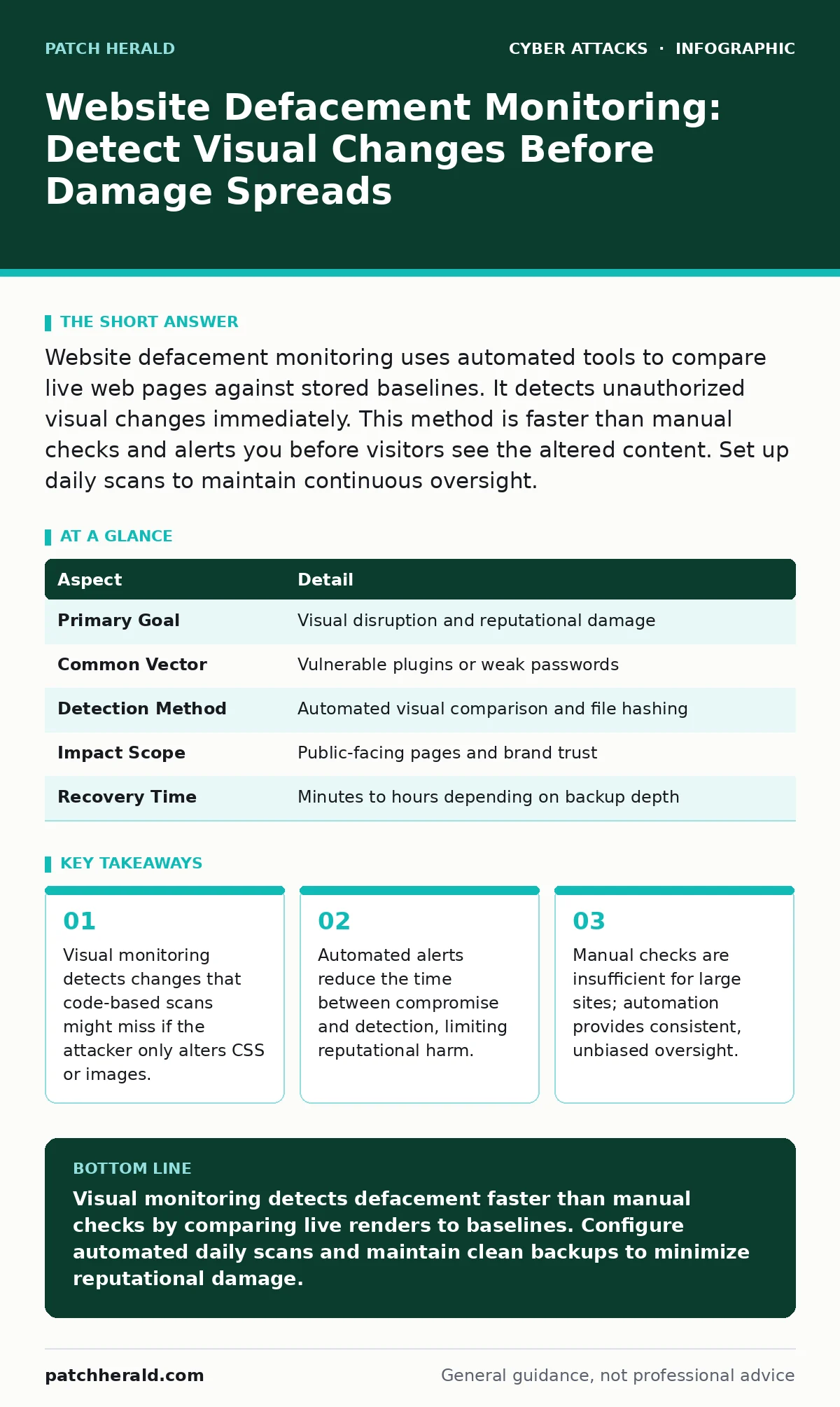
| Aspect | Detail |
|---|---|
| Primary Goal | Visual disruption and reputational damage |
| Common Vector | Vulnerable plugins or weak passwords |
| Detection Method | Automated visual comparison and file hashing |
| Impact Scope | Public-facing pages and brand trust |
| Recovery Time | Minutes to hours depending on backup depth |
Website Defacement Monitoring
Website defacement monitoring answers the specific need to detect unauthorized visual changes automatically. You cannot rely on memory or sporadic checks. A monitoring service takes a snapshot of your website at regular intervals. It compares this snapshot to a known-good baseline. If the pixel layout, text, or images differ, the system triggers an alert. This process works even if the underlying code remains unchanged but the visual output shifts.
Who It Affects
Any organization with a public-facing website is a target. Small businesses are often preferred targets because they lack dedicated security teams. Attackers scan for low-hanging fruit. They look for sites with default credentials, outdated software, or missing security headers. The impact is not just technical. It is reputational. Visitors who see a defaced site may assume your business is unstable or insecure. They may leave and never return. Trust is difficult to rebuild once visually compromised.
See also: How Certificate Authorities Validate Identity and Prevent Impersonation
What People Get Wrong
Many assume that firewall logs are sufficient for detection. Firewalls block network traffic. They do not always see application-layer changes. An attacker might use a legitimate user session to upload a new image. The firewall sees this as normal traffic. Only content monitoring sees the result. Another common error is relying on uptime monitoring alone. Uptime tools check if a server responds. They do not check what the server returns. A server can be up and serving defaced content simultaneously.
Implementing Effective Monitoring
Start by establishing a baseline. Capture your website as it should look. Store this image securely. Configure your monitoring tool to compare current renders against this baseline. Set the frequency based on your risk tolerance. Daily checks are standard. Hourly checks are better for high-risk environments. Ensure the tool checks multiple pages, not just the homepage. Attackers often hide defacement on subpages to avoid immediate detection.
Responding to a Detection
When an alert triggers, verify the change immediately. Do not assume it is a false positive. Log into your server with a separate, secure account. Check the file modification dates. Compare the current files with your backup. If the files have changed, restore them from a clean backup. Do not simply delete the attacker's files. You must remove the method they used to enter. Patch the vulnerability. Change all credentials. Review your incident response plans to ensure your team knows the steps.
Long-Term Prevention
Monitoring is a detection tool, not a prevention tool. To prevent defacement, you must reduce the attack surface. Keep all software updated. Disable unused plugins. Use strong authentication methods. Consider implementing zero trust security principles. This approach assumes no user or device is trusted by default, even inside the network. It limits the damage an attacker can do if they gain initial access. Regular security audits help identify weak points before attackers do.
Key takeaways
- Visual monitoring detects changes that code-based scans might miss if the attacker only alters CSS or images.
- Automated alerts reduce the time between compromise and detection, limiting reputational harm.
- Manual checks are insufficient for large sites; automation provides consistent, unbiased oversight.
Visual monitoring detects defacement faster than manual checks by comparing live renders to baselines. Configure automated daily scans and maintain clean backups to minimize reputational damage.
Frequently asked questions
How often should I run website defacement monitoring?
Run monitoring at least daily. Hourly checks provide better protection for high-visibility sites. The frequency depends on your risk tolerance and the value of your brand reputation.
Can website defacement monitoring stop an attack?
No. Monitoring only detects changes. It does not block attacks. You need firewalls, updated software, and strong passwords to prevent intrusion. Monitoring tells you when prevention has failed.
What is the difference between uptime monitoring and defacement monitoring?
Uptime monitoring checks if your server is online. Defacement monitoring checks if your content has changed. A server can be online and serving defaced content. Uptime tools will not catch this.
Do I need professional help to set up monitoring?
You can set up basic monitoring with automated tools. However, interpreting alerts and responding to breaches requires technical skill. If your team lacks experience, consider external support for incident response.
How this guide was produced: written by the Patch Herald editorial team with AI assistance, checked against the public references listed below, and reviewed when the facts change. See our editorial policy or report an error.