
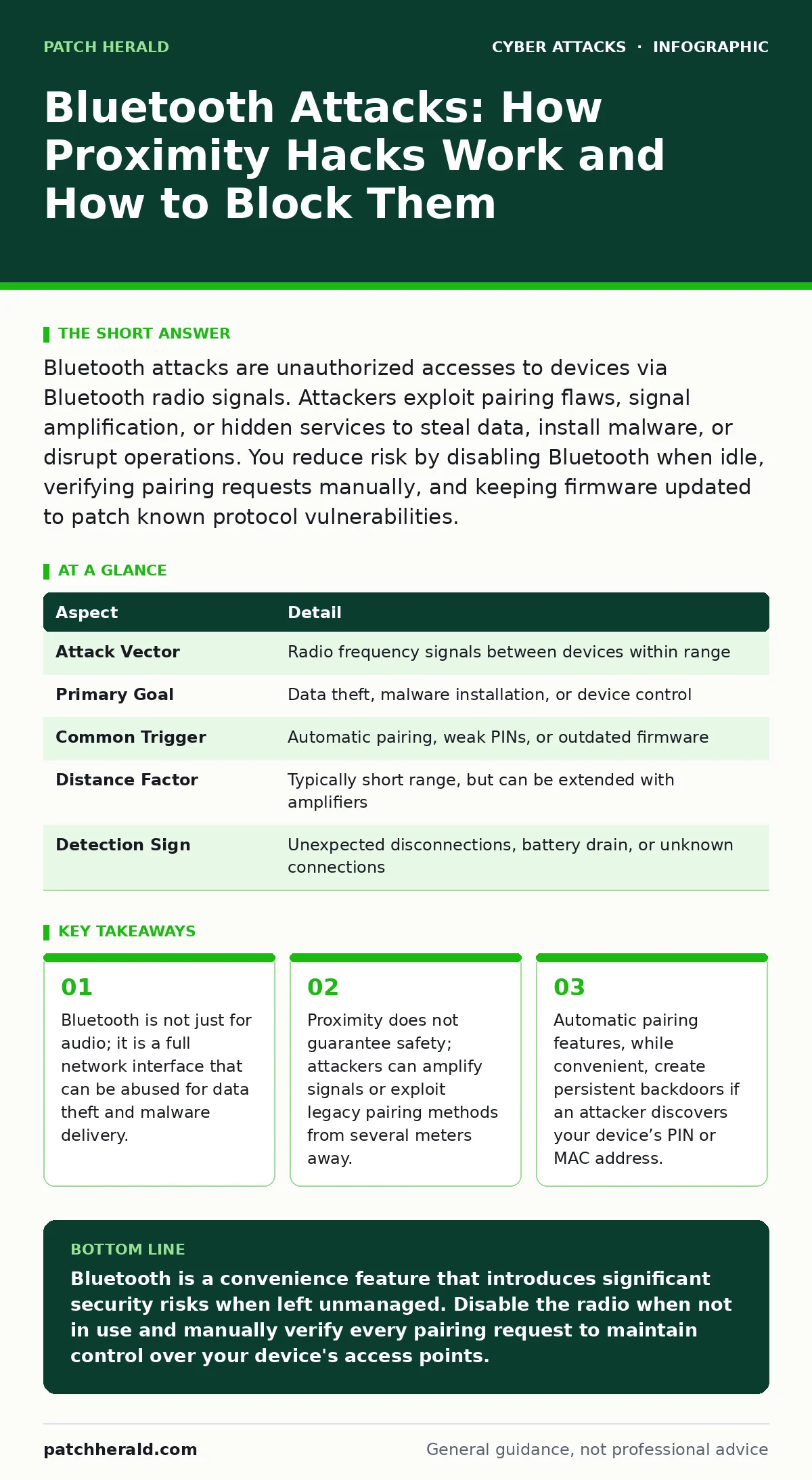
Bluetooth attacks are unauthorized accesses to devices via Bluetooth radio signals. Attackers exploit pairing flaws, signal amplification, or hidden services to steal data, install malware, or disrupt operations. You reduce risk by disabling Bluetooth when idle, verifying pairing requests manually, and keeping firmware updated to patch known protocol vulnerabilities.
The Invisible Door in Your Pocket
Imagine leaving your front door unlocked because it is behind a heavy, locked gate. You feel safe because the gate is hard to pass. But if someone slips a key through the gate’s slats, they can open the inner door from the inside. Bluetooth works similarly. It is a short-range wireless technology designed for convenience, allowing devices like headphones, keyboards, and phones to connect without cables.
This convenience relies on trust. Your device assumes that because a signal is strong, the sender is legitimate. Attackers exploit this assumption. They do not need to break into your building. They only need to mimic a signal your device recognizes or force your device to reveal its secrets. The result is a breach that feels like magic but is actually a failure of basic verification.
| Aspect | Detail |
|---|---|
| Attack Vector | Radio frequency signals between devices within range |
| Primary Goal | Data theft, malware installation, or device control |
| Common Trigger | Automatic pairing, weak PINs, or outdated firmware |
| Distance Factor | Typically short range, but can be extended with amplifiers |
| Detection Sign | Unexpected disconnections, battery drain, or unknown connections |
How the Connection Turns Against You
Bluetooth operates by broadcasting a unique identifier called a MAC address and a device name. When you turn on Bluetooth, your device announces its presence to the world. Any device within range can see this announcement. This is called discoverability. Most modern devices hide this information by default, but many users turn it on to pair new gadgets. Once paired, devices exchange keys to encrypt data. The problem arises when this exchange is flawed.
Older versions of Bluetooth used simple PINs, often four digits long, which are easy to guess. Newer versions use a method called Just Works, where no code is shown. This is fast, but it allows a man-in-the-middle attack. An attacker sits between your phone and your speaker, intercepting the key exchange. Your phone thinks it is talking to the speaker. The speaker thinks it is talking to the phone. The attacker holds the keys to both conversations.
Common Forms of Bluetooth Exploitation
Attackers use several specific methods to exploit these weaknesses. One common form is Bluejacking. This involves sending unsolicited messages to a nearby device. It is mostly a nuisance, but it proves an attacker has located your device. A more dangerous form is Bluesnarfing. Here, the attacker accesses your device without permission. They can read contacts, emails, and text messages. This works best on older devices or those with misconfigured security settings.
Another method is Bluebugging. This allows an attacker to take full control of the device. They can make calls, send messages, or listen to conversations as if they were holding the phone. The most complex attacks target the encryption itself. Researchers have discovered flaws in the Bluetooth protocol that allow attackers to decrypt traffic even if the devices are paired correctly. These flaws exist because the protocol was designed for low power and low cost, not high security.
What People Usually Get Wrong
Many users believe that if they are not actively using Bluetooth, they are safe. This is incorrect. Even when not transmitting data, a Bluetooth radio that is on is listening. It is scanning for known devices. If an attacker spoofs the signal of a trusted device, your device may wake up and establish a connection. Another common mistake is assuming that turning off "Discoverable" mode is enough.
Discoverable mode only prevents your device from advertising its name to strangers. It does not stop your device from responding to connection requests from devices it already knows. If an attacker learns your device’s unique MAC address, they can bypass discoverability settings entirely. This is why location tracking services often use Bluetooth. Your device is constantly checking for nearby beacons, even if you think it is idle.
The Hidden Cost of Convenience
The trade-off in Bluetooth security is speed versus verification. High-security pairing methods, like passing a numeric comparison, take longer. Users often skip them to save time. This human factor is the weakest link. Attackers rely on your impatience. They create scenarios where you are likely to skip verification. For instance, in a noisy environment, you might accept a pairing request without reading the screen.
This is similar to how phishing relies on urgency to bypass critical thinking. The cost of this convenience is a lowered barrier to entry for attackers. They do not need sophisticated code. They need you to be lazy. This is why cyber hygiene must include the deliberate management of wireless interfaces. It is not enough to have a strong password on your email. If your tablet is compromised via Bluetooth, that password is exposed.
See also: Malicious Bot Traffic: What It Is and How to Stop It
How to Reduce the Risk Effectively
You can mitigate these risks with specific, actionable steps. First, disable Bluetooth entirely when you are not using it. Do not just disconnect devices. Turn off the radio. This stops the device from listening and responding. Second, disable automatic pairing. Never allow your device to remember new devices without explicit confirmation. This prevents an attacker from pairing silently in the background. Third, keep your firmware updated.
Manufacturers release patches for known Bluetooth vulnerabilities. These patches are critical. If you are unsure how to manage updates, consider adopting a zero trust security mindset. Assume every device is untrusted until verified. This applies to your own devices as much as external ones. Finally, be wary of public spaces. If you are in a crowded area, consider turning off Bluetooth. The risk of a proximity attack increases with the number of unknown devices nearby.
Beyond Bluetooth: The Broader Context
Bluetooth attacks are rarely isolated events. They are often a stepping stone to larger breaches. Once an attacker is on your local network via a compromised tablet, they can move laterally. They can attack your computer, your printer, or your server. This is why understanding payment verification procedures is relevant. If your point-of-sale system uses Bluetooth, a breach there can lead to financial loss.
Similarly, shoulder surfing risks increase when you are pairing devices in public. Someone watching you enter a PIN can compromise the pairing process. While typosquatting and dictionary attacks target different vectors, they share the same goal: exploiting human error and weak defaults. By securing your Bluetooth connections, you harden one of the many doors in your digital house.
Key takeaways
- Bluetooth is not just for audio; it is a full network interface that can be abused for data theft and malware delivery.
- Proximity does not guarantee safety; attackers can amplify signals or exploit legacy pairing methods from several meters away.
- Automatic pairing features, while convenient, create persistent backdoors if an attacker discovers your device’s PIN or MAC address.
Bluetooth is a convenience feature that introduces significant security risks when left unmanaged. Disable the radio when not in use and manually verify every pairing request to maintain control over your device's access points.
Frequently asked questions
Can Bluetooth attacks happen from far away?
Standard Bluetooth has a range of about 30 feet. However, attackers can use amplifiers or specialized antennas to extend this range, potentially reaching into buildings from the street.
Is turning off Bluetooth enough to prevent all attacks?
Turning off Bluetooth stops active attacks. However, if your device was previously compromised, malware might remain. Always scan for malware after a suspected breach, even if Bluetooth is now off.
Do Bluetooth trackers like AirTags pose a security risk?
Yes, if misused. Malicious actors can use these trackers to monitor your location. While not a direct hack of your data, they represent a physical privacy breach. Monitor for unknown Bluetooth devices in your vicinity.
How do I know if my device has been hacked via Bluetooth?
Look for unexplained battery drain, unexpected disconnections, or unknown devices in your paired list. If your device behaves erratically, disconnect from Wi-Fi and Bluetooth and run a security scan.
How this guide was produced: written by the Patch Herald editorial team with AI assistance, checked against the public references listed below, and reviewed when the facts change. See our editorial policy or report an error.