Key points
- Users can now resize the iPhone Mirroring window to custom dimensions instead of using preset sizes.
- The Control Center is now accessible via a keyboard shortcut or the Mac menu bar.
- DRM-protected video content now plays correctly within the mirrored session.
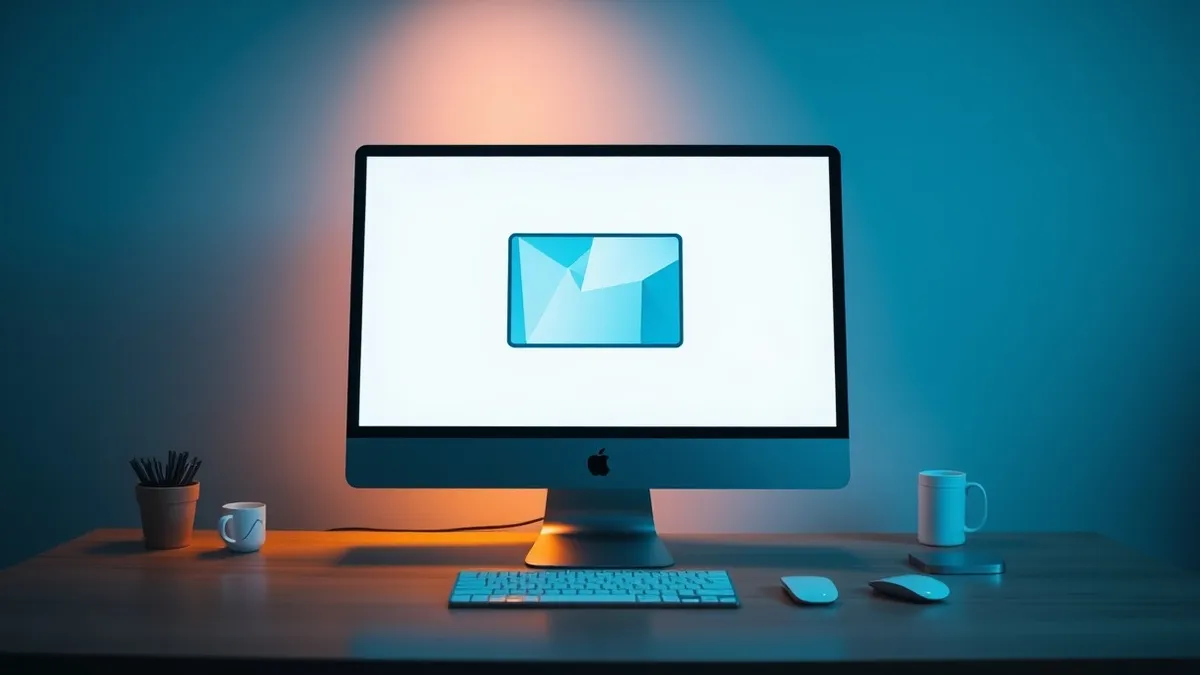
Apple released iOS 27 and macOS 27 Golden Gate last month, introducing three significant updates to the iPhone Mirroring feature. According to 9to5Mac, these changes allow users to access their iPhone interface directly from their Mac with greater flexibility and functionality than previously available.
In plain English
The most noticeable change in macOS 27 is the ability to resize the iPhone Mirroring window. Previously, users were limited to three preset sizes: smaller, actual size, and larger. Now, individuals can adjust the window dimensions to fit their screen layout. This flexibility currently works with Apple’s native iPhone apps. Support for resizing third-party applications will expand later this year as developers release iOS 27 updates.
The background
Before this update, iPhone Mirroring had several limitations. Users could not access the iPhone’s Control Center from their Mac. Additionally, playing DRM-protected video content resulted in a black screen. The new software removes these barriers. Apple also introduced a new app icon for iPhone Mirroring, aligning it with other stock Apple applications.
What changes now
Users can now open the Control Center using the CMD+4 keyboard shortcut or through the View menu on the Mac menu bar. DRM video support allows protected content to play normally during mirroring sessions. 9to5Mac notes that the resizable window feature suggests Apple is preparing for the foldable iPhone Ultra, expected to launch later this year. These updates improve the daily experience for users who rely on iPhone Mirroring.
Background: Software updates
Software updates use delta compression to minimize data transfer, verify integrity via digital signatures, and employ transactional installs to ensure the system remains bootable even if the process fails midway.
Read the full guide: How Software Updates Work: The Hidden Verification Steps
What to do and how to stay safe: Apple
- Update your Mac to macOS 27 and your iPhone to iOS 27 to access the new resizing and Control Center features.
- Test third-party apps in iPhone Mirroring to see if they support the new window resizing capabilities.
- Verify that DRM-protected video content plays correctly in your mirrored sessions.
- Check for iOS 27 updates from app developers later this year to expand resizing support.
Step-by-step guide: Home Router Security: Hardening Your Network Edge
General security guidance from the Patch Herald newsroom. It is not confirmed advice from the organisations named in this story.
Frequently asked questions
Can I resize the iPhone Mirroring window for all apps?
Currently, resizing works only with Apple’s native iPhone apps. Support for third-party apps will expand as developers release iOS 27 updates later this year.
How do I access the Control Center in iPhone Mirroring?
You can access the Control Center using the CMD+4 keyboard shortcut or by selecting it from the View menu in your Mac’s menu bar.
Does iPhone Mirroring now support DRM video?
Yes, macOS 27 and iOS 27 add DRM video support, allowing protected videos to play correctly instead of showing a black screen.